Fleet management

Your fleet.
Easy for everyone to book.

Your team books company vehicles themselves. You keep track of availability, permissions, and returns — all in one place.

For pool vehicles, electric cars, and vans.

Employee setting off in a booked company car

AI-generated

Every vehicle. One calendar.

Who’s driving what?
See it at a glance.

Available time slots, current bookings, and the next trip: your fleet coordinators have the full picture. Employees reserve their own vehicles, without back-and-forth emails.

Four pool vehicles with complete trips in the anny calendar

anny calendar · Example with fictional vehicles and trips

For your employees

The right vehicle.
At the right time.

Choose a location, check availability, and book. Vehicle details and pickup instructions are included. That way, your client visit gets off to a relaxed start at the planning stage.

Electric wagon 01 · Book a pool vehicle

Original pool vehicle booking dialog showing the date and available times

Your fleet. Your rules.

Who can book?

Grant access to teams and communities

For how long?

Set booking duration and advance notice

What’s needed for pickup?

Add instructions and required information

For your fleet managers

Self-service booking.
Your rules.

Decide which teams can use which vehicles. Define duration and booking rules, allow for buffer times, and block vehicles when they are unavailable. The rules are in place before the first request arrives.

Everything covered, right through to return

Keys, location, mileage. Everything in its place.

Add the pickup location and clear instructions to each vehicle. Use custom forms to collect the information your team needs when booking or returning a vehicle, such as trip purpose, mileage, or condition.

Key cabinets and access control systems can be connected depending on the integration. We’ll work with you to plan the right process.
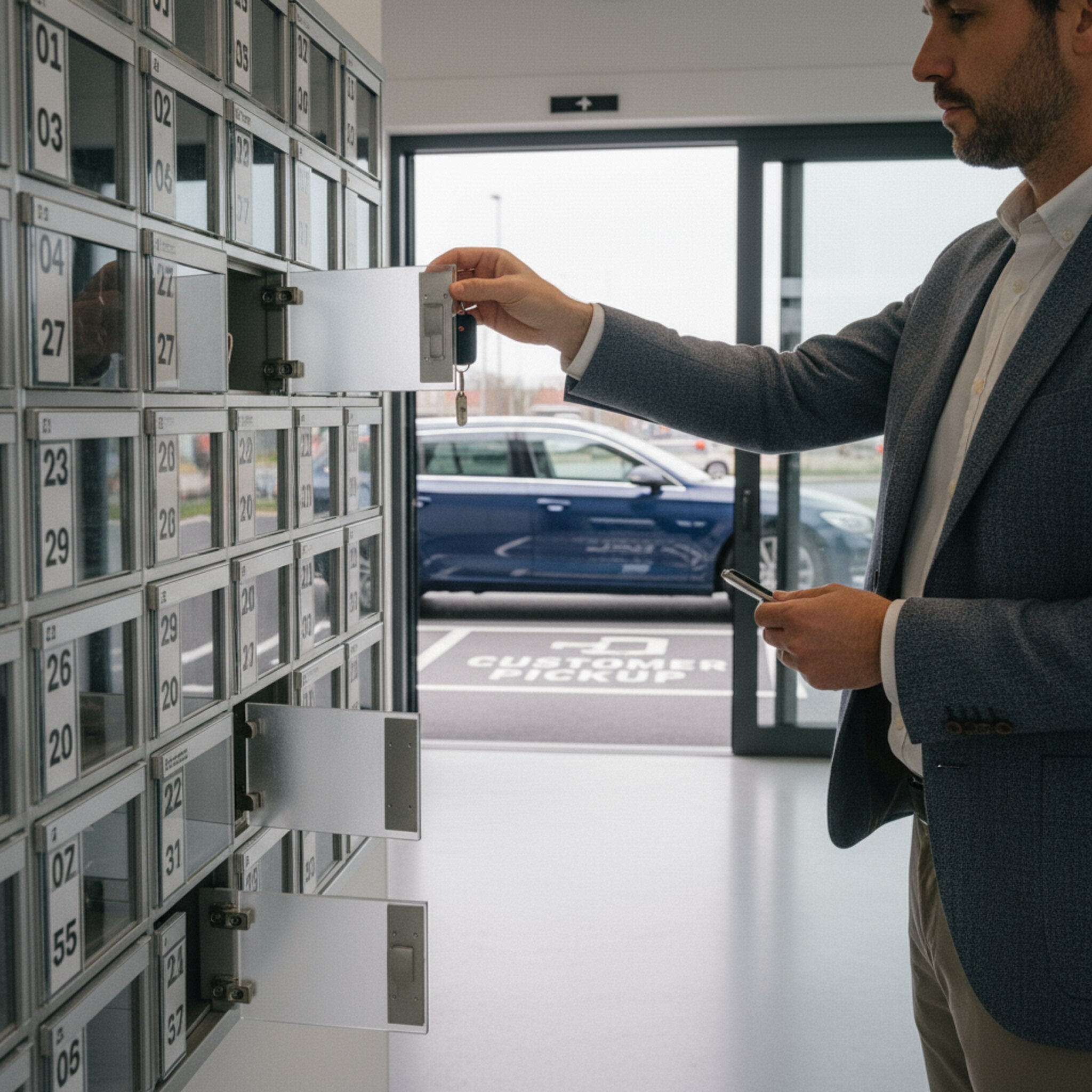
Picking up vehicle keys from a key cabinet

AI-generated

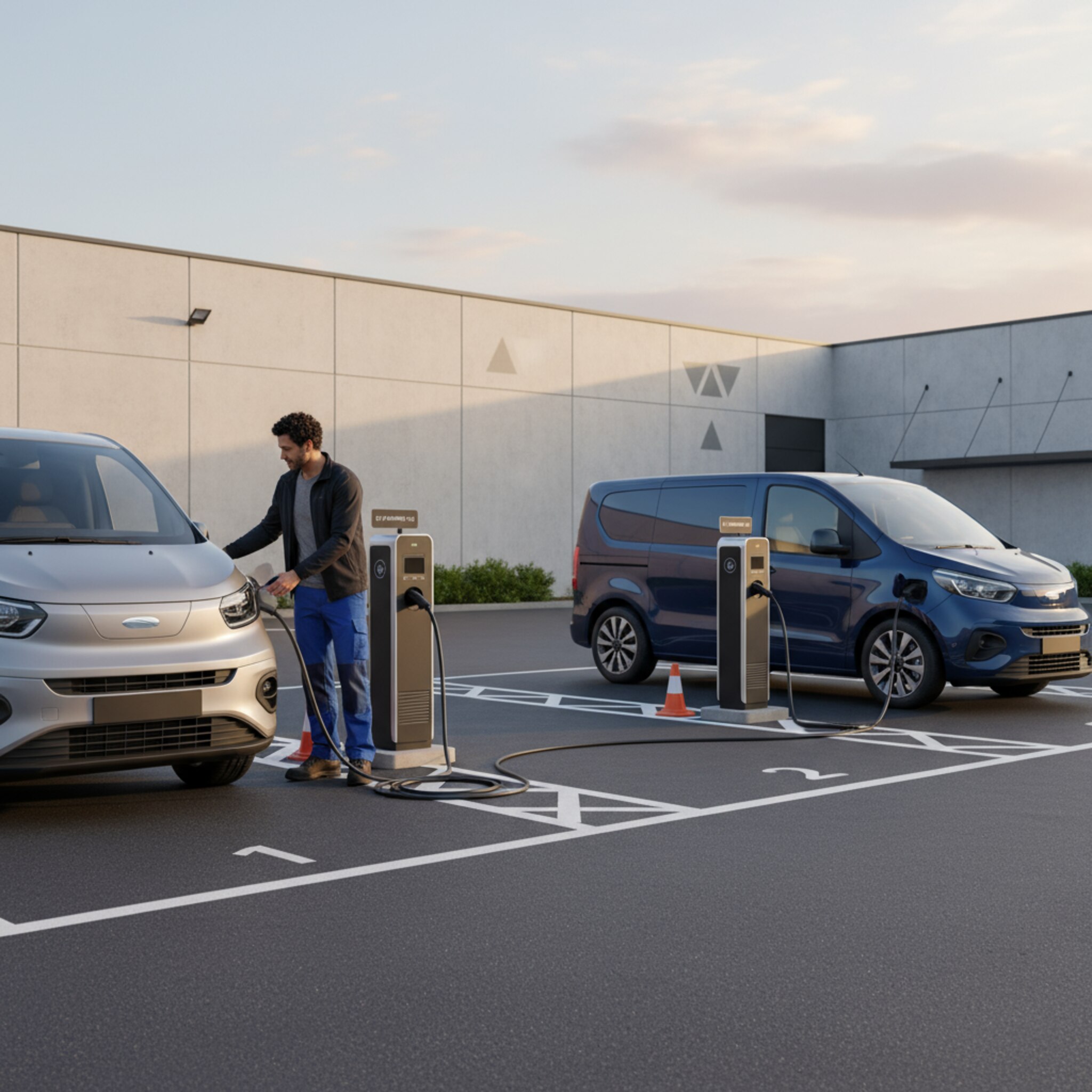
Charging spaces at the company site

AI-generated

More than vehicle booking

Your vehicle pool is part of your workplace.

Book and manage vehicles, charging spaces, parking spaces, and rooms in the same system. With the anny app and Microsoft 365, planning fits into your everyday work.

anny Agent

A teammate who
keeps track of everything.

Ask about available vehicles, get booking summaries, or have changes prepared. anny Agent works directly in anny with your resources and permissions.

“Which electric wagon is still available tomorrow afternoon?”

Vehicles · Availability · Bookings

Frequently asked questions

What else would you like to know?

What can I manage in my fleet with anny?

Make shared company vehicles and related resources, such as charging spaces, available to book. Employees can see available times and make their own reservations. Your team manages bookings, permissions, and pickup information in one place.

Can I control who is allowed to book each vehicle?

Yes. Communities and booking rules let you control which employees can access which vehicles and under what conditions they can book. You can account for locations, teams, or drivers who have completed the required training, for example.

Can vehicles be booked for several days?

Yes. You configure the duration, pickup times, and return times in the booking service. You can also set up bookings that span days when your location is closed to suit your vehicle pool.

How do I manage keys and vehicle returns?

Add the pickup location and instructions directly to the vehicle or booking information. Custom forms let you collect details such as mileage, vehicle condition, or the return location. Connections to key cabinets or access control systems depend on the available integration.

Does anny include an automatic mileage log or GPS tracking?

anny manages vehicle bookings and the related workflows. An automatic mileage log recognized for tax purposes and GPS tracking are not included as standard features described here. APIs, webhooks, and custom integrations are available to connect additional systems.

Does anny work with Microsoft 365 and our other resources?

Yes. You can use anny with Microsoft 365 and manage vehicle bookings in the same system as rooms, desks, parking spaces, and equipment. In a demo, we can show you which integrations and sign-in options fit your organization.

What can I manage in my fleet with anny?

Make shared company vehicles and related resources, such as charging spaces, available to book. Employees can see available times and make their own reservations. Your team manages bookings, permissions, and pickup information in one place.

Can I control who is allowed to book each vehicle?

Yes. Communities and booking rules let you control which employees can access which vehicles and under what conditions they can book. You can account for locations, teams, or drivers who have completed the required training, for example.

Can vehicles be booked for several days?

Yes. You configure the duration, pickup times, and return times in the booking service. You can also set up bookings that span days when your location is closed to suit your vehicle pool.

How do I manage keys and vehicle returns?

Add the pickup location and instructions directly to the vehicle or booking information. Custom forms let you collect details such as mileage, vehicle condition, or the return location. Connections to key cabinets or access control systems depend on the available integration.

Does anny include an automatic mileage log or GPS tracking?

anny manages vehicle bookings and the related workflows. An automatic mileage log recognized for tax purposes and GPS tracking are not included as standard features described here. APIs, webhooks, and custom integrations are available to connect additional systems.

Does anny work with Microsoft 365 and our other resources?

Yes. You can use anny with Microsoft 365 and manage vehicle bookings in the same system as rooms, desks, parking spaces, and equipment. In a demo, we can show you which integrations and sign-in options fit your organization.

Keep your fleet moving.
Give your team less admin.

Let’s explore how you can share your vehicles more easily, from the first available slot to the return.