The booking system for churches with a clear overview
Manage halls, breakout rooms, chapels, technology, and kitchens centrally across all locations. Requests, approvals, rentals, and billing are seamlessly organized. This way, you maintain control over bookings, rates, and responsibilities.
Get started for free. No credit card required!
More Clarity, Less Coordination in the Parish
Without a robust space management system, information quickly scatters across Excel, emails, and notes. This wastes time and leads to uncertainties.
No clear overview of rooms and resources
Without a centralized booking calendar, double bookings occur, equipment is prepared at the wrong time, and blackout periods are overlooked. This increases the coordination effort and unsettles teams, groups, and clubs.
Complex approvals across multiple roles
Coordination between the parish office, janitorial services, and volunteers often relies on email and phone calls. Approvals take longer, responsibilities are unclear, and important information can easily be overlooked in day-to-day operations.
Features that truly relieve church communities
From occupancy and multi-location management to approvals and billing: everything organized in one place, with clear rules and transparent processes.
Bring transparency to all rooms and locations
With a filterable booking page, 3D room layout, and calendar sync, you can instantly see what's available and when. Dependencies, priorities, and blackout times automatically resolve conflicts.
Outlook and Google synchronization
Location and category filters
Conflict checking and multiple availabilities

AI-generated
AI-generated
Manage permissions, roles, and GDPR compliance effectively
Define access rights down to the resource level, organize internal groups with communities, and capture mandatory information in a structured way. Dashboards and history provide traceability for committees.
Roles and Permissions
Custom Fields and Checklists
Custom Deletion Deadlines
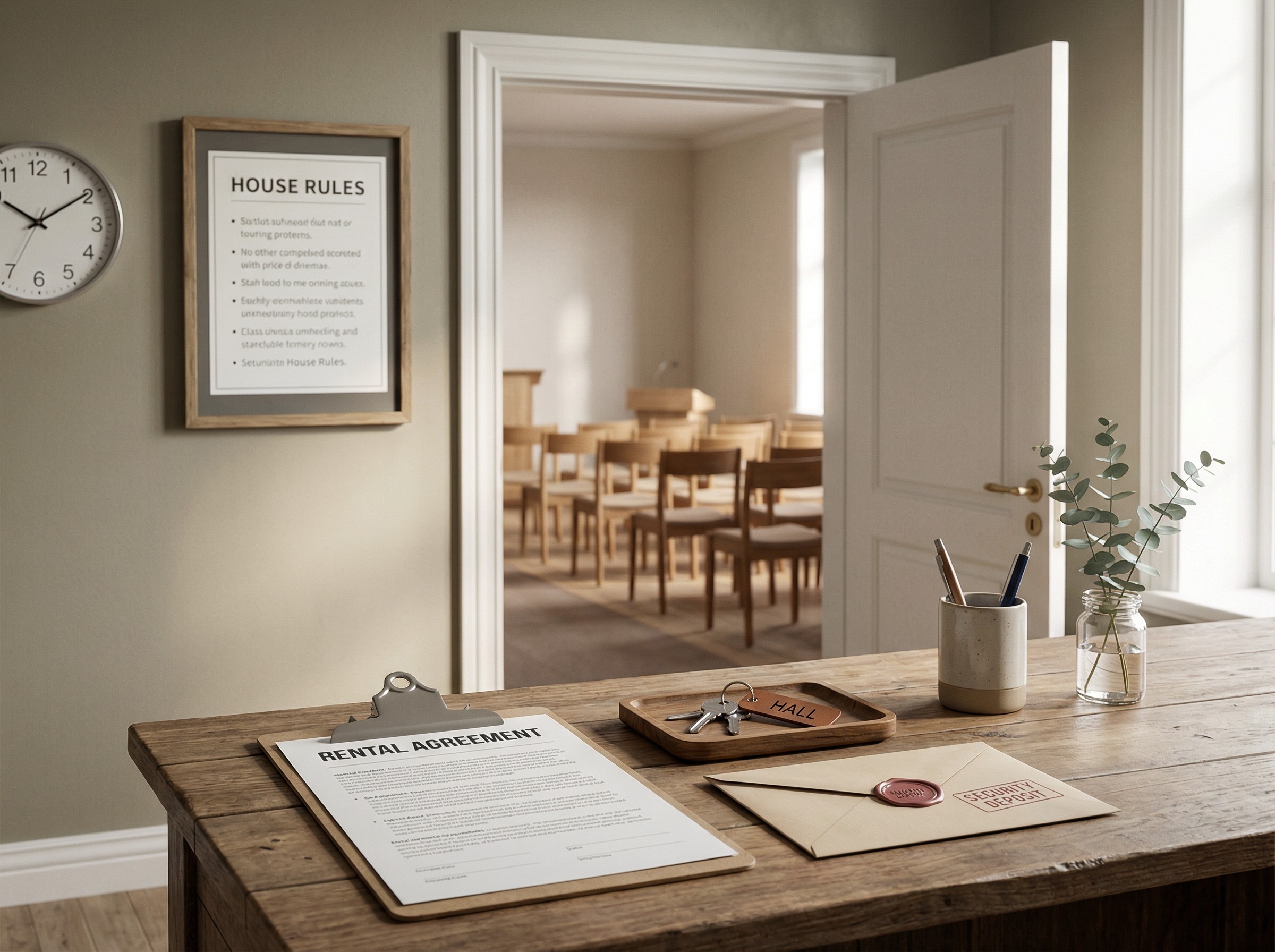
Standardize rentals, rates, and billing
Online payments, digital contracts with signature, and automated invoices make scheduling rentals predictable. Custom cancellation policies and fees provide clear rules for all parties involved.
Internal and external rate logic
Payment processing and refunds
Digital contracts
AI-generated
AI-generated
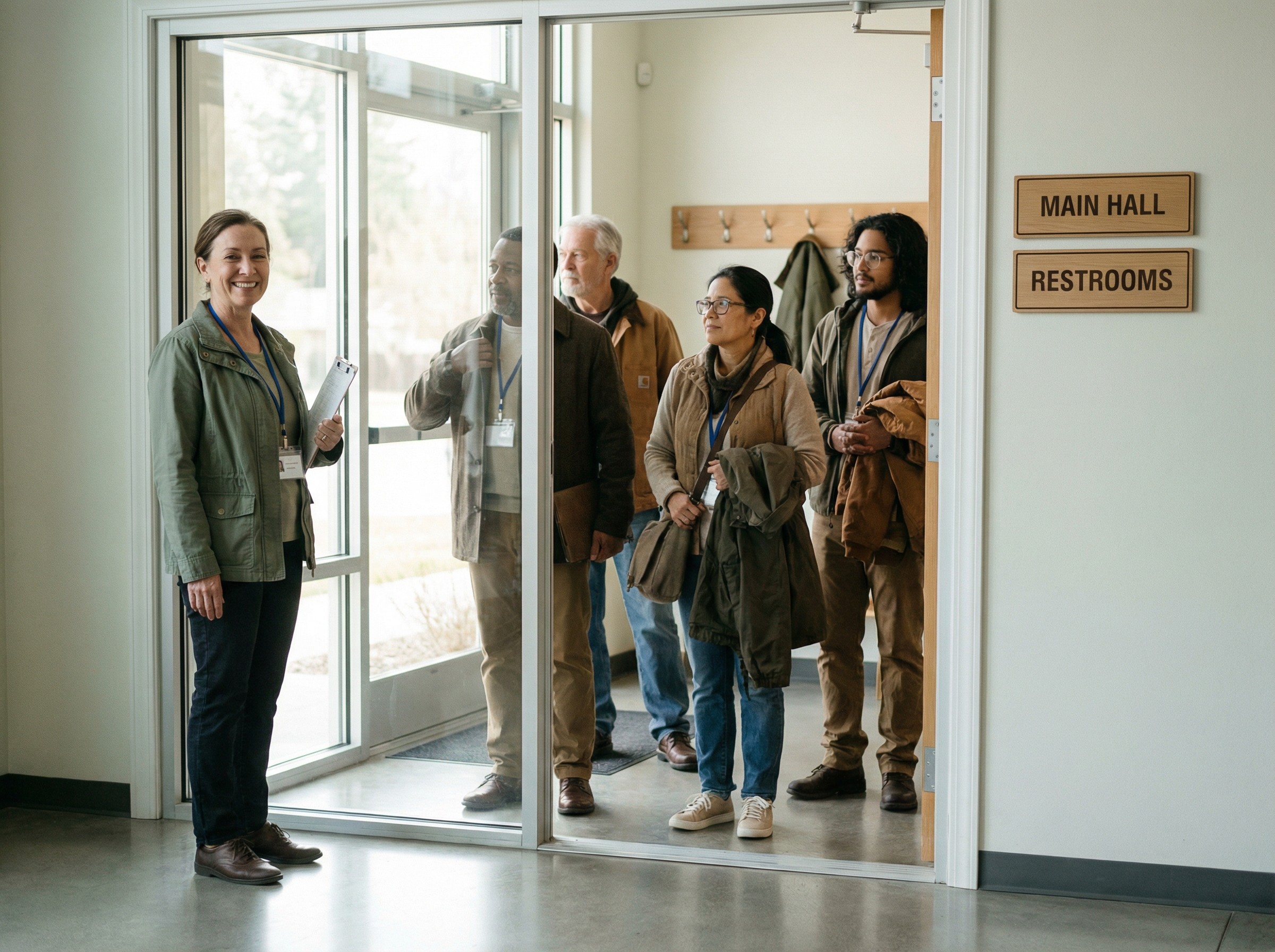
Ensure seamless execution on site
Check-in via QR, reminders via email, SMS, or WhatsApp, and foyer displays keep everyone updated. Custodial staff and parish office work on the go and respond quickly.
Check-in and check-out
Broadcast messages
Door and foyer display

Automate your workflows with integrations and apps
anny integrates seamlessly into your existing tools. Additionally, leverage our open API interface or create workflows on Make.com.






Real-world use cases: Booking calendar and rental
Industry Insights
How Digital Space Management is Transforming the Work in Church Communities
Today’s congregations have diverse uses: services, groups, concerts, rentals, and ceremonies. At the same time, many volunteers work with limited time. Digital scheduling replaces paper and spreadsheets with visible, up-to-date availability. This creates accountability and reduces phone calls. Younger audiences expect to see times online and make requests easily. In districts with multiple locations, a central view helps make priorities and blackout periods transparent. Data on utilization and demand supports decision-making in committees, such as for rates or room renovations. Mobile usage fits the daily life of the parish office and maintenance staff, and short information paths speed up changes. This means less coordination and more time for content and people.
Make your workday easier today
"Simply the best booking software" (OMR Reviews, Q3/2025) - Start for free


When is anny the best booking system for my church community?
anny is especially well-suited if you coordinate multiple rooms, halls, or chapels, manage both internal groups and external rentals, and need to handle approvals. If tariffs, online payments, contracts, calendar sync, and GDPR-compliant workflows are relevant, anny brings you the greatest benefit.
When does a booking system become worthwhile for church communities?
Experience from communities shows: From 2 to 3 regularly used rooms, 10+ bookings per week, or as soon as external requests, contracts, and key handovers are involved. Especially when multiple parties are involved in approvals, a system helps avoid double bookings and saves time.
How does the rental process of the community center work with rates, contracts, and payments?
Prospects select their appointment and room, provide their details, and accept the house rules. You review and approve, with rates being automatically calculated. The agreement is signed digitally, and both payment and invoicing occur seamlessly. Finally, you efficiently document the inspection.
How does the integration with Outlook and Google Calendar work?
Synchronization occurs in real-time and is bidirectional. Bookings appear in the respective calendars, and changes are automatically updated. You can link calendars and set permissions appropriately for each resource or team. Alternatively, an iCal feed is available.