The booking system for city libraries with rooms, labs, and courses
Manage learning spaces, group rooms, workstations, makerspace equipment, and workshops centrally. Automate access, check-ins, payments, and reporting across all locations.
Get started for free. No credit card required!



Less coordination, more time for your program
Without centralized booking, you're juggling calendars, phone lists, and keys, making it easy to lose track.
Double bookings and underutilized resources
Without clear rules, reservations collide and places remain unused. This wastes program time, frustrates users, and obstructs planning.
High administrative effort around registrations and no-shows
Waitlists, cancellations, and reminders occupy staff, although much can be automated. Transparent processes and consistent information on-site are lacking.
Everything for spaces, workstations, devices, and software
Manage resources, access, and classes centrally, integrate calendars, and gain reliable data for management and promotion.
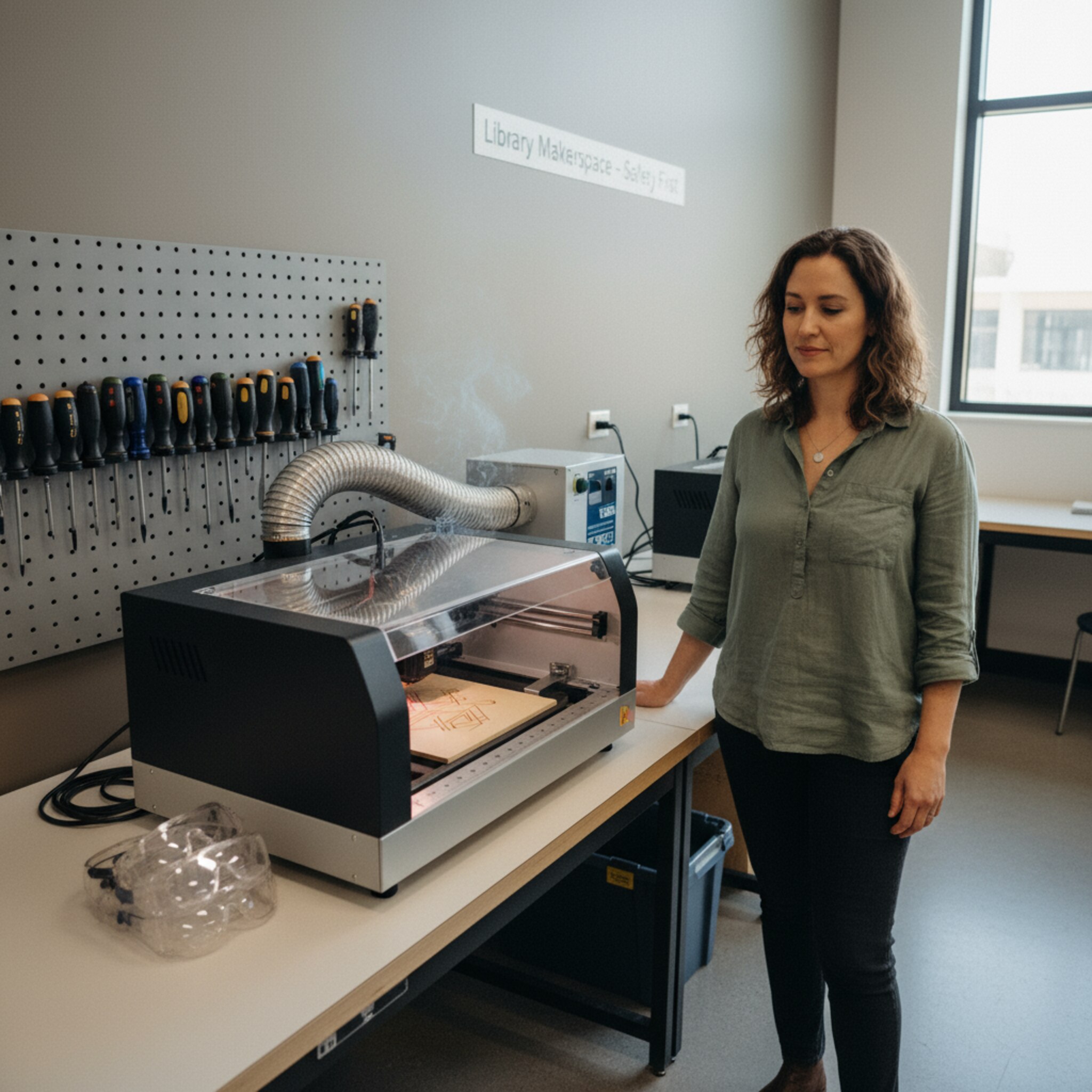
Smartly manage rooms, workspaces, and equipment
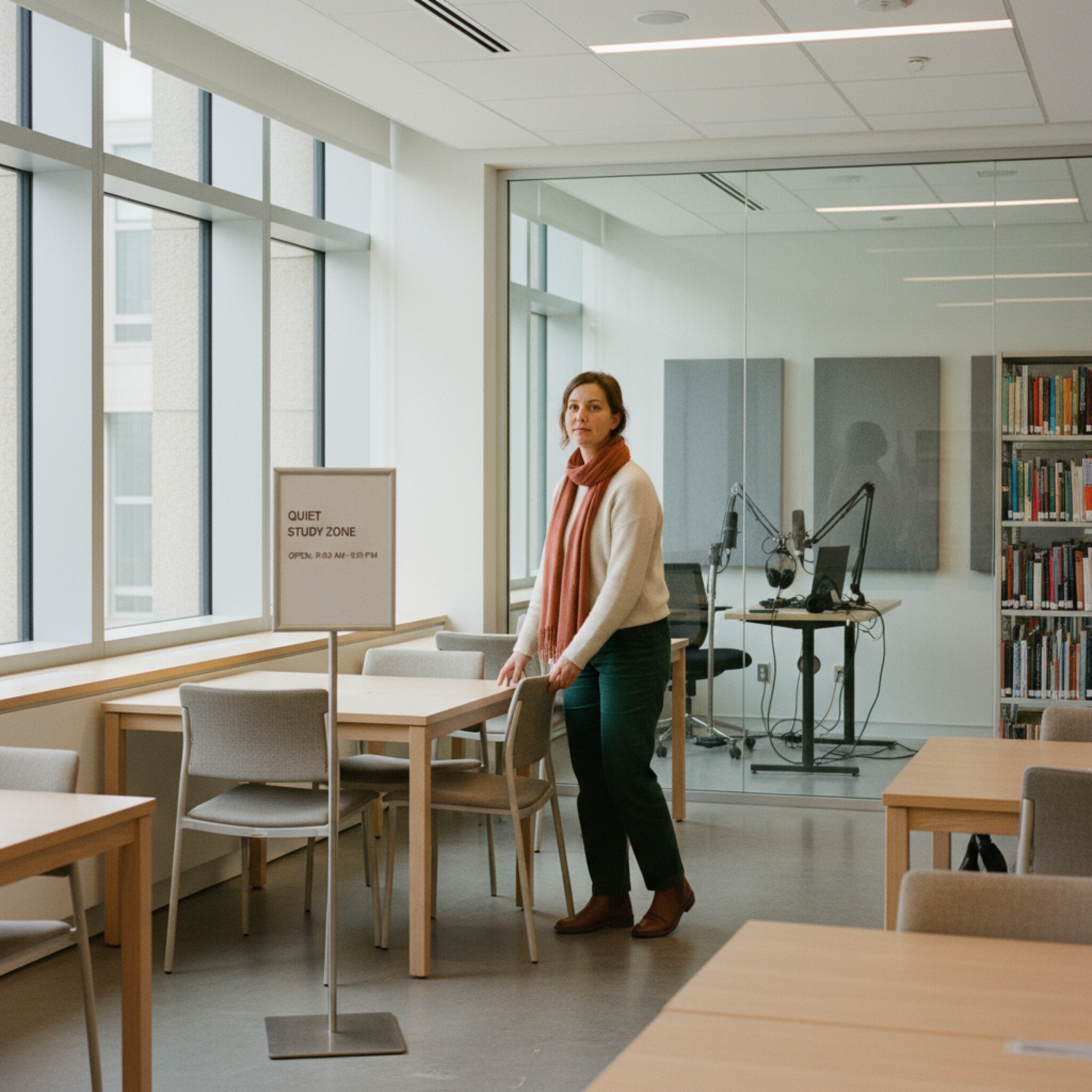
Make learning spaces, zones, shared desks, and makerspace equipment intuitively findable, and prevent conflicts through rules and dependencies.
Booking page with categories, filters, and locations
Interactive 3D room planner for zones, seats, and studios
Smart availability and multiple availabilities without double bookings
AI-generated

AI-generated
Effortlessly automate access and check-in
Ensure clear, documented access without the chaos of keys and minimize no-shows through timely on-site check-ins.
Smart locks with scheduled access
QR check-in and automatic release when absent
Door and room displays with live occupancy and extensions
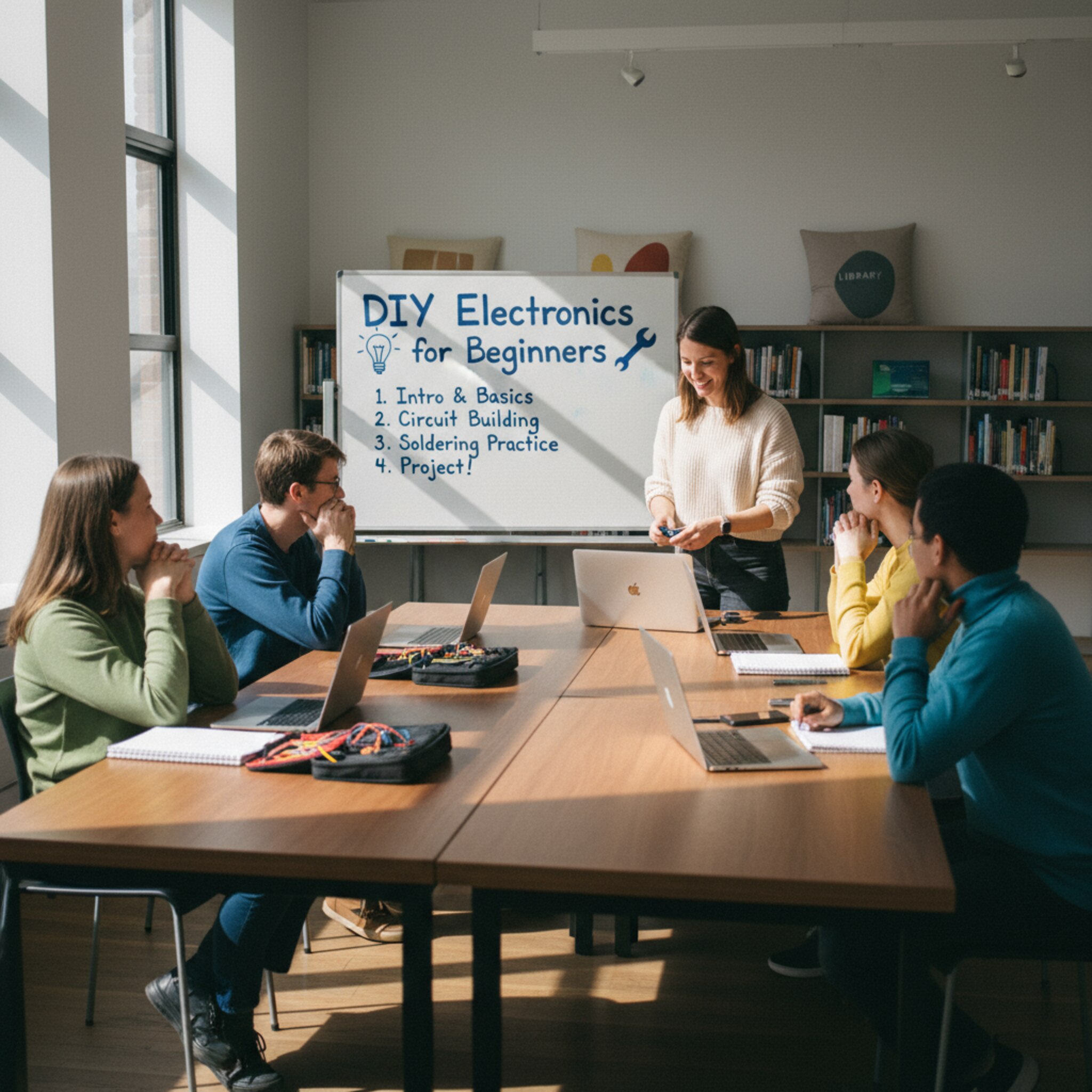
Registrations, waiting lists, and payments in flow
Seamlessly process registrations up to participation and make fees transparent.
Automatic waitlist and appointment reminders
Payments and legally compliant invoices
Custom cancellation policies based on offer type
AI-generated

AI-generated
Metrics, Compliance, and SSO under control
Receive robust reports for management and funding and comply with data protection regulations effortlessly.
Dashboard and automatic exports for BI
Custom deletion periods, documents, and consents
SSO and role-based permissions for teams and partners

How to use anny in the city library


Industry Insights
How Digital Booking Strengthens the City Library
Digital Self-Booking has become the expectation in public institutions. Many users prefer online reservations over phone calls, wanting to see transparent availabilities and secure a suitable slot immediately. Libraries are evolving into vibrant learning spaces with work areas, community labs, and programs that require reliable planning. Clear bookings create commitment, reduce spontaneous cancellations, and increase the utilization of rooms, equipment, and zones. For networks with multiple locations, having a unified view of capacities is essential. Equally important are barrier-free interfaces and consistent information on room displays and websites. Analyses of target groups and times help refine offerings and justify funding criteria. Those who book in a structured manner today can plan more flexibly tomorrow.
Make your workday easier today
"Simply the best booking software" (OMR Reviews, Q3/2025) - Start for free




When is anny the best booking system for my city library?
If you're managing rooms, workstations, makerspace equipment, or courses across multiple locations and need clear access rules, anny is a perfect fit. It is especially suitable when there is a need for smart locks, on-site check-in, payments, and robust reporting. It is also designed for networks with multiple locations.
When is a booking system worthwhile for city libraries?
Once multiple rooms, zones, or devices are managed simultaneously, or more than just a few dozen bookings per week occur, a system significantly saves time. It reduces no-shows, prevents double bookings, and noticeably eases inquiries and administration.
How does anny integrate with smart locks, room displays, and calendars?
Access can be timed and managed through smart lock integrations, which also provide logging capabilities. Room and door displays show live occupancy and allow on-site extensions. Calendars synchronize in real-time with Outlook and Google, ensuring consistent information both online and on location.
How does anny manage fees, invoices, and discounts for workshops?
You can charge fees upon registration, including popular payment methods. Invoices are generated legally with consecutive numbering. You can set discounts and cancellation policies for each offer type, ensuring everything remains transparent and understandable.