The workspace booking system for small and medium-sized businesses
Plan desks, rooms, and visitors across locations with one system. Interactive 3D maps, SSO, and mobile apps enhance engagement, provide measurable utilization, and reduce fixed costs.
Get started for free. No credit card required!


From obscured spaces to predictable plans: Greater transparency, reduced costs
Without a centralized system, desks, rooms, and visitors are managed using various tools. This costs time and obscures the actual usage.
Uncertain Space Utilization
Without live data, it remains unclear how zones, desks, and rooms are actually used. Decisions about rental space are based on intuition rather than facts.
Low user acceptance
Complicated tools lacking mobile experience lead to impromptu bookings, no-shows, and shadow IT. Coordinating team days becomes nearly impossible.
All-in-one: Scalable workspace and room booking
Bring transparency to your spaces, enhance utilization, and seamlessly integrate hybrid work into your M365 environment.
Enhance visibility with a dashboard and 3D maps
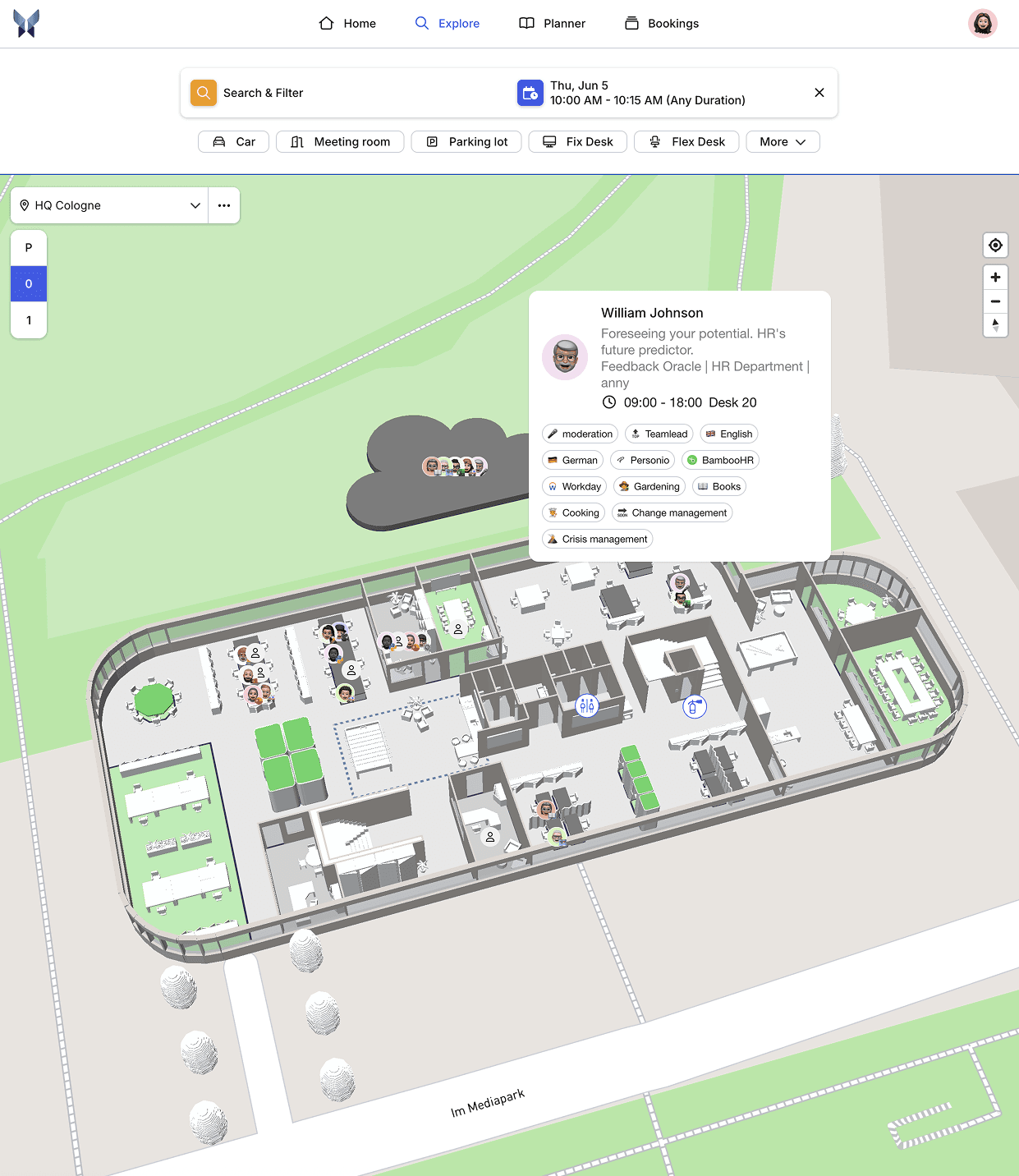
See live what is really being used. Dashboards, check-ins, and 3D views show occupancy by location, zone, and resource. Smart Availability captures minimum distances, team days, and cleaning windows.
Objective decisions instead of gut feeling
Gradually reduce or repurpose spaces

AI-generated

AI-generated
Book as you do in daily life: Booking Page, Apps, and Weekly Planner
Find quickly instead of searching. Filter by location, category, and amenities, plan team days in a weekly overview, and book in seconds. Waitlists fill gaps automatically and increase actual usage.
High acceptance through easy booking
Fewer no-shows, more planning capability
Governance Under Control: Roles, SSO, and Visitor Management
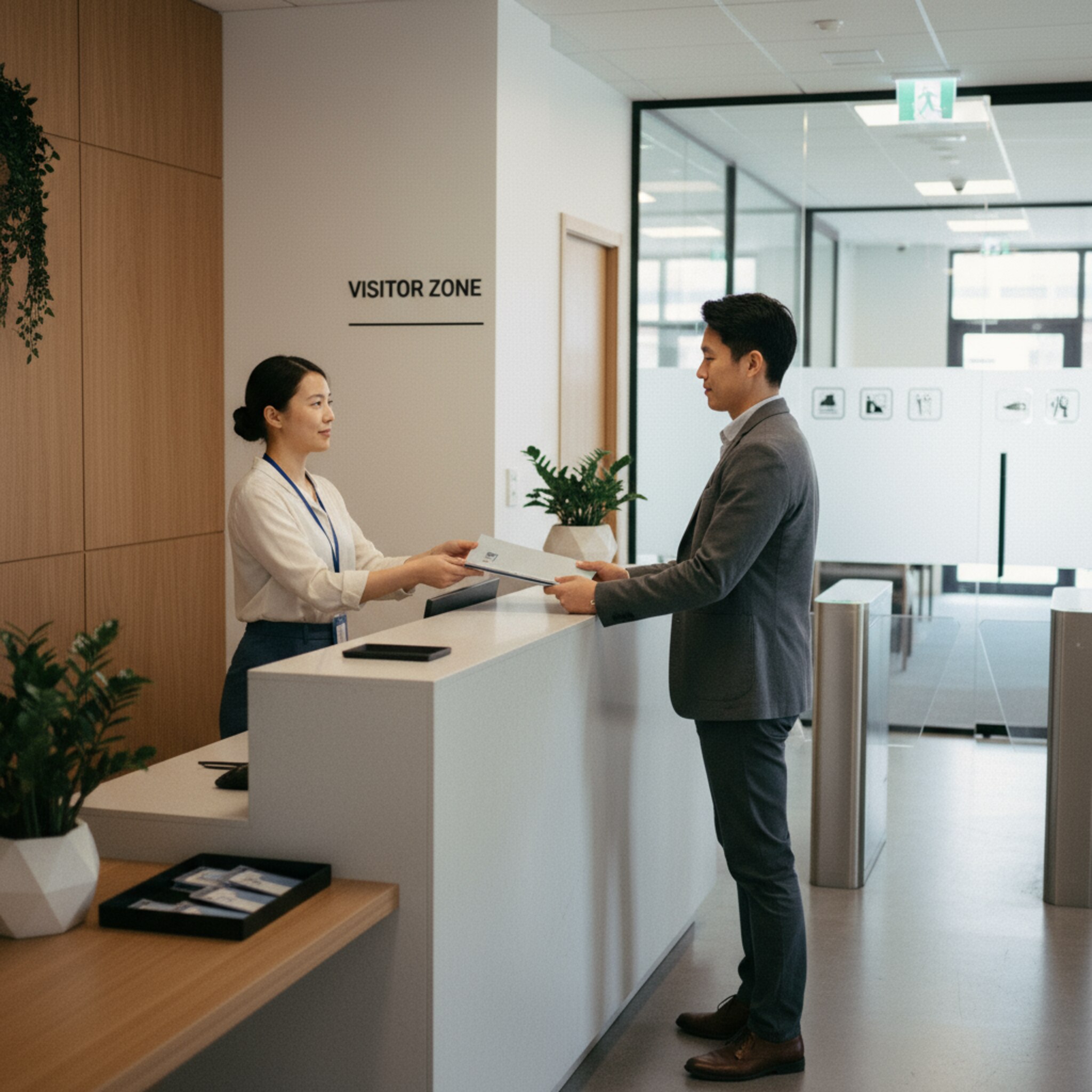
Security and organization from day one. Precise permissions per location, zone, or team, login via SSO, and traceable check-ins ensure compliance. Visitor processes, including induction and audit trail, are integrated.
GDPR-compliant data collection
Clear responsibilities
AI-generated

AI-generated
One System Instead of Tool Chaos: Integrations and APIs
Add bookings where work happens. MS Teams app, Outlook add-in, calendar sync, shift planner as well as APIs and webhooks integrate your tools. Centralized policies, decentralized approvals, and multi-location management significantly reduce admin workload.

Workplace Booking and Room Reservation for Medium-Sized Businesses

Industry Insights
How Modern Workspace Booking is Transforming Medium-Sized Businesses
Hybrid work is here to stay. Today, employees expect to book workspaces independently, with clearly visible availabilities and flexible zones. At the same time, companies need reliable data to manage office space effectively. Shared desk concepts only work when transparency and rules come together. Real-time availability increases commitment, reduces no-shows, and makes team days manageable. This is especially relevant for medium-sized businesses: multiple locations, changing project teams, and limited resources demand simple, integrated processes. Measuring utilization allows spaces to be deliberately adjusted and rooms to be repurposed for projects. Thus, an office space is created that adapts to work, not the other way around.
Make your workday easier today
"Simply the best booking software" (OMR Reviews, Q3/2025) - Start for free


When is anny the best desk booking system for medium-sized businesses?
If you want to address hybrid work, multiple locations, or clear policies for desks, rooms, and visitors, anny shines with M365 integration, roles and compliance, 3D maps for transparency, and a UX that teams actually use. Perfect for measuring utilization and actively managing costs.
When is a workplace booking system worthwhile for medium-sized businesses?
Whenever multiple zones, locations, or shared desks need to be coordinated. Certainly, when mixed team days occur, no-show rates increase, or when the actual space utilization is unclear. Even without an open-plan office, the implementation pays off through reliable planning and reduced search and coordination efforts.
How can I truly increase user adoption in desk sharing?
Keep the booking process as simple as possible, enable mobile access, and clearly visualize availability. Use SSO, team days in the Weekly Planner, and zone rules to ensure bookings are fair. Communicate guidelines concisely, implement check-in mechanisms, and allow waitlists for automatic stand-ins.
How does anny meet GDPR and security requirements in the company?
With granular roles and permissions, SSO options, audit trails for check-ins, and an integrated visitor management system including instructions. Data processing adheres to proven standards, and retention periods are adjustable. Technical and organizational measures support secure and traceable use.