


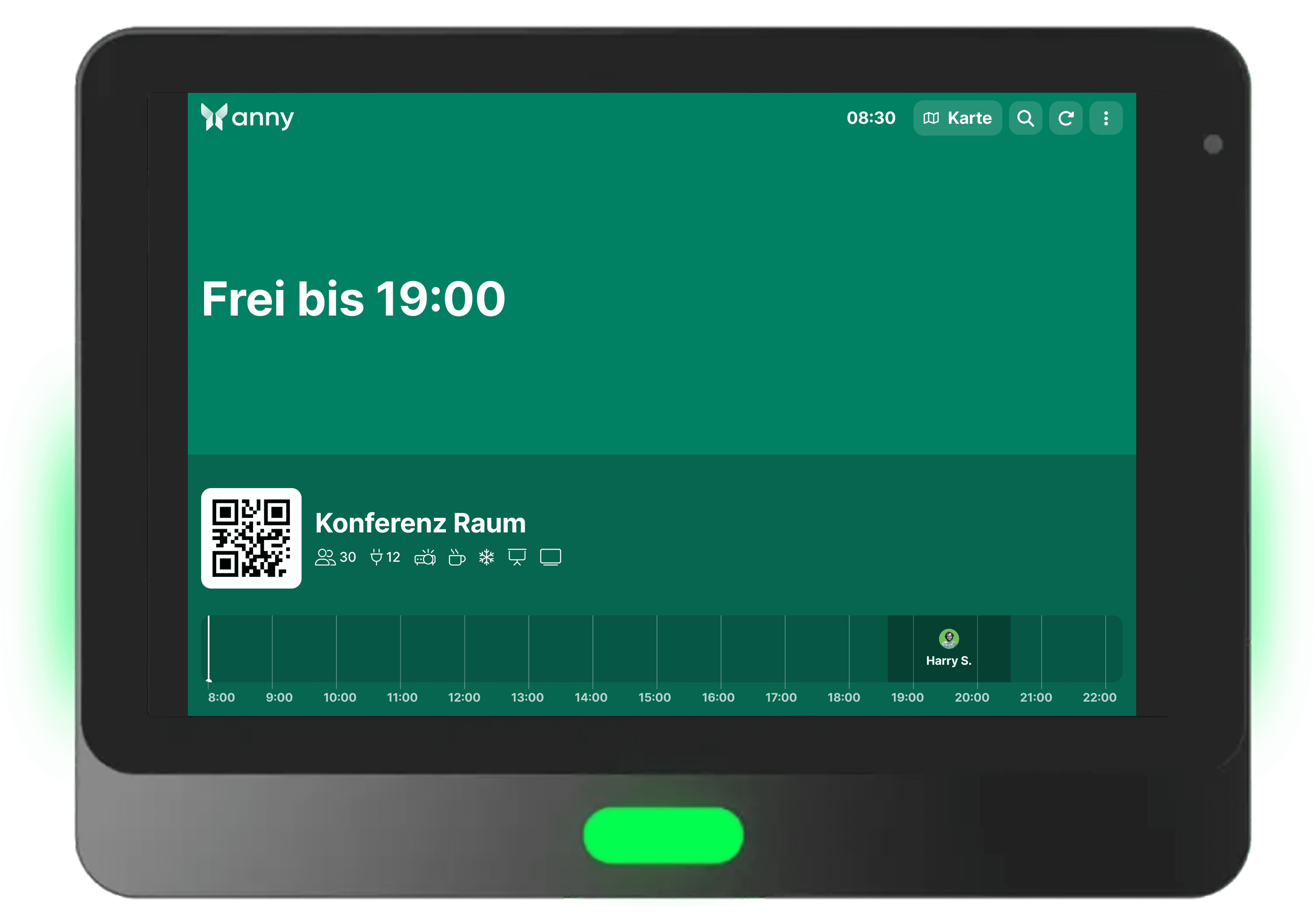
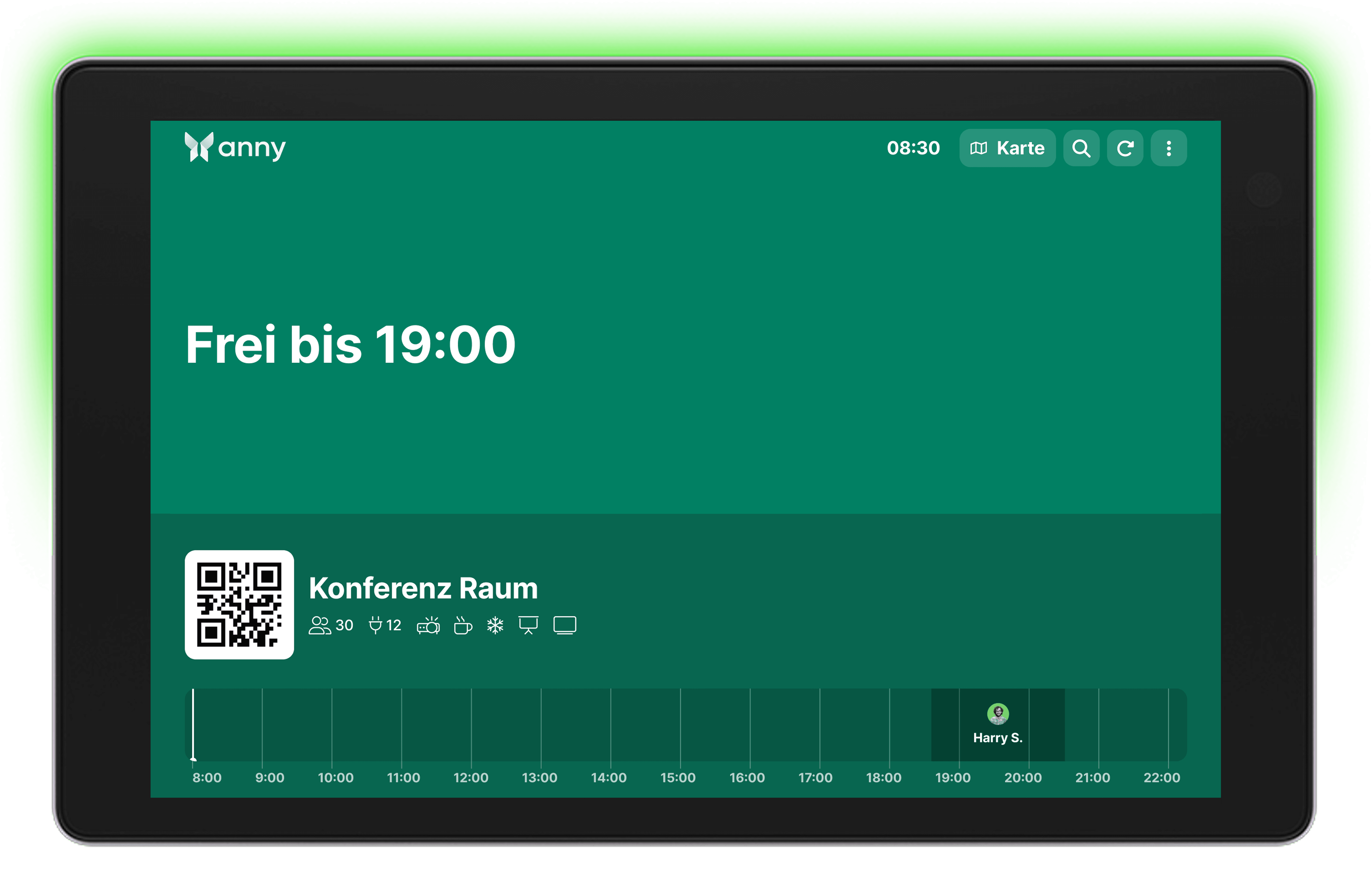
Qbic Displays illuminate your space management with status LEDs
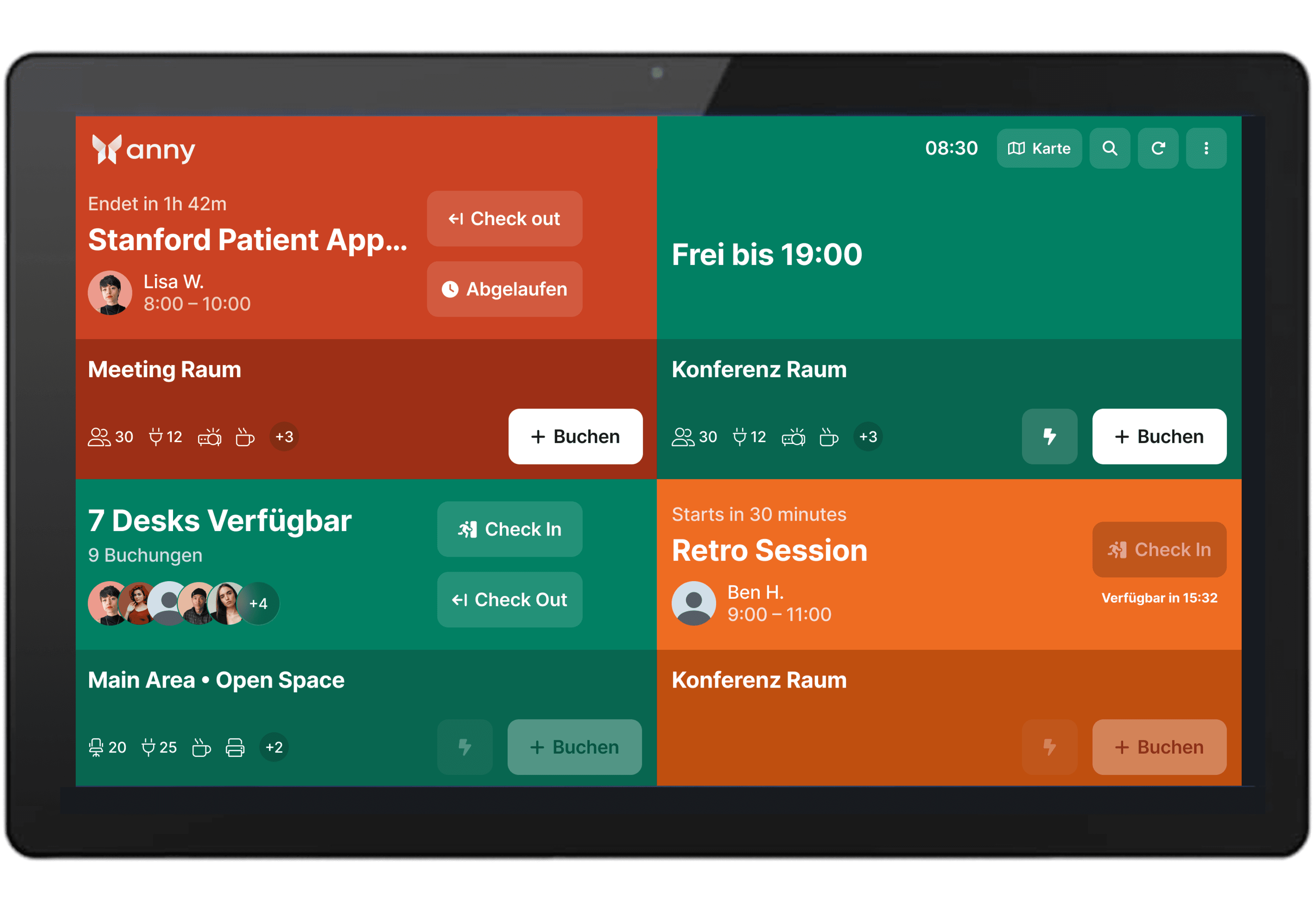
Integrate the Qbic TD-1050 Pro with the booking system of anny to enable room bookings and on-site availability checks.
About Qbic
Qbic is a manufacturer of professional smart displays and panel PCs, specifically designed for applications like room booking, digital signage, and access control.
Rely on a powerful door display
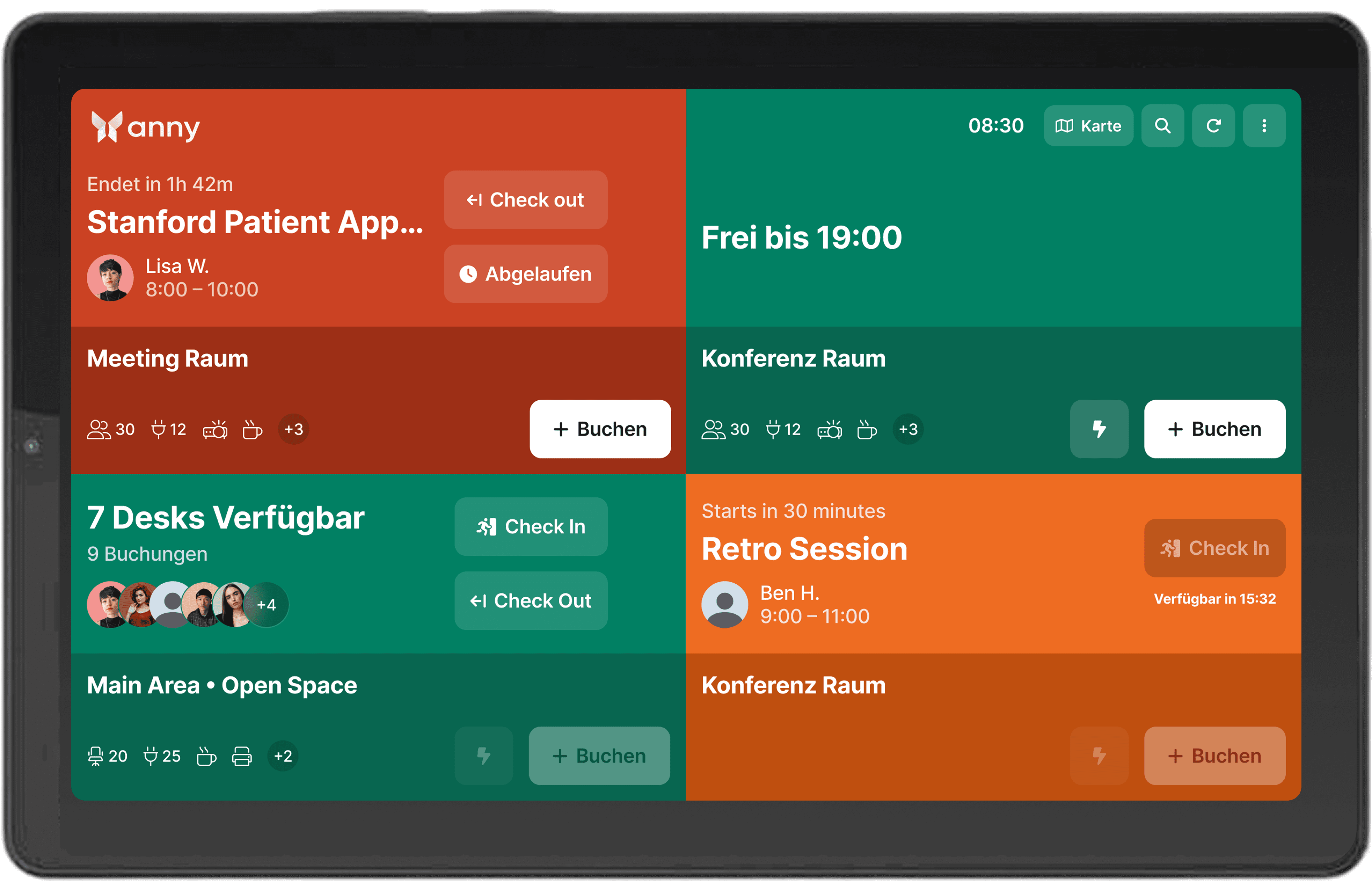
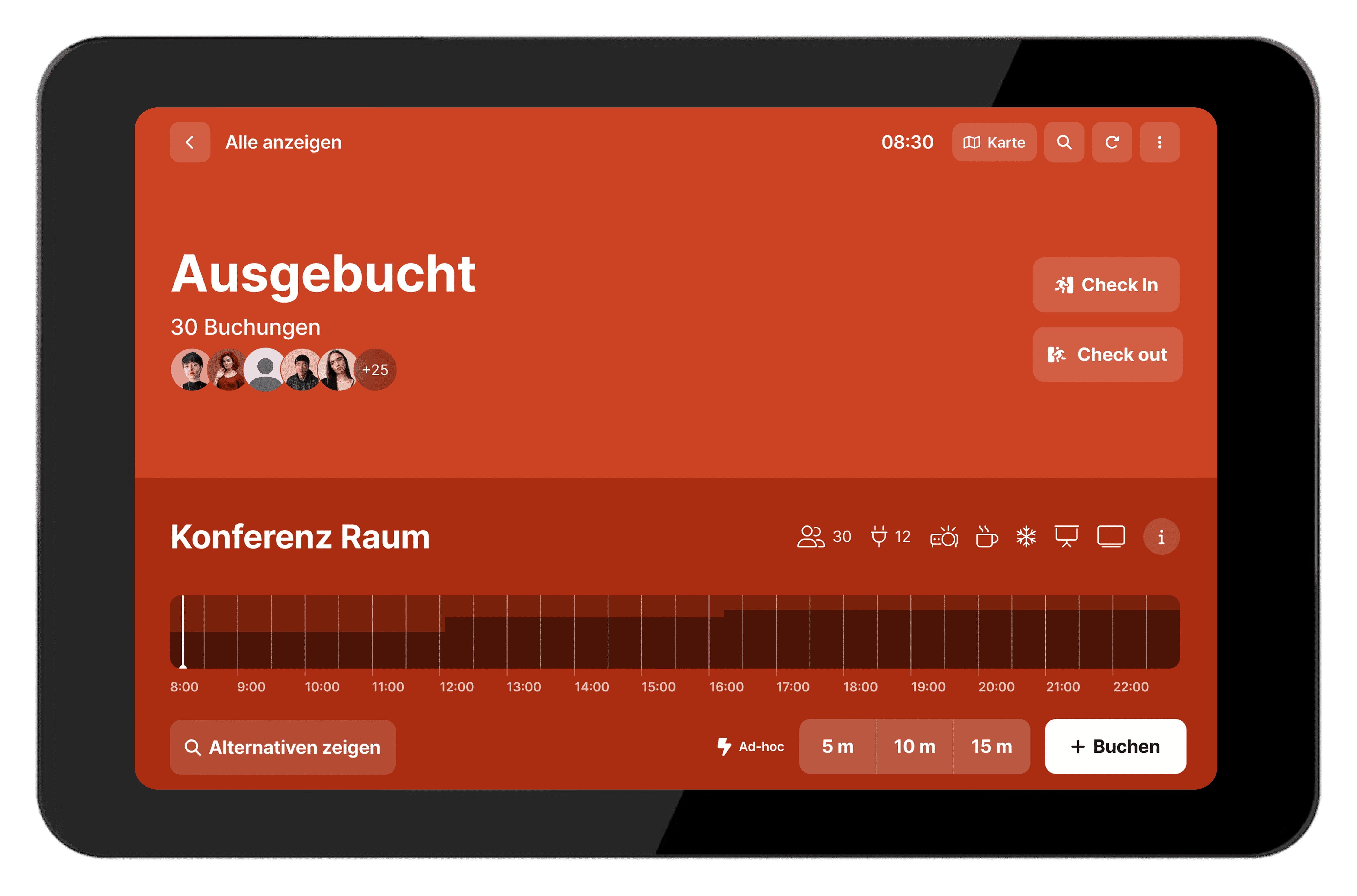
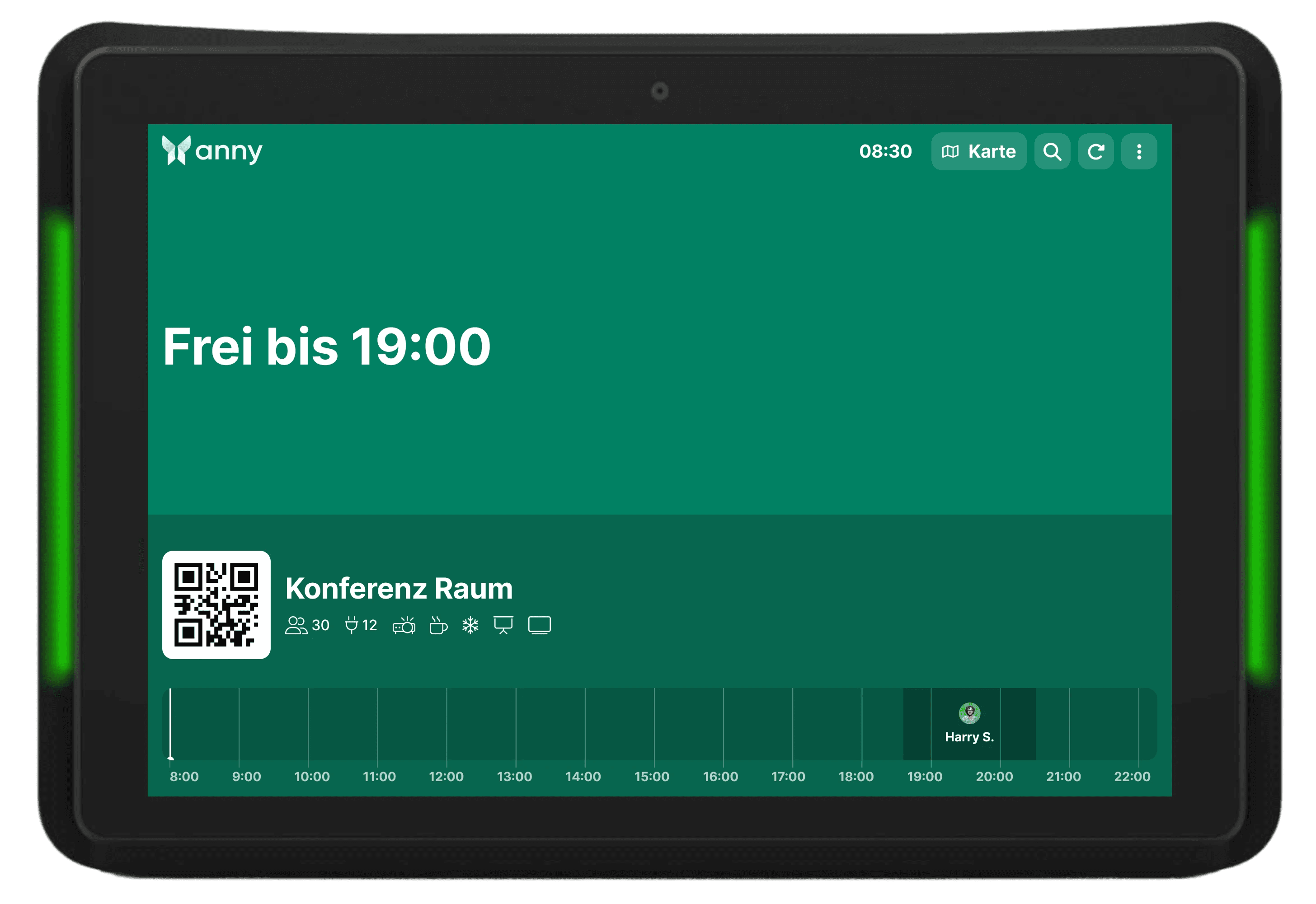
With its responsive touchscreen and robust hardware, the Qbic TD-1050 Pro provides a durable solution for daily use in offices and conference areas. It integrates flexibly into existing systems and presents booking information clearly and comprehensively.
Easy setup and clear visibility
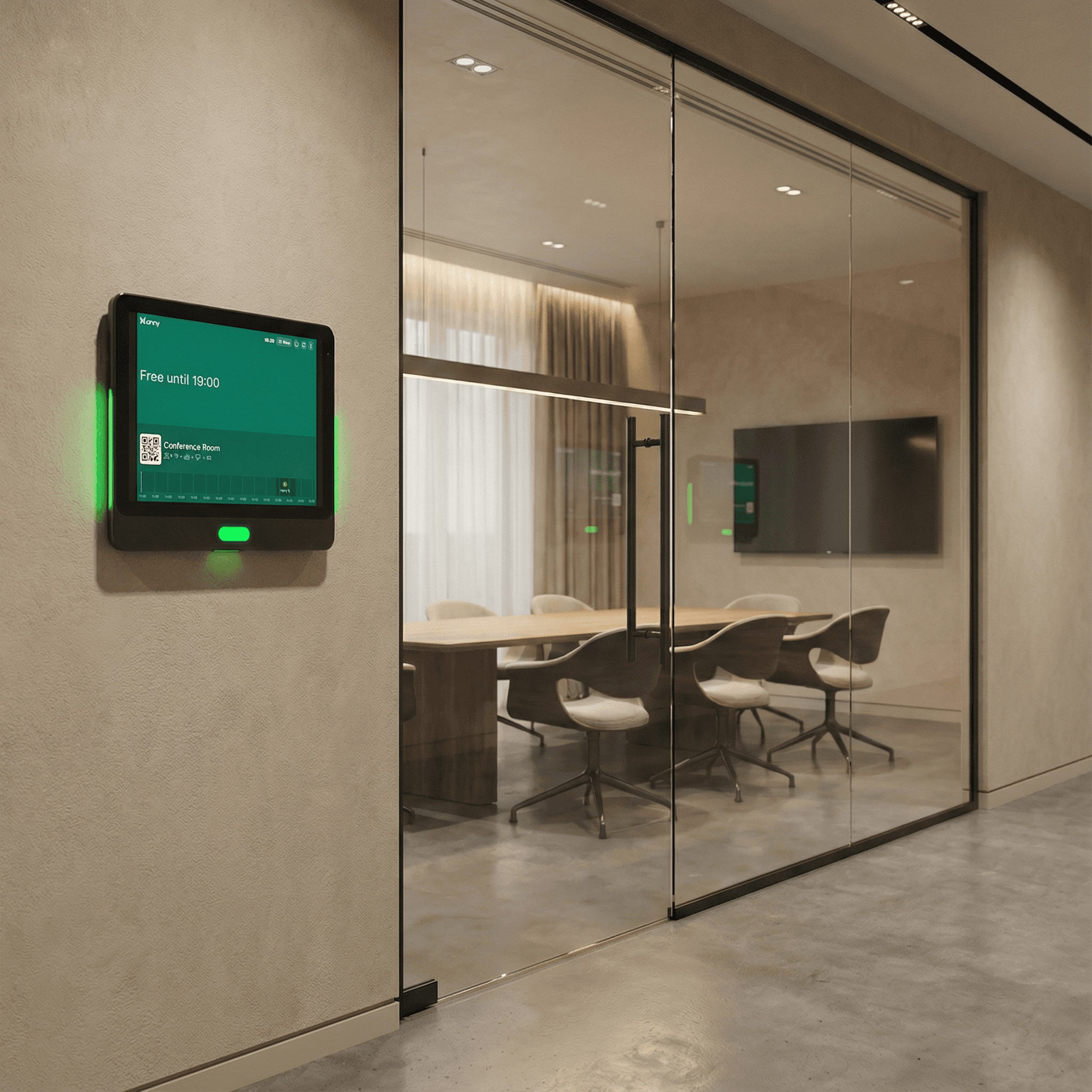
The Qbic TD-1050 Pro requires just a single cable for power and network, making installation particularly effortless. The integrated LED status lights clearly indicate the room status, allowing users to easily see from a distance whether a room is available, occupied, or soon to be reserved.
How it works, step by step
Install the anny Display App on your tablet (App Store, Play Store). The QR code for pairing will be displayed here the first time you open it.
For anny.eu and On-Prem customers, select your Data Host Region in advance.
Open the anny Admin area in a web browser on another desktop to connect your resources with your display.
Select the Displays tab from the navigation bar on the left.
Click the "Pair Display App" button at the top right and enter the 6-digit code shown by the app.



Try for free
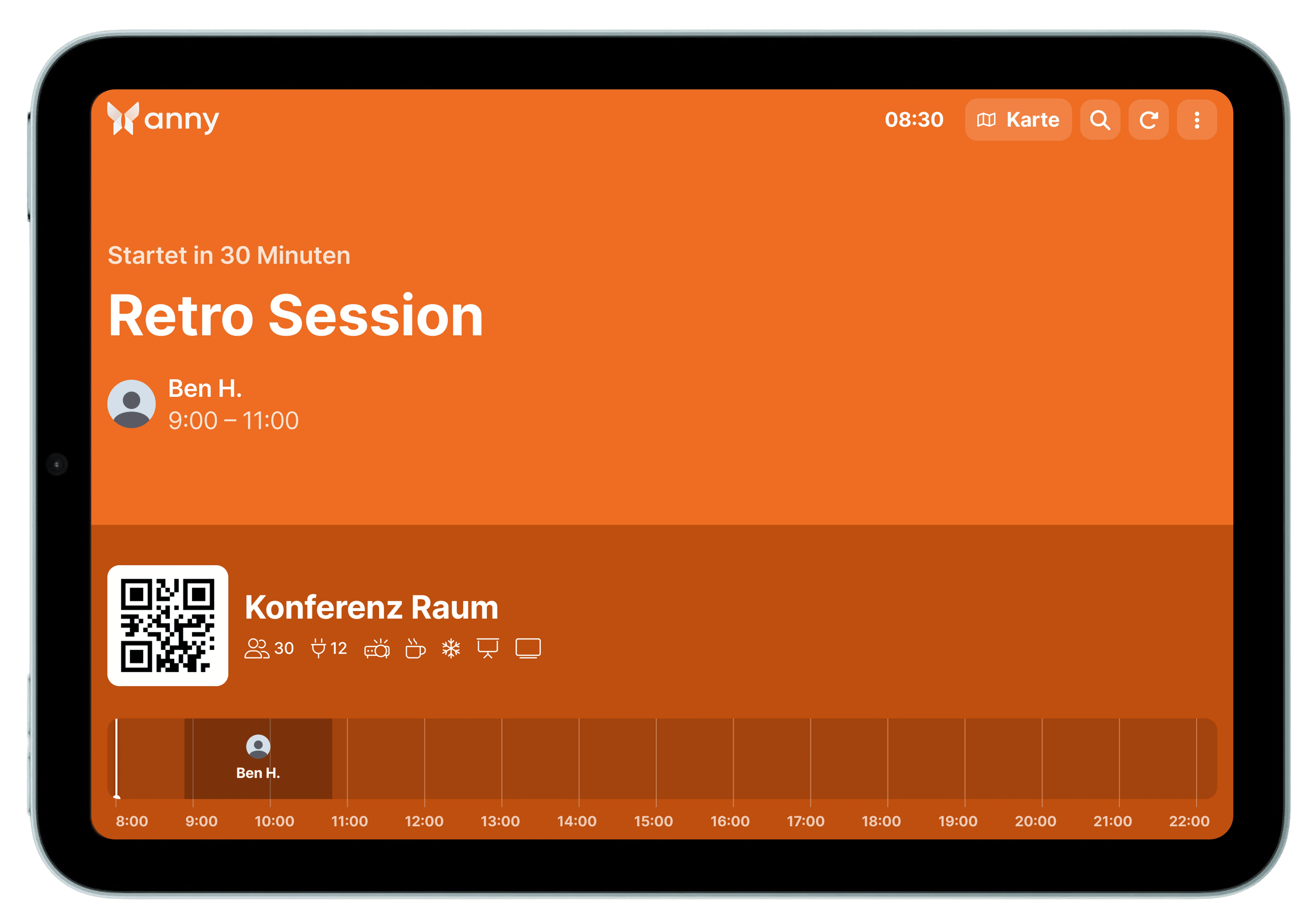
Try anny for yourself and discover how easy digital resource management can be. Test all features with no obligation and see how anny makes your day-to-day work more efficient from the start.






