


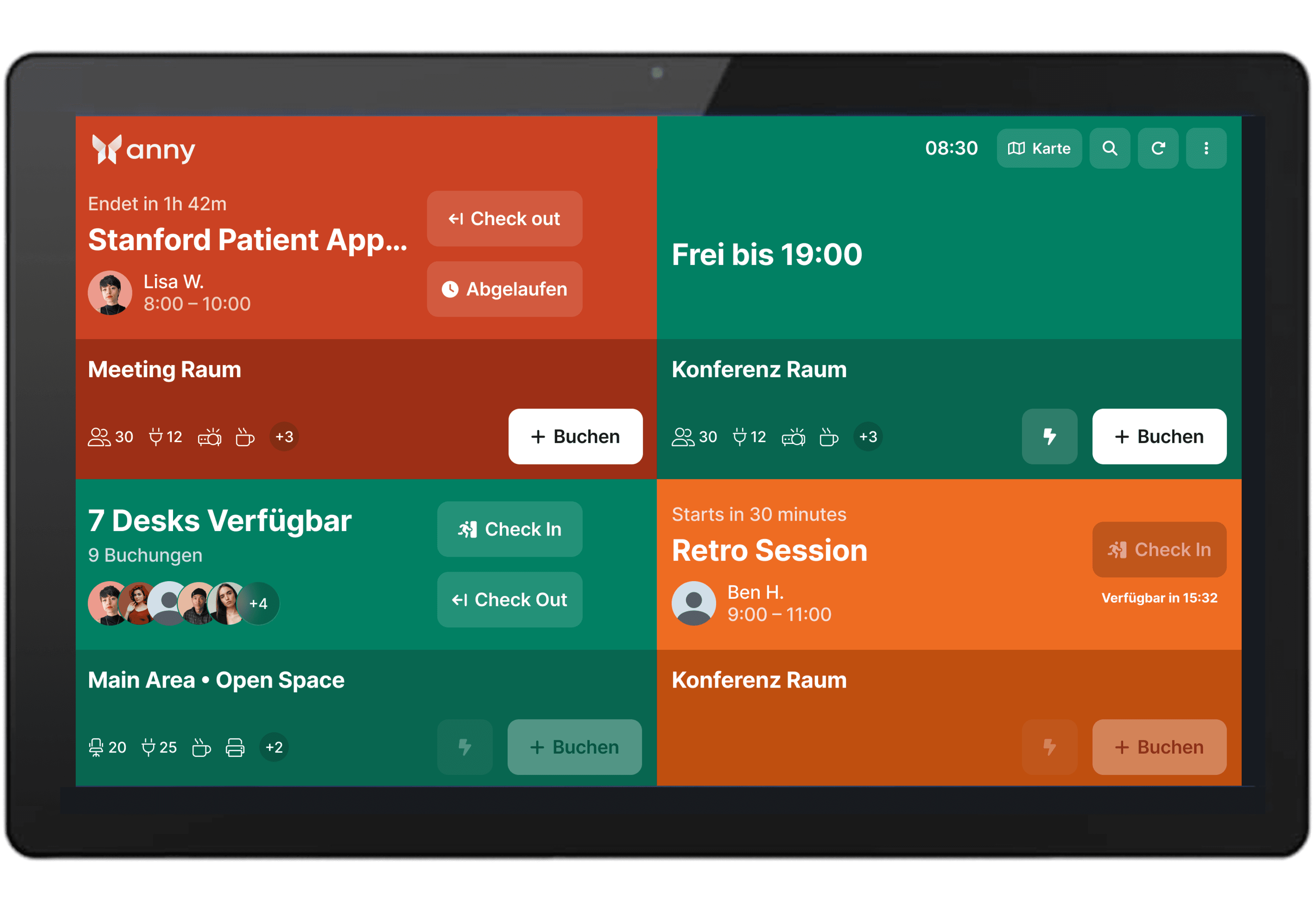
Use Elo displays as smart door signs
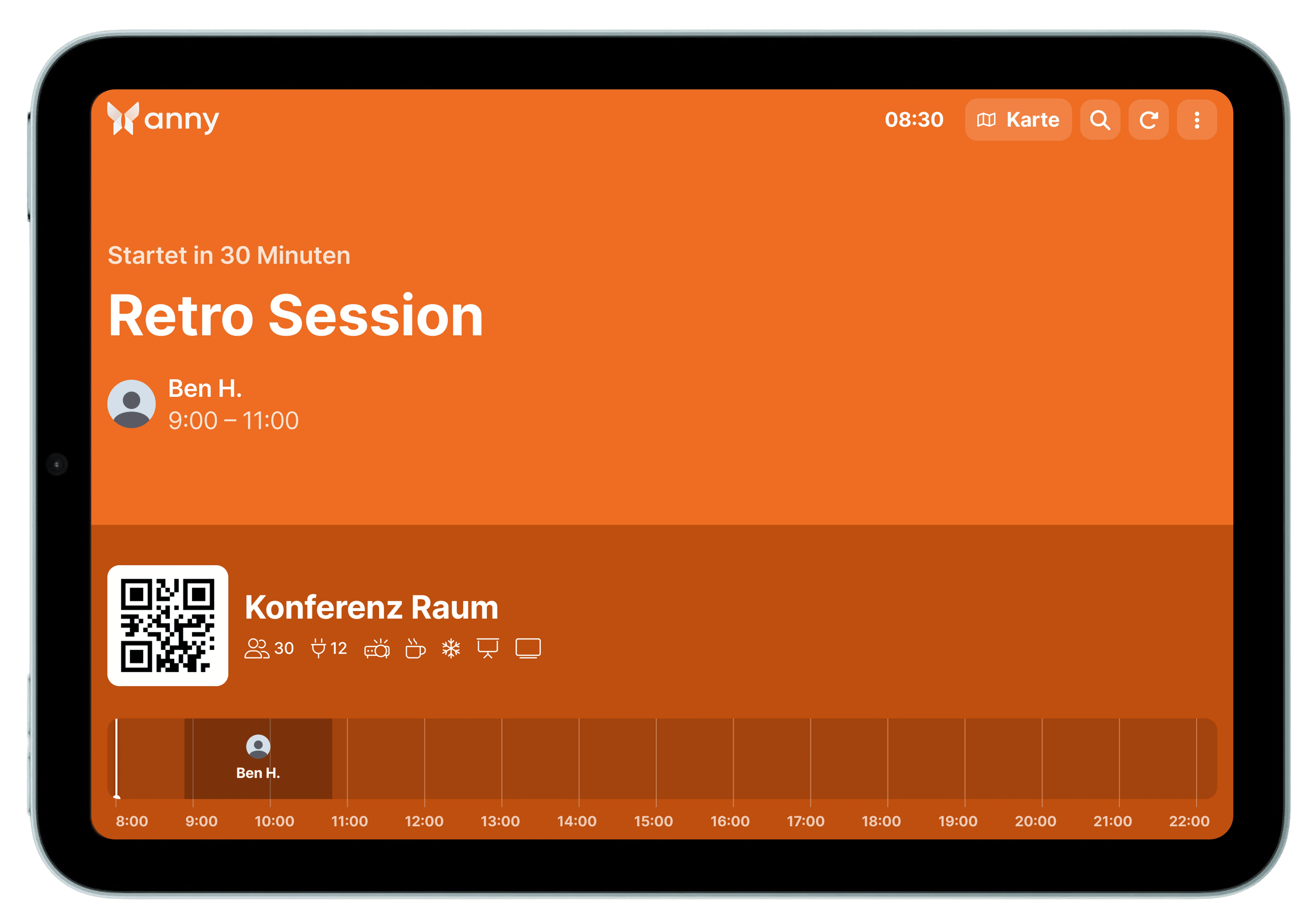
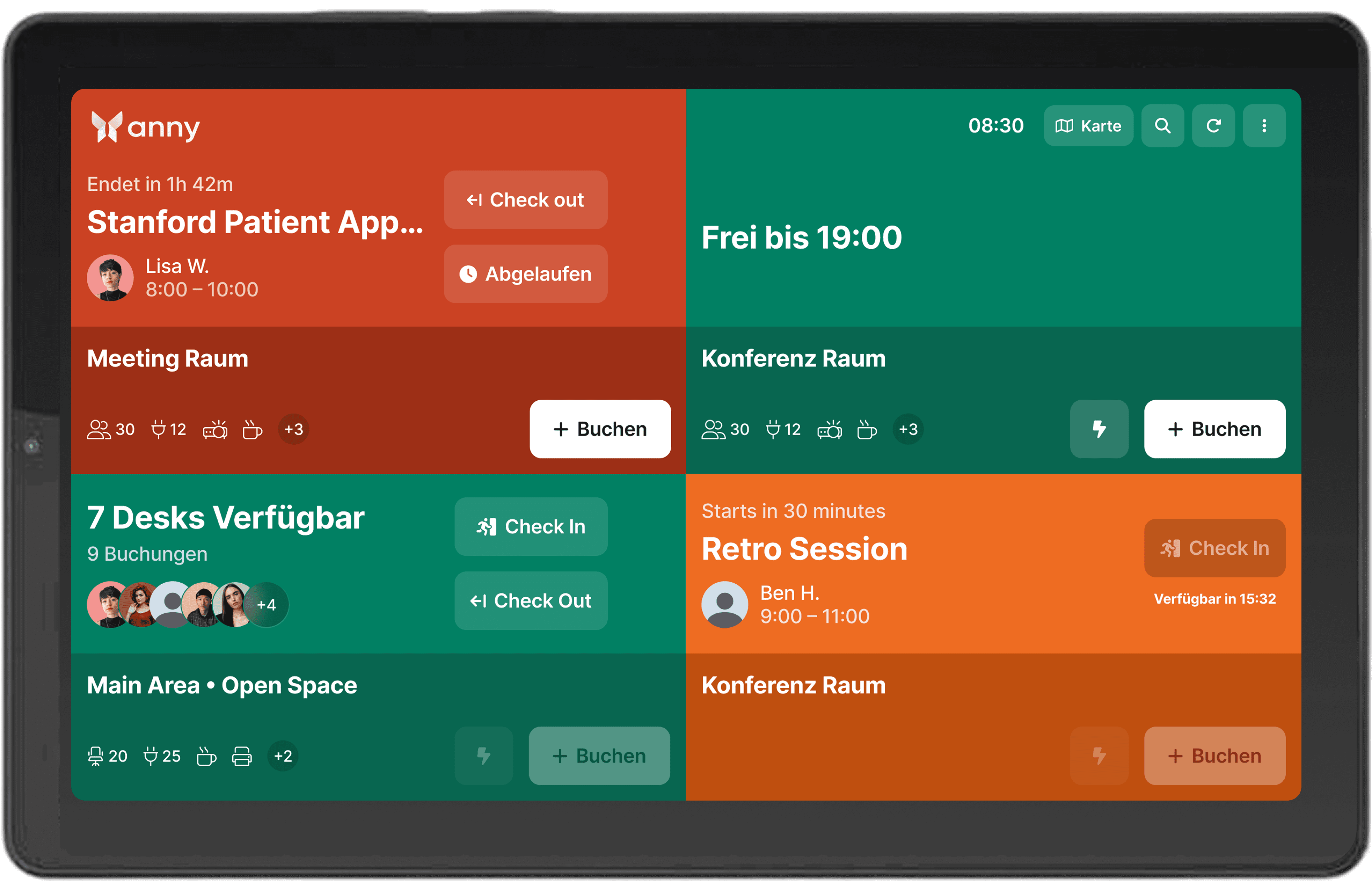
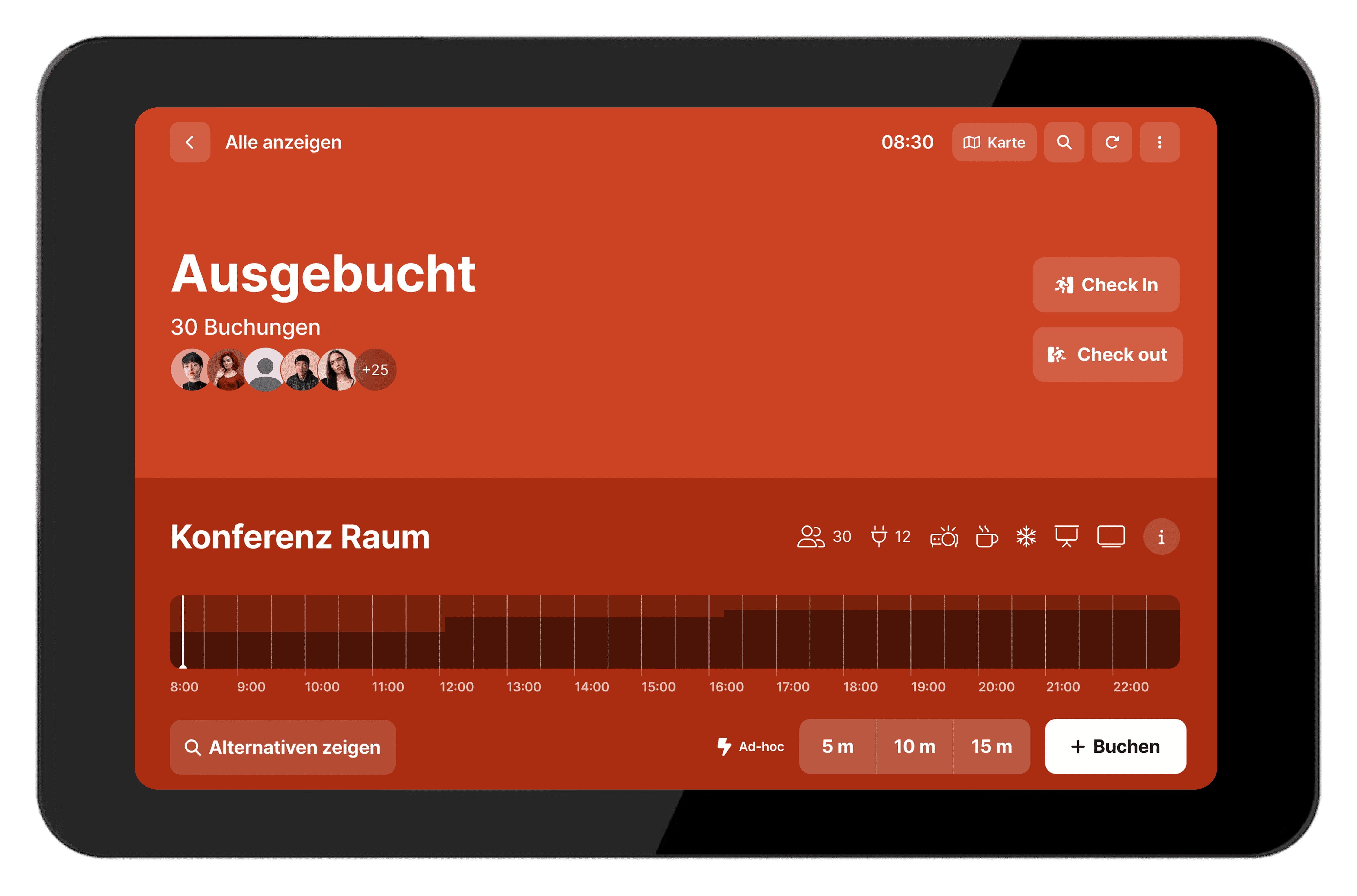
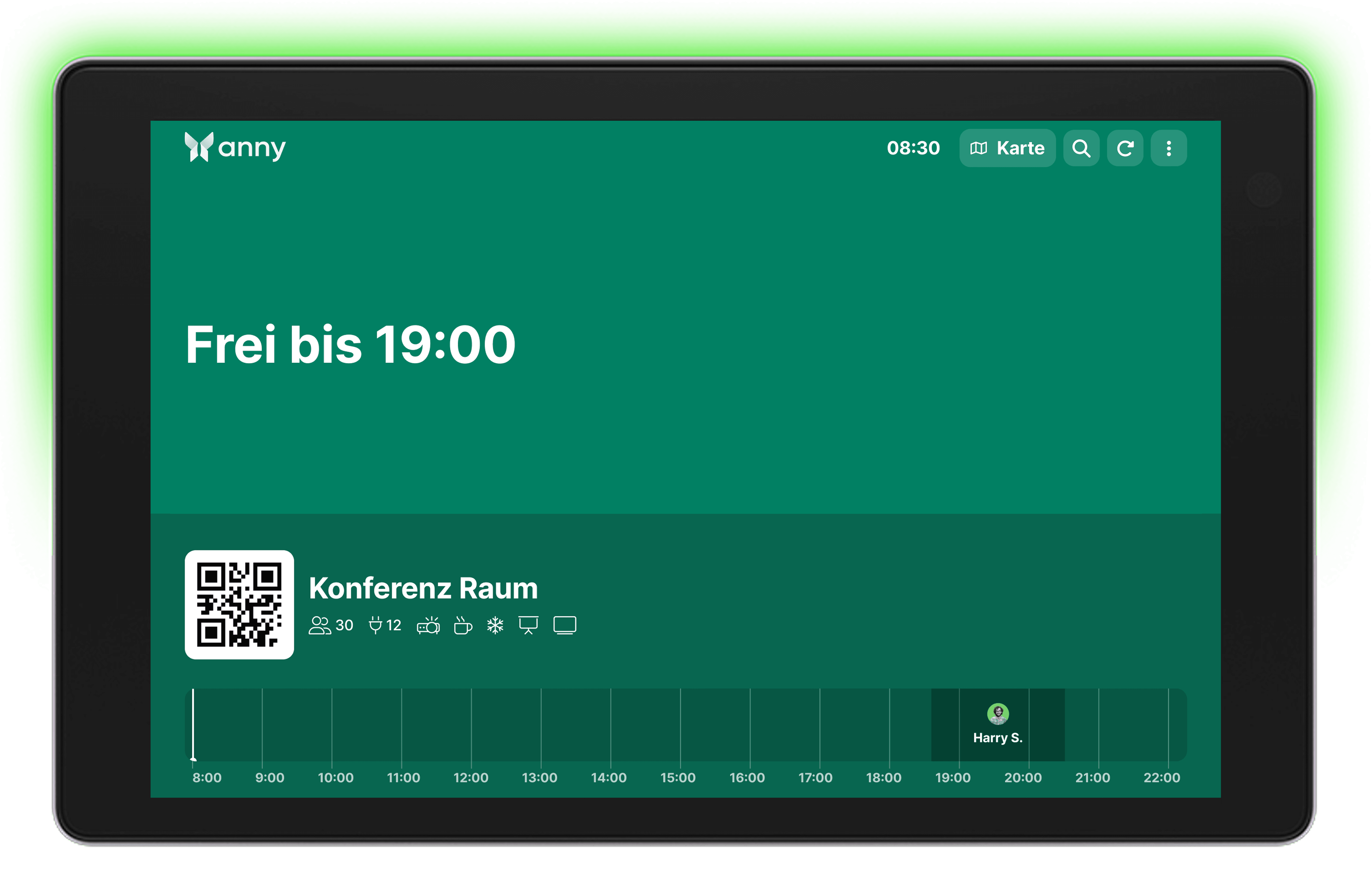
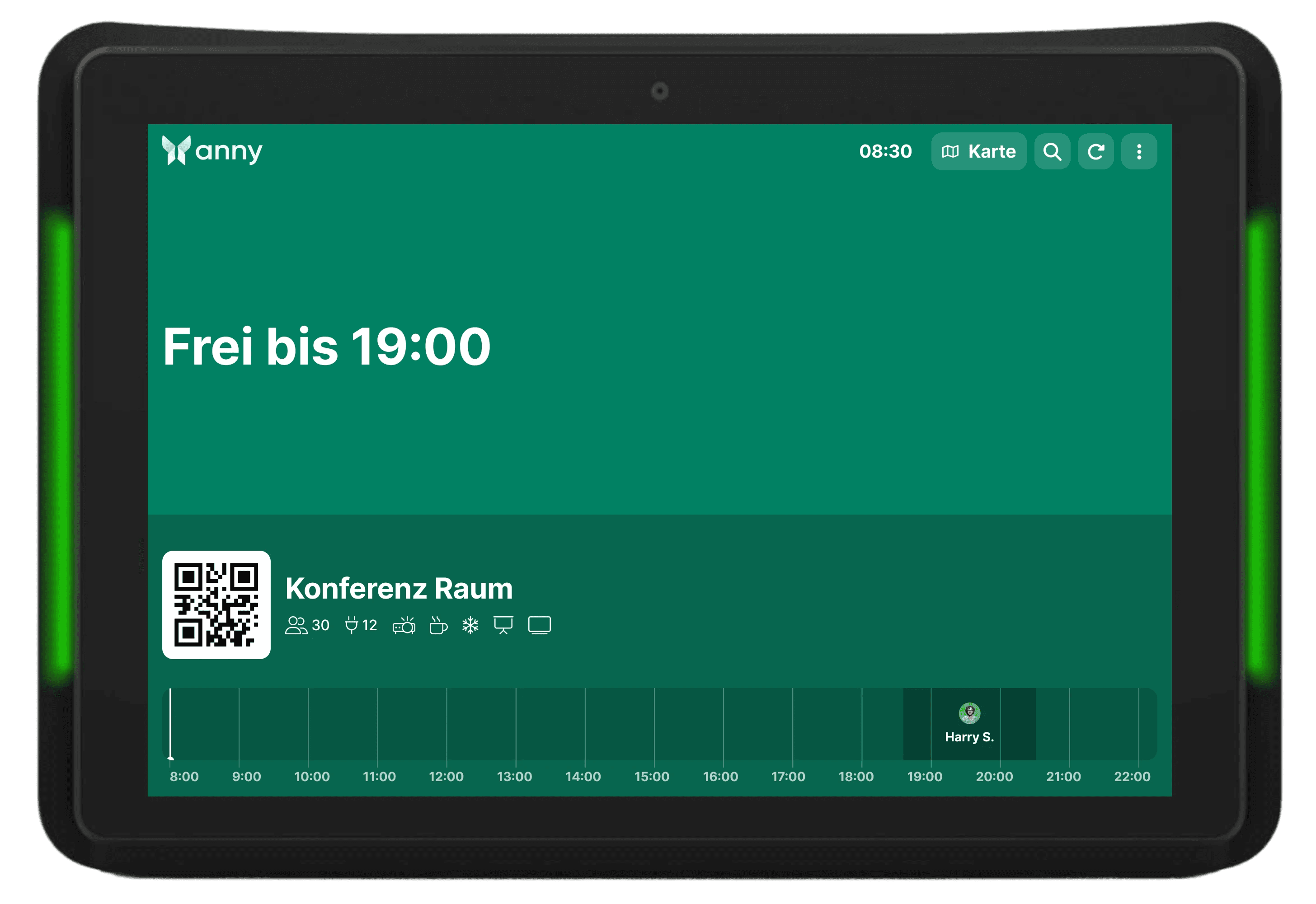
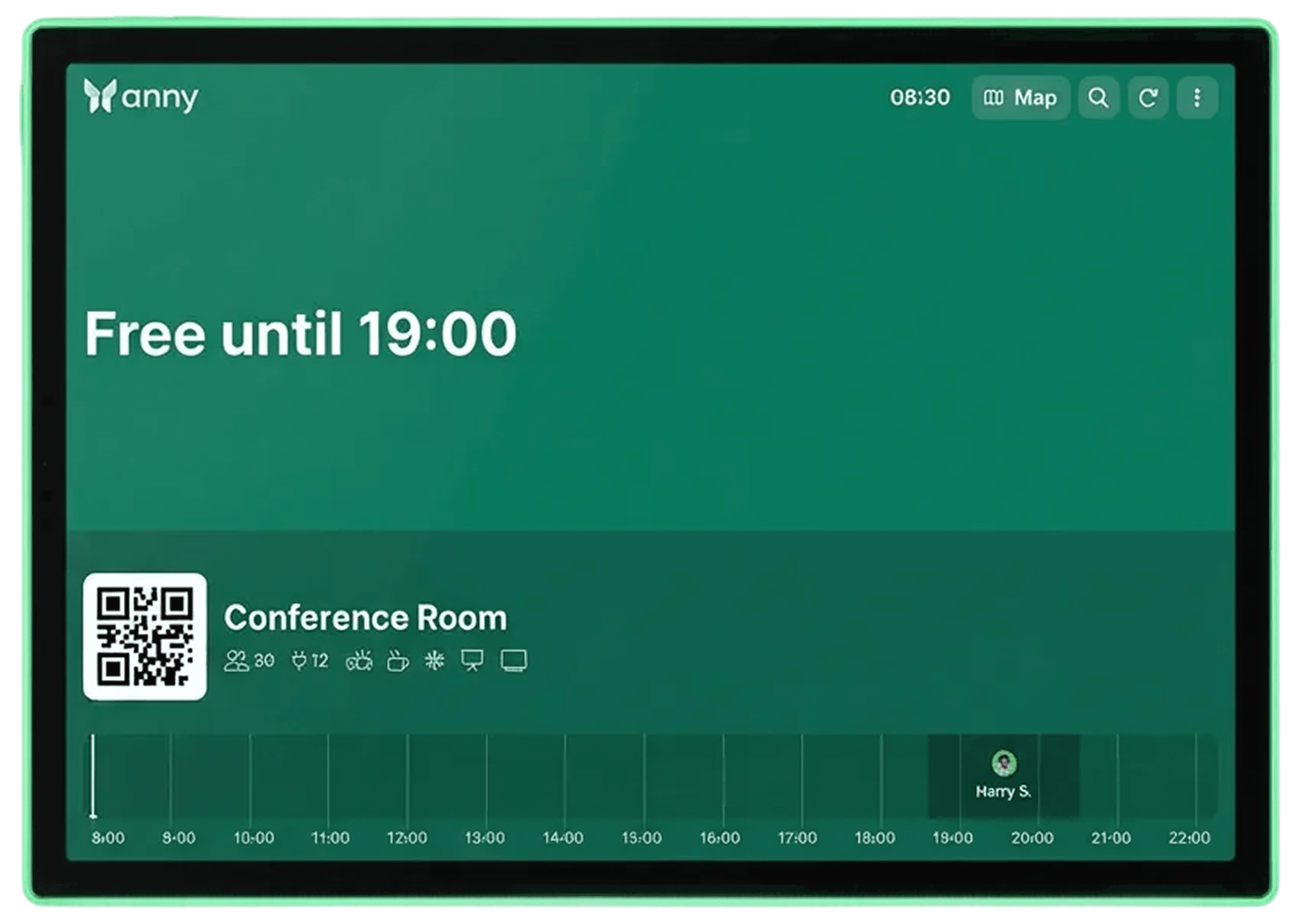
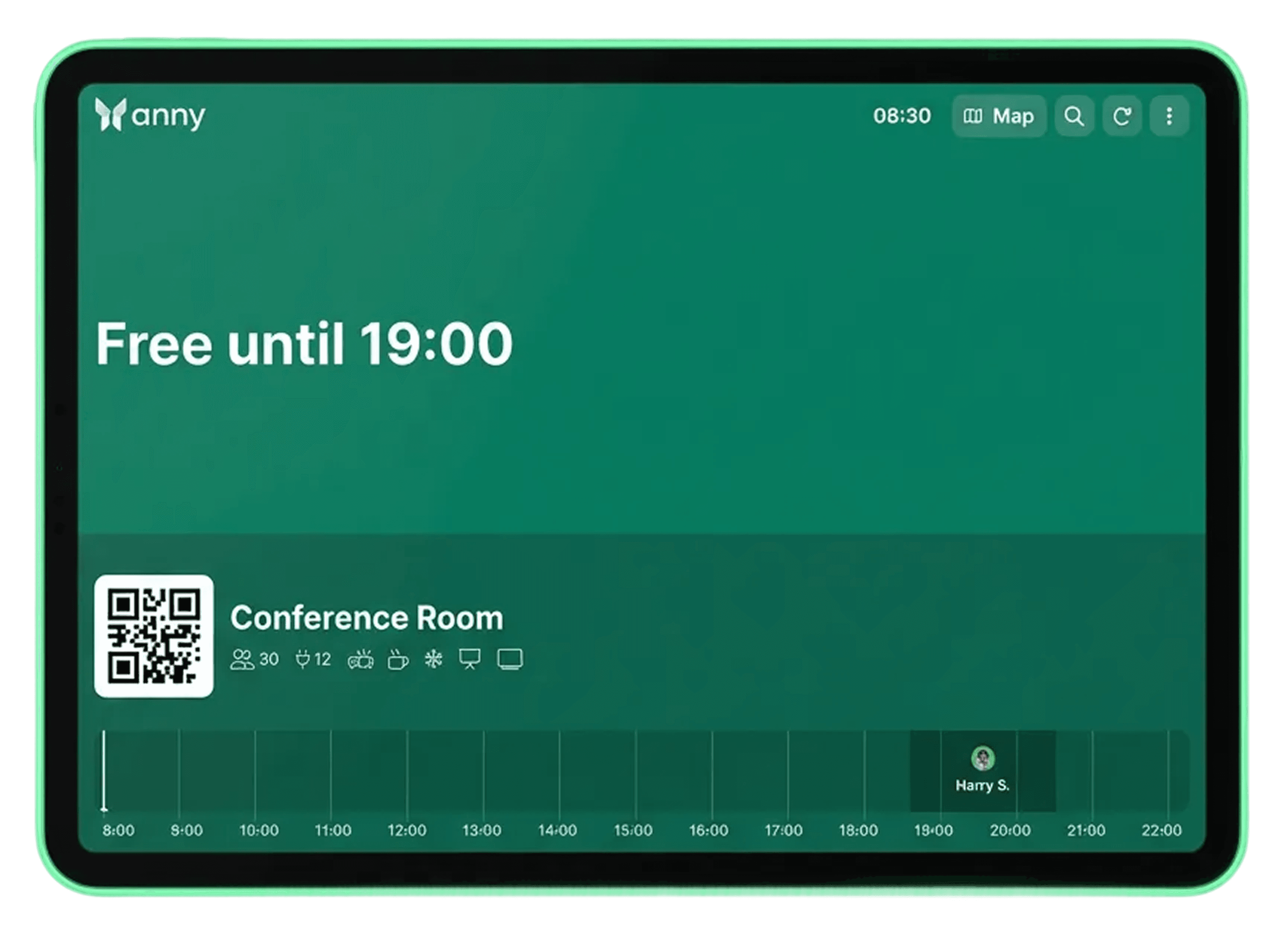
Integrate Elo I-Series displays with anny's booking system to automatically and in real-time display bookings, room status, and availability directly at the room.
About Elo
Elo is a manufacturer of professional touchscreen displays, monitors, and interactive digital signage solutions. The devices are designed for continuous operation, robust, and versatile in their applications.
Rely on flexible hardware for every application scenario
The Elo I-Series offers you maximum adaptability, whether you're using it for check-ins, access solutions, or as interactive room displays. This makes the Elo I-Series a future-proof piece of hardware that integrates perfectly into your anny setup.
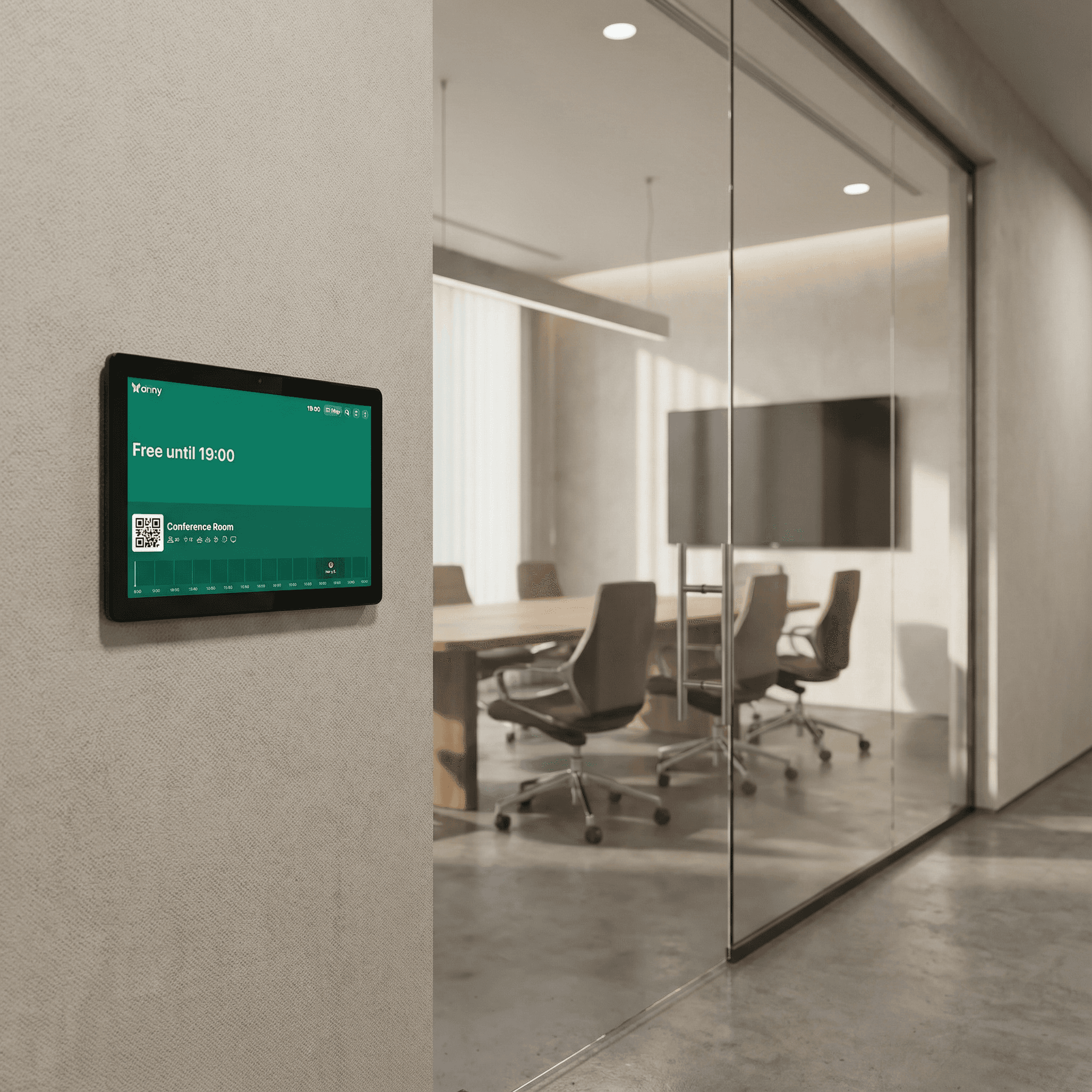
Modular expandability for maximum flexibility
The Elo I-Series displays can be enhanced with various additional modules, such as NFC/RFID readers, barcode scanners, or cameras. This way, you can tailor your display precisely to your access management needs.
How it works, step by step
Install anny Display App on your tablet (App Store, Play Store). When you open it for the first time, this is where you'll see the QR code for pairing.
For anny.eu and On-Prem customers, choose your Data Host Region in advance.
Open anny Admin area in the web browser on a different desktop to connect your resources with your display.
Select the Displays tab on the left navigation bar.
Click the "Pair Display App" button at the top right and enter the 6-digit code shown by the app.



Try for free
Try anny for yourself and discover how easy digital resource management can be. Test all features with no obligation and see how anny makes your day-to-day work more efficient from the start.






