


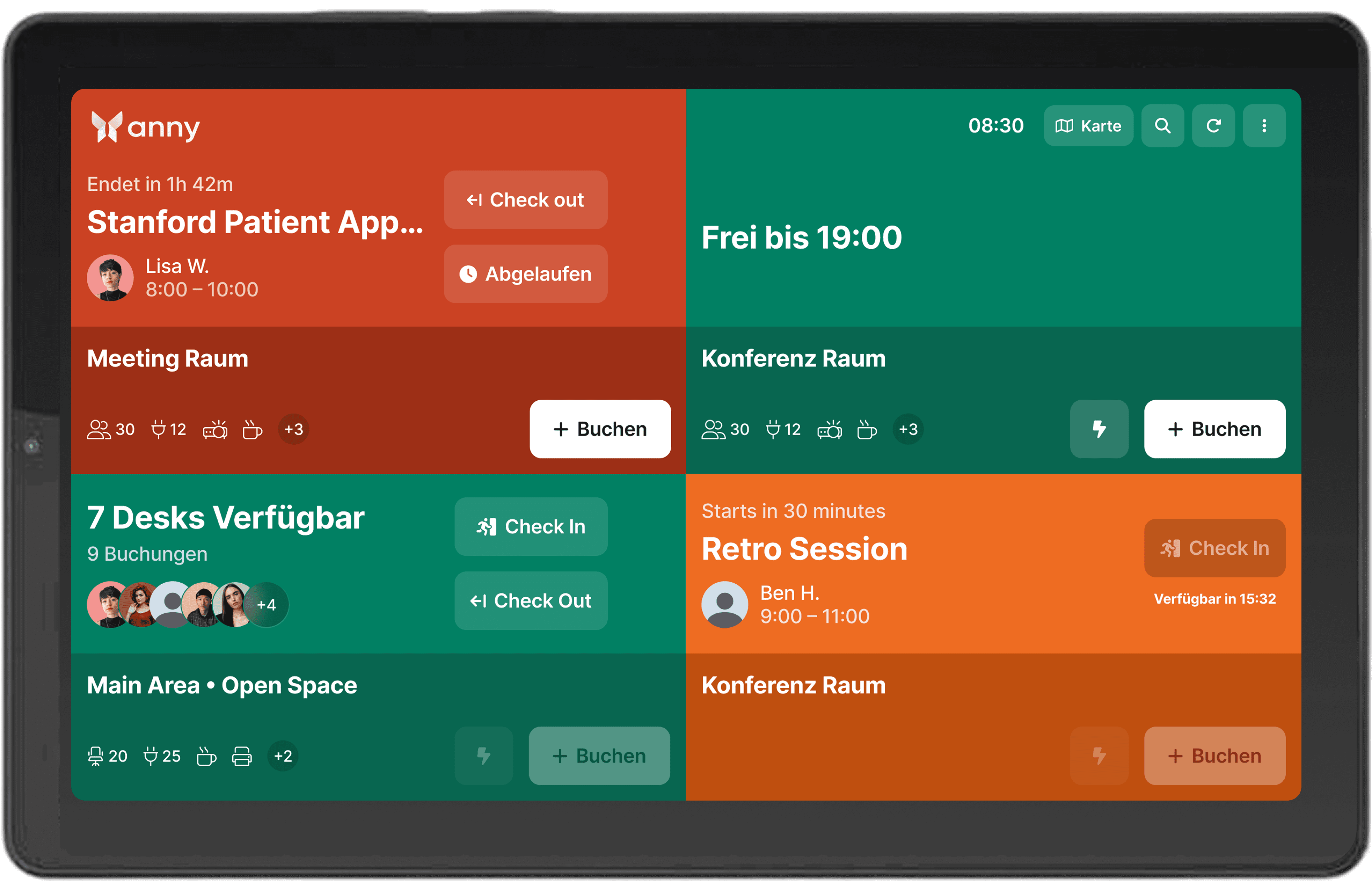
Bring all room information to a tablet with Lenovo
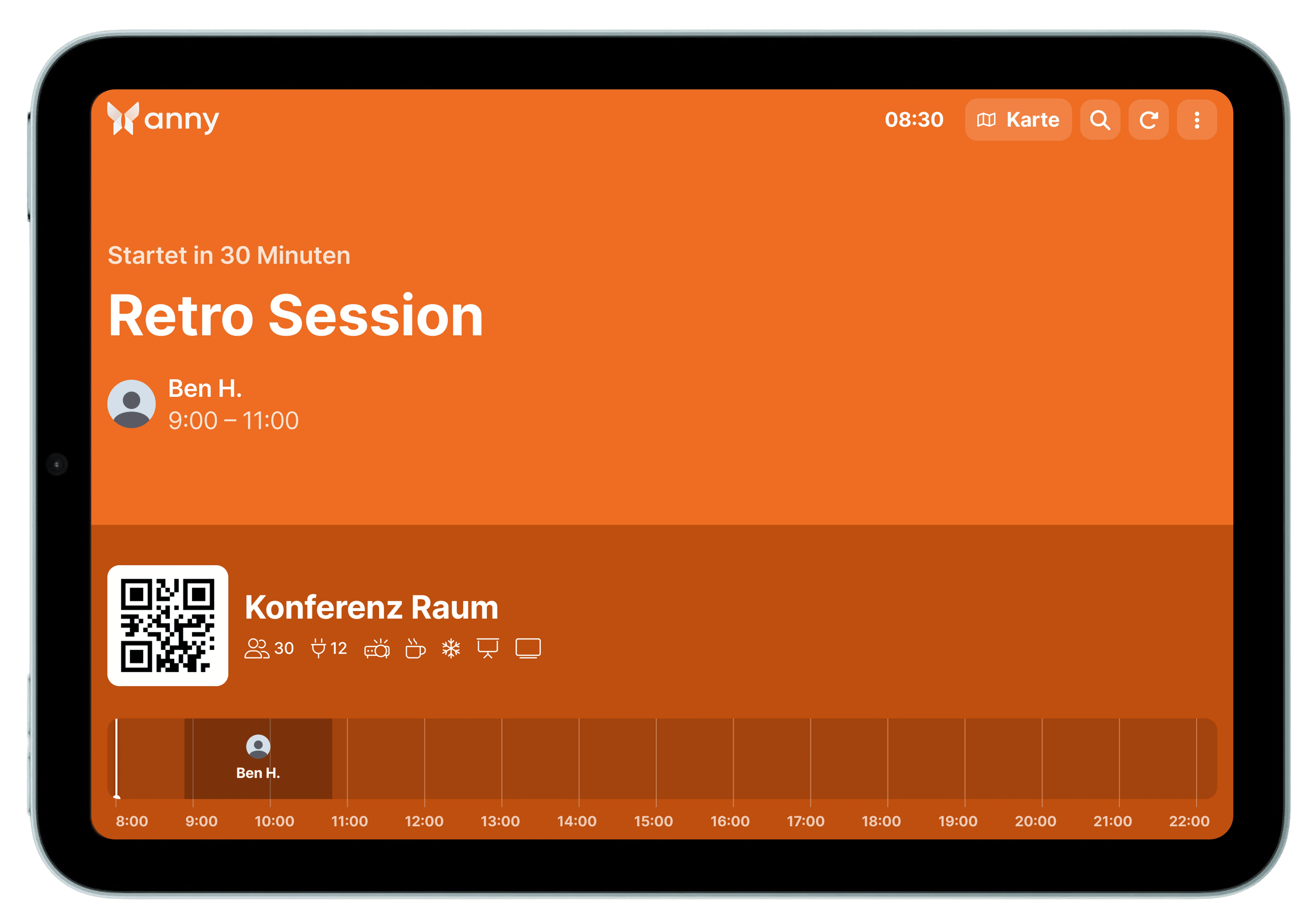
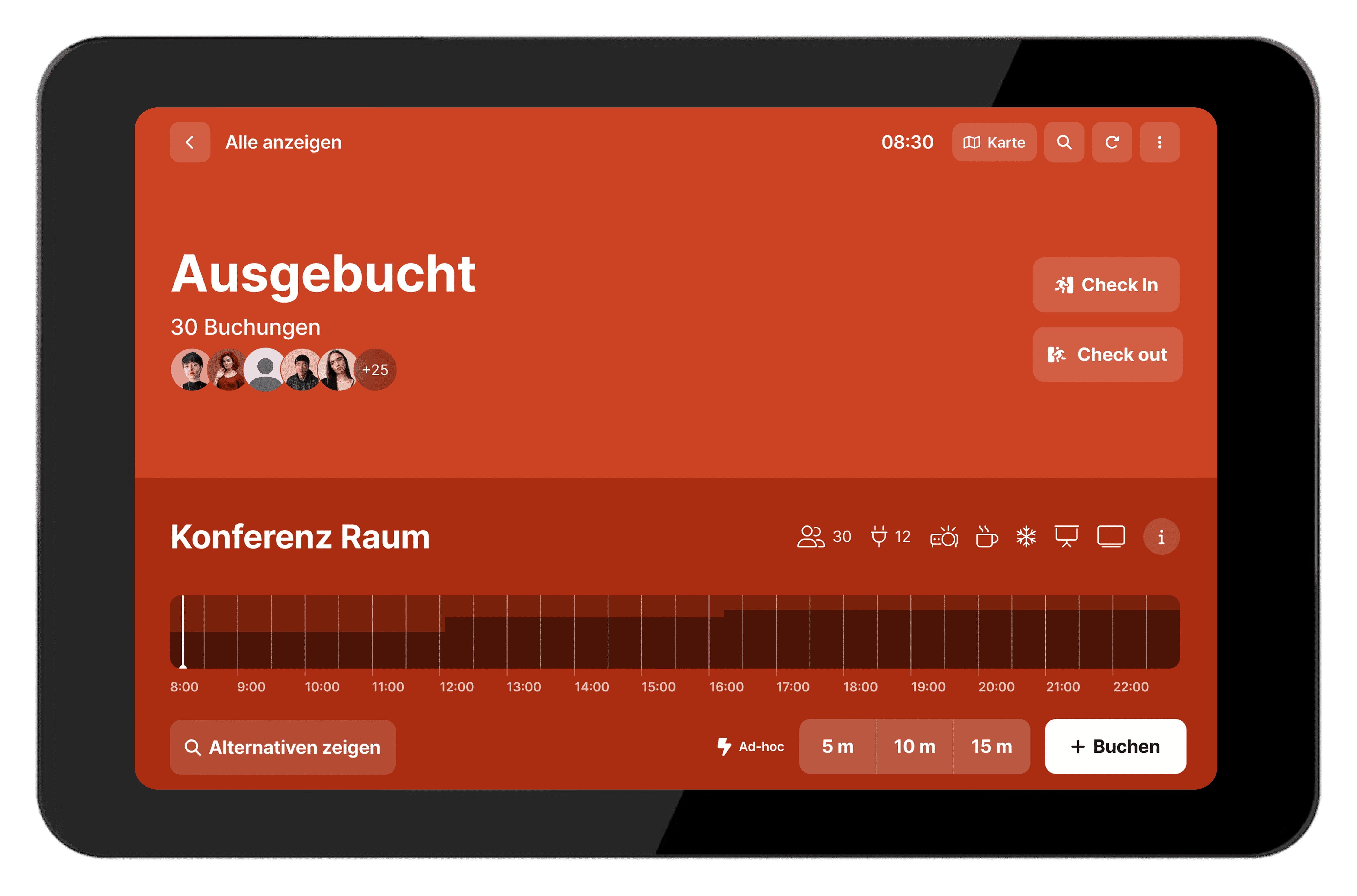
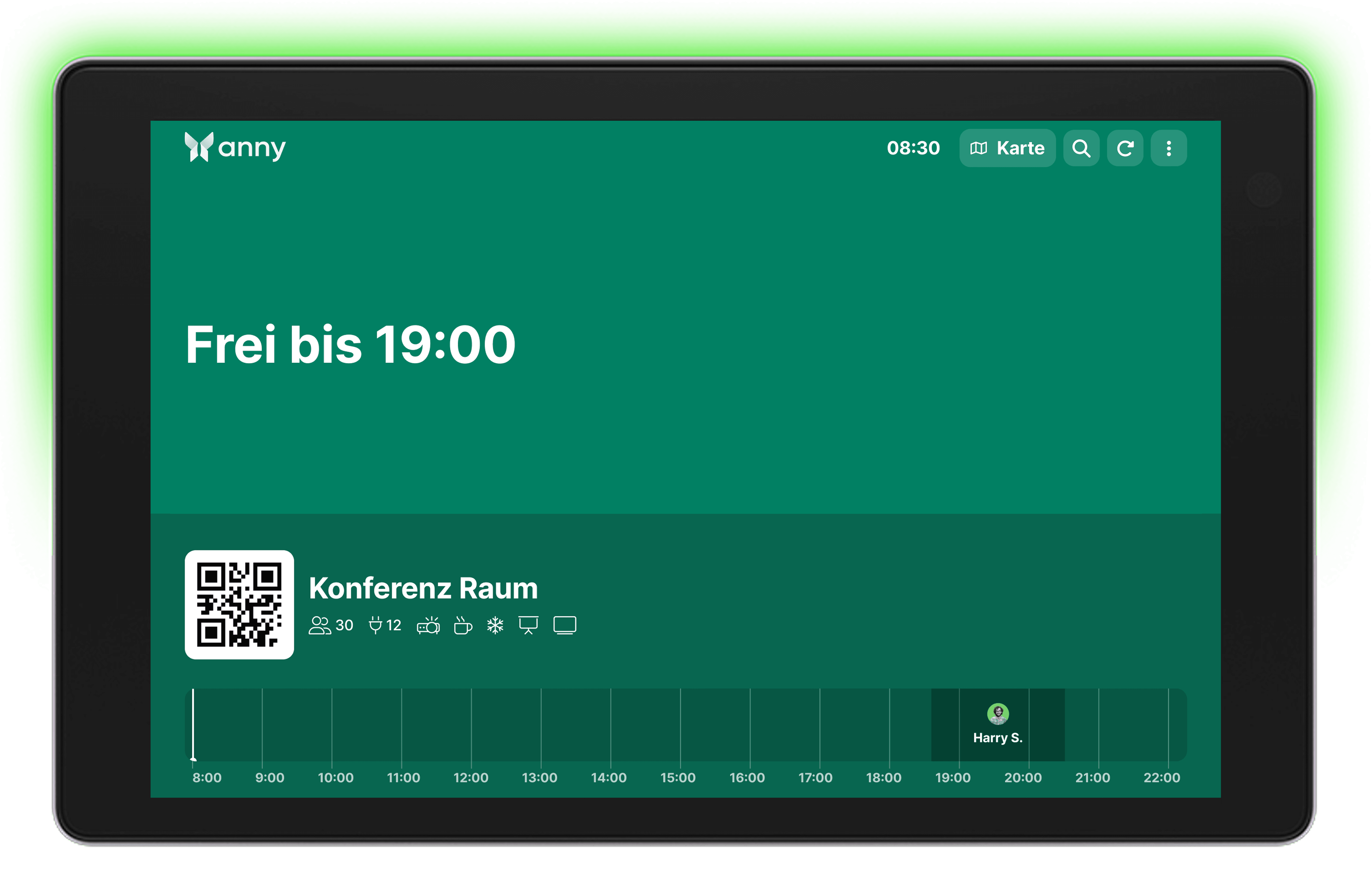
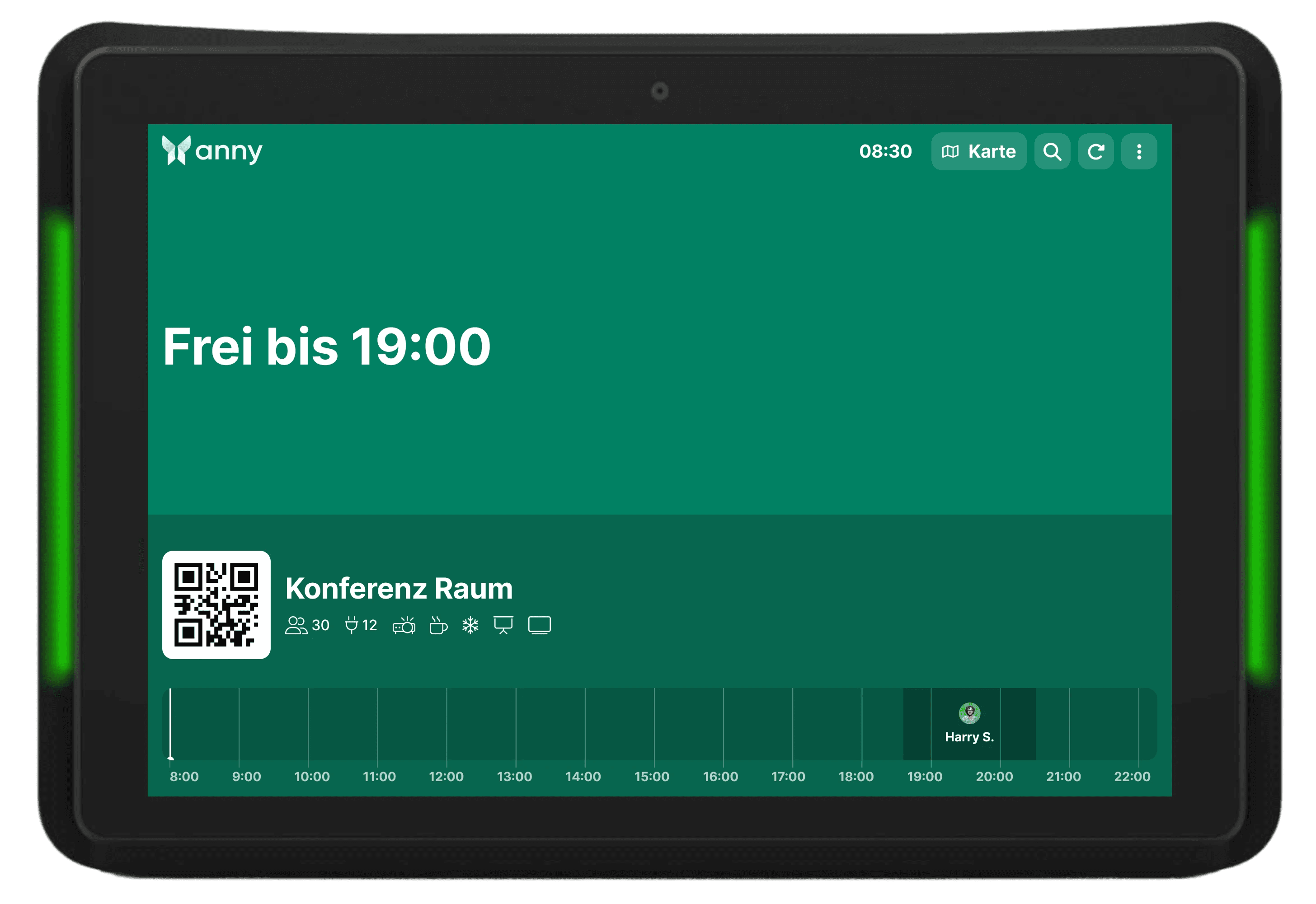
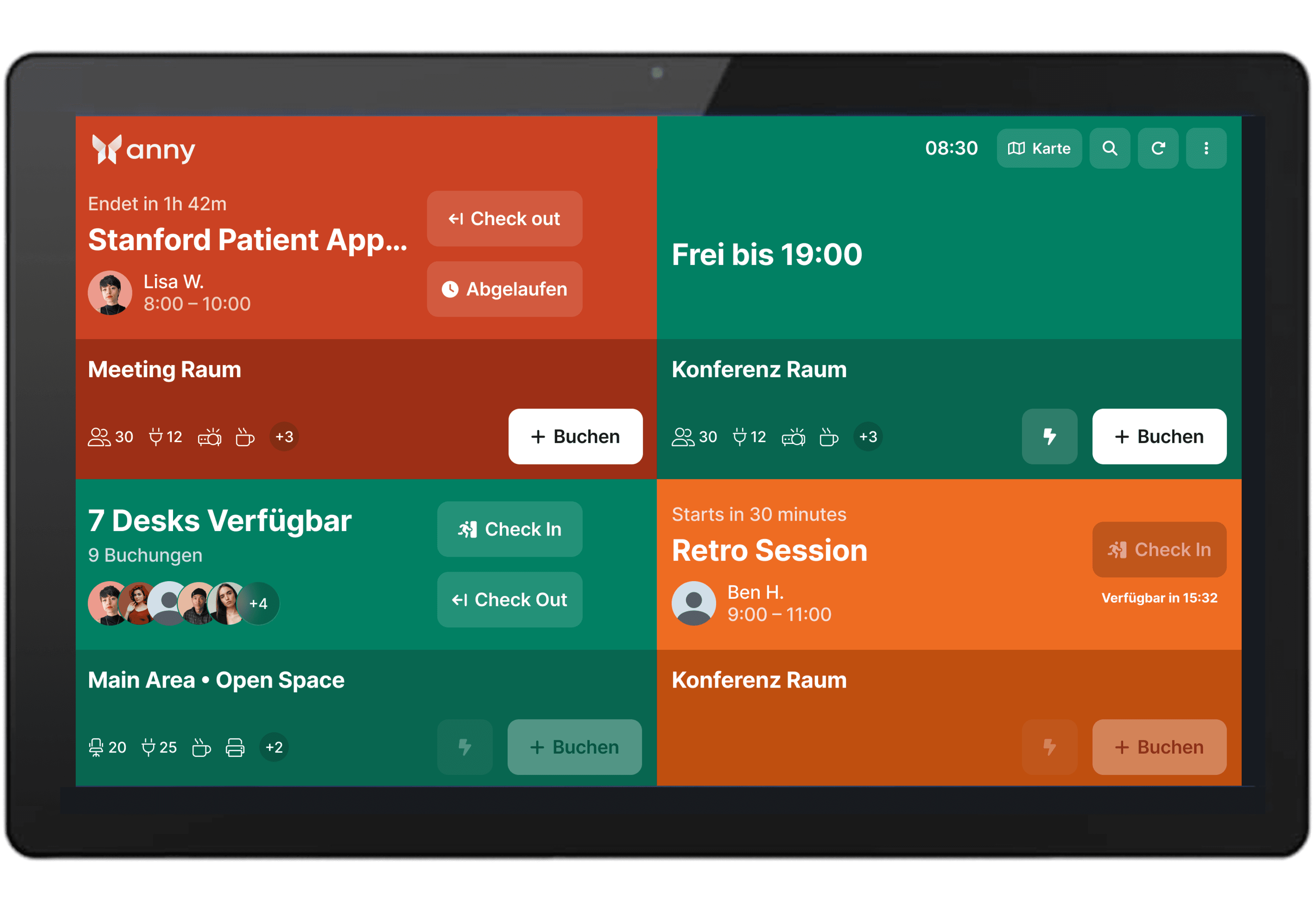
Integrate the Lenovo Tab M9 with anny's booking system and use it as a versatile room display that clearly and intuitively presents bookings and availabilities.
About Lenovo
Lenovo is a global leader in technology manufacturing, developing computers, laptops, tablets, smartphones, and smart office devices. The company offers robust and high-performance hardware for both business and personal users.
Clear Overview in a Compact Format
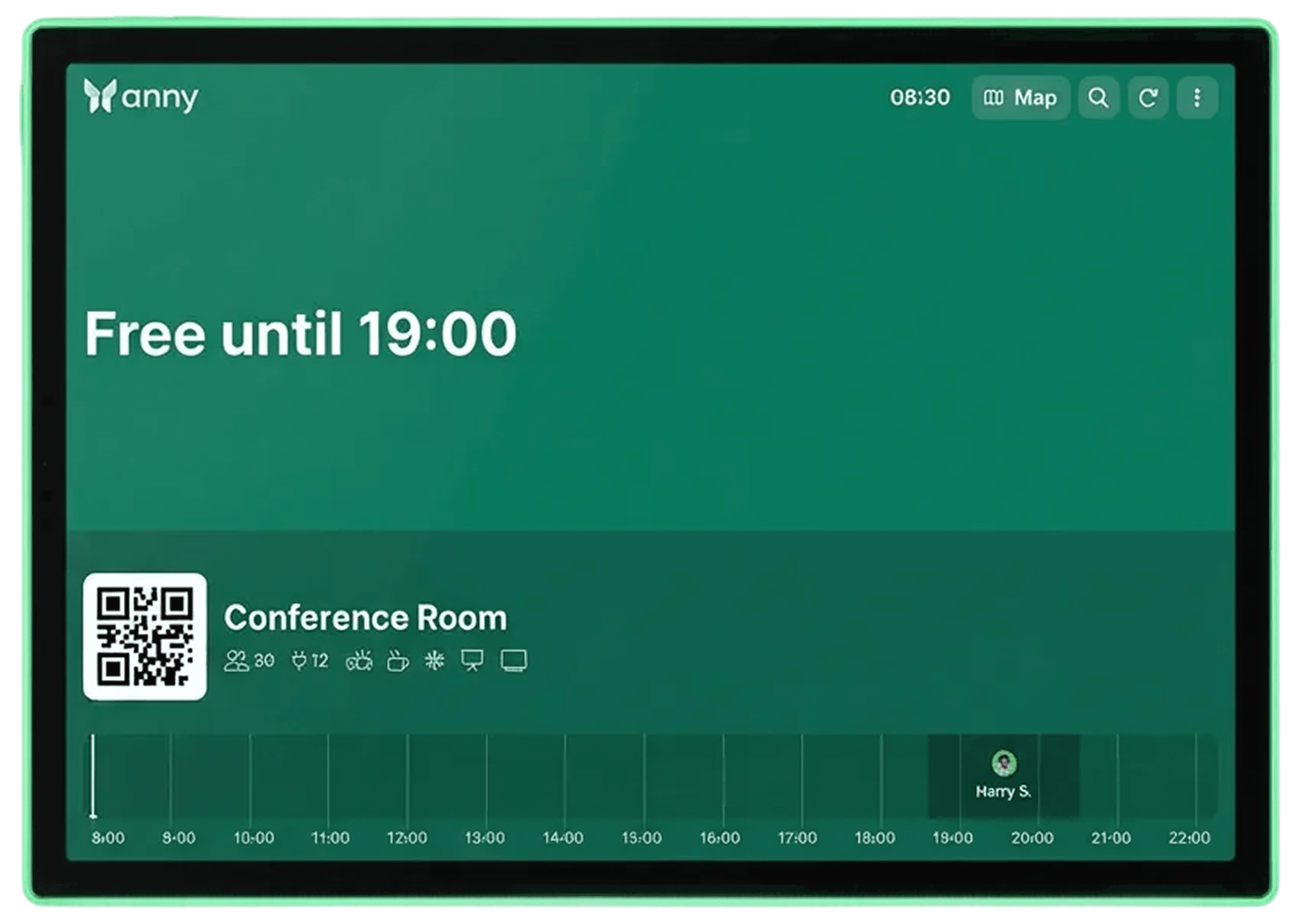
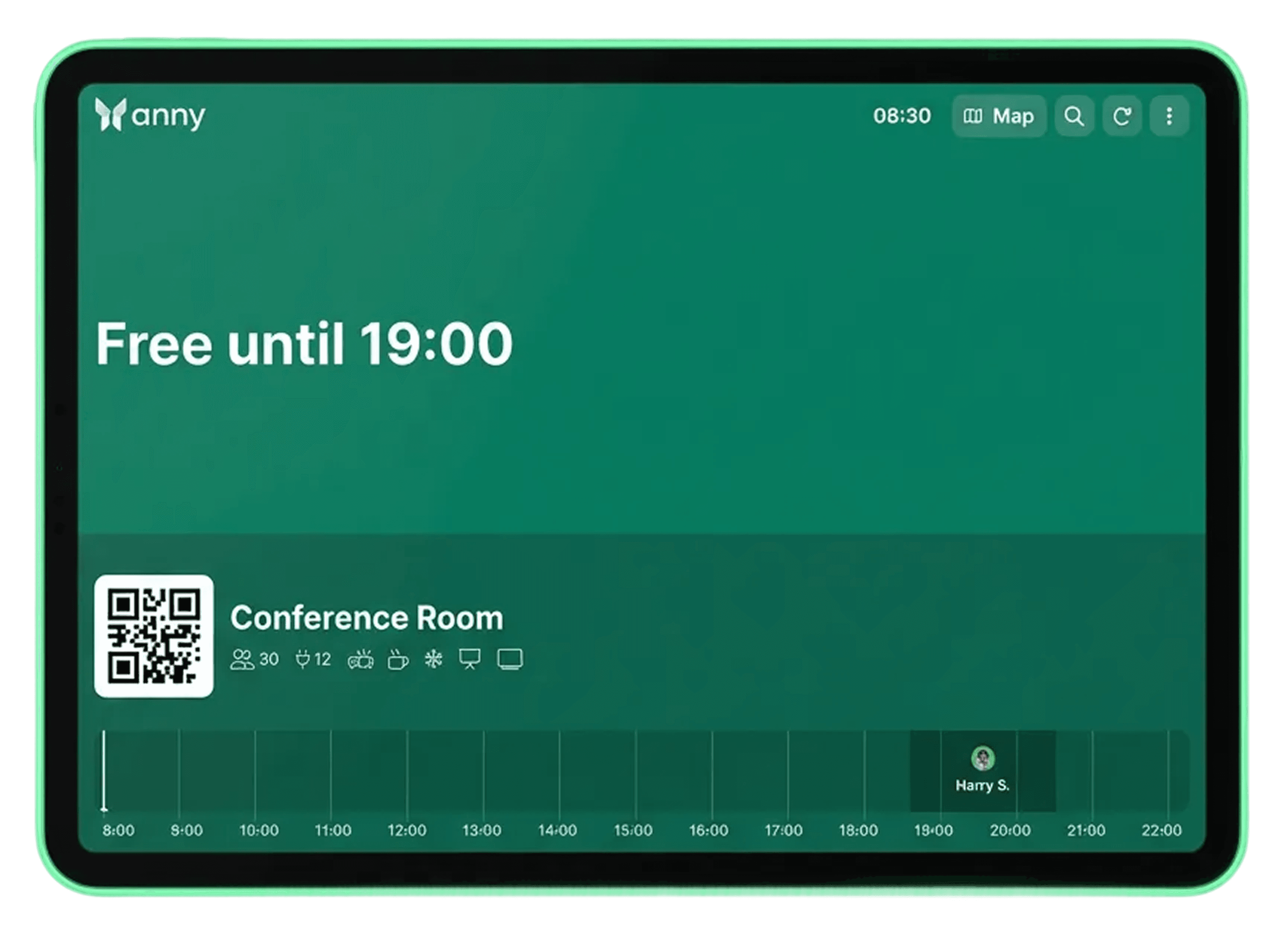
The Lenovo Tab M9 features a 9-inch display that clearly and legibly showcases bookings and room status even from a distance. Its compact size, long battery life, and flexible mounting make it ideal as a room display for offices and meeting areas.
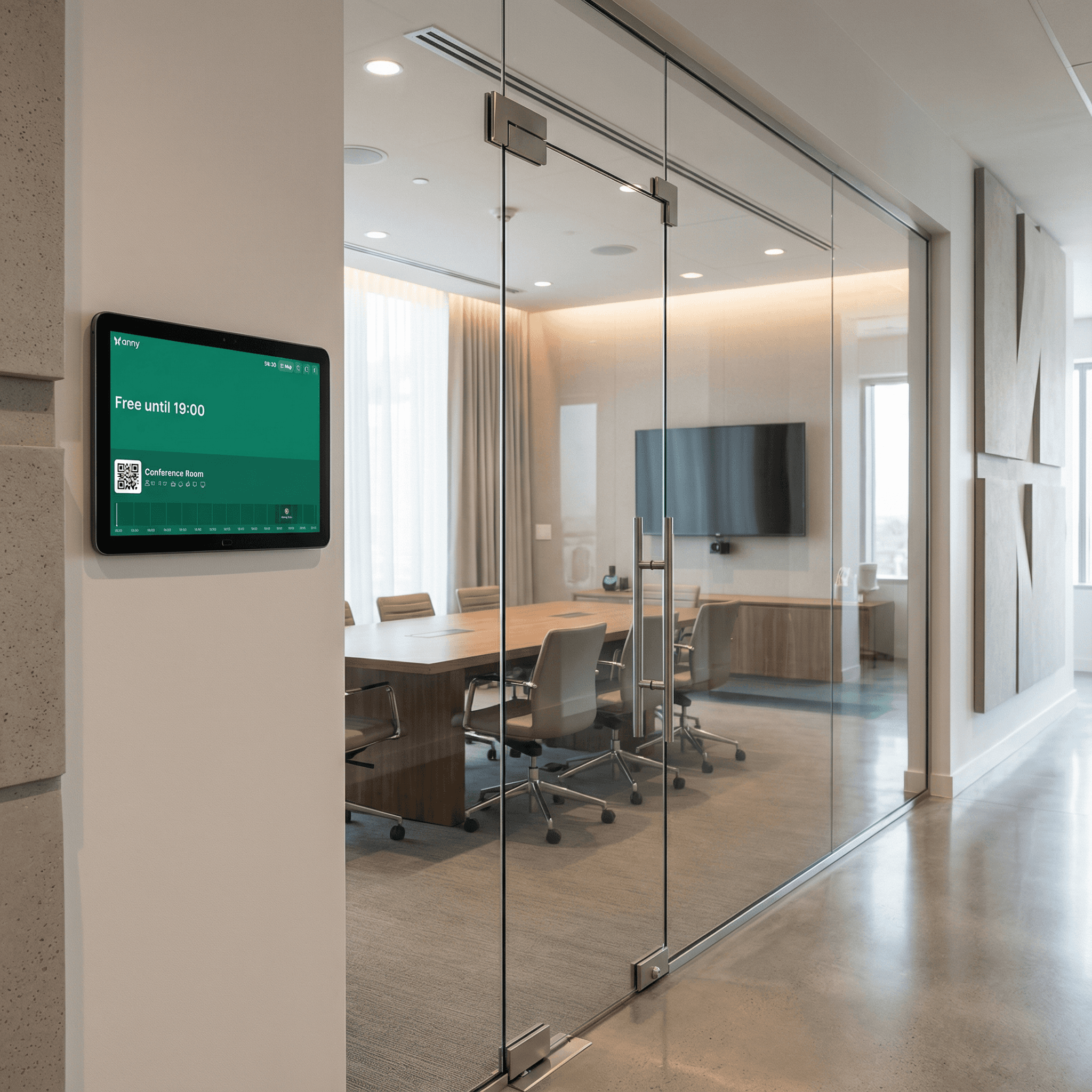
Interactive capture directly on the display
With its touch functionality, the Lenovo Tab M9 enables intuitive operation, allowing bookings and check-ins to be completed directly on the device. The integrated camera also allows check-ins via QR code.
How it works, step by step
Install the anny Display App on your tablet (App Store, Play Store). The first time you open it, you'll see the QR code for pairing here.
For anny.eu and On-Prem customers, select your Data Host Region beforehand.
Open the anny Admin area in a web browser on another desktop to connect your resources with your display.
Select the Displays tab in the left navigation bar.
Click the "Pair Display App" button at the top right and enter the 6-digit code shown by the app.




Try for free
Try anny for yourself and discover how easy digital resource management can be. Test all features with no obligation and see how anny makes your day-to-day work more efficient from the start.






