


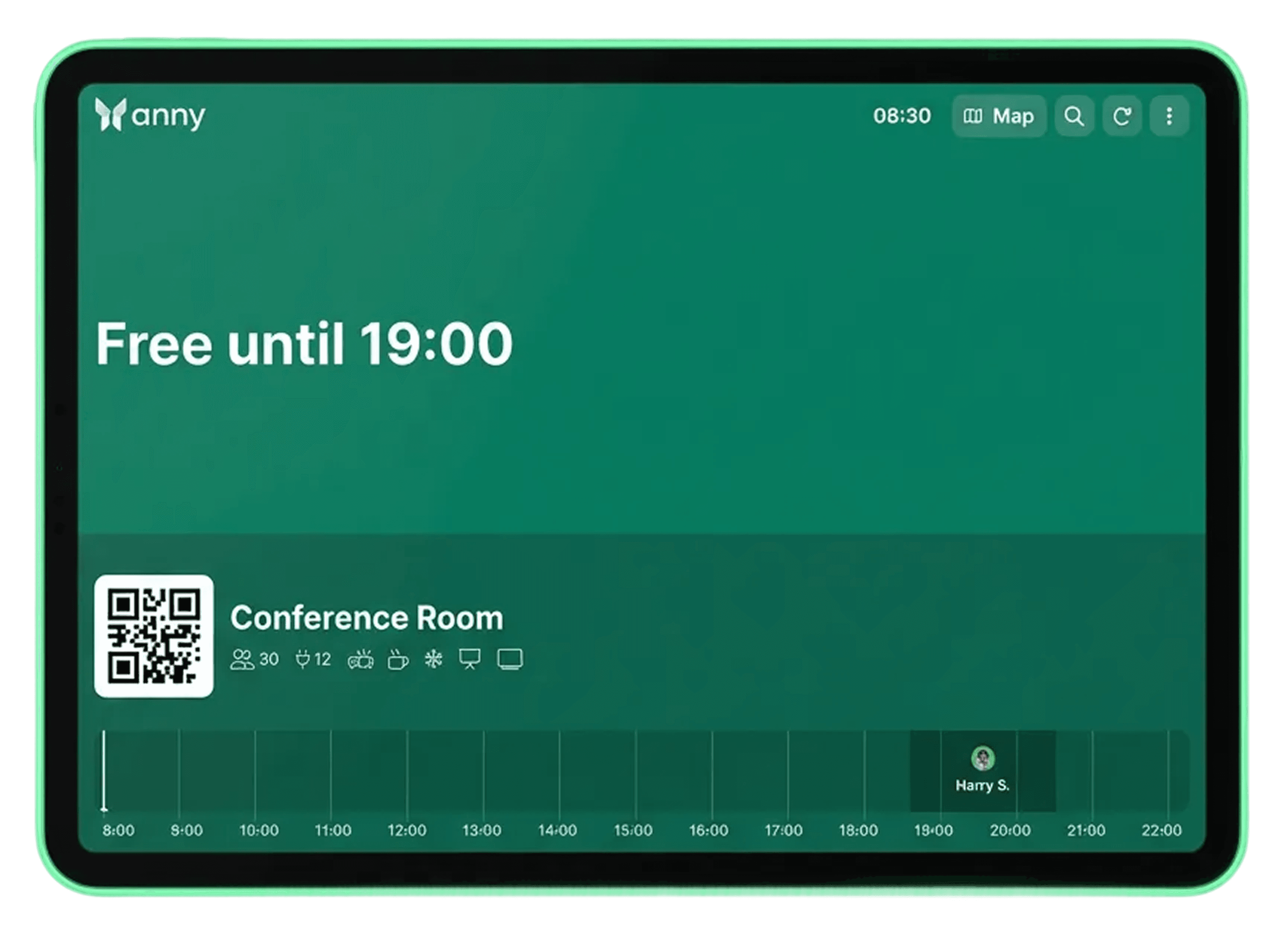
Display room status in color on ProDVX Android panel PCs
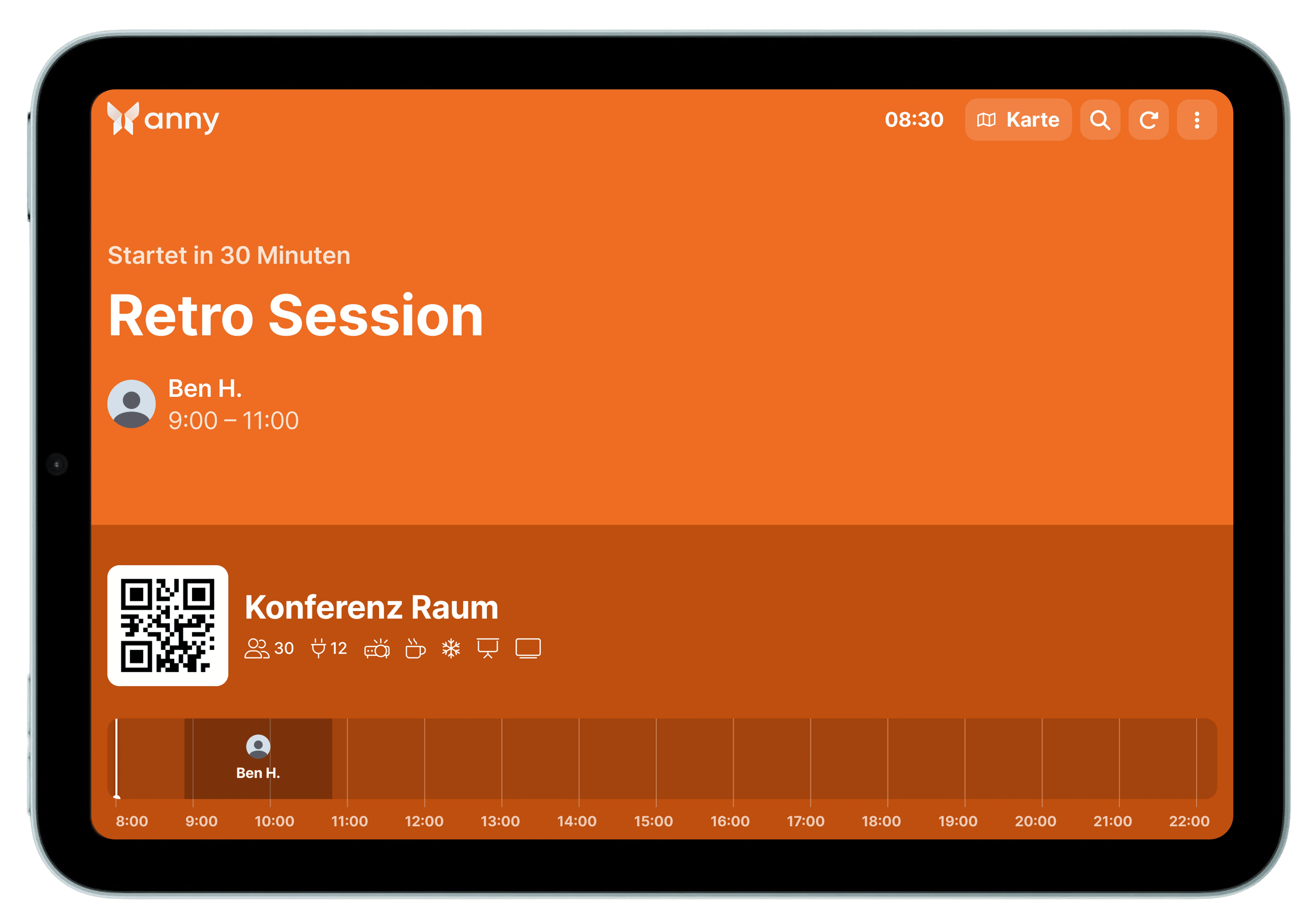
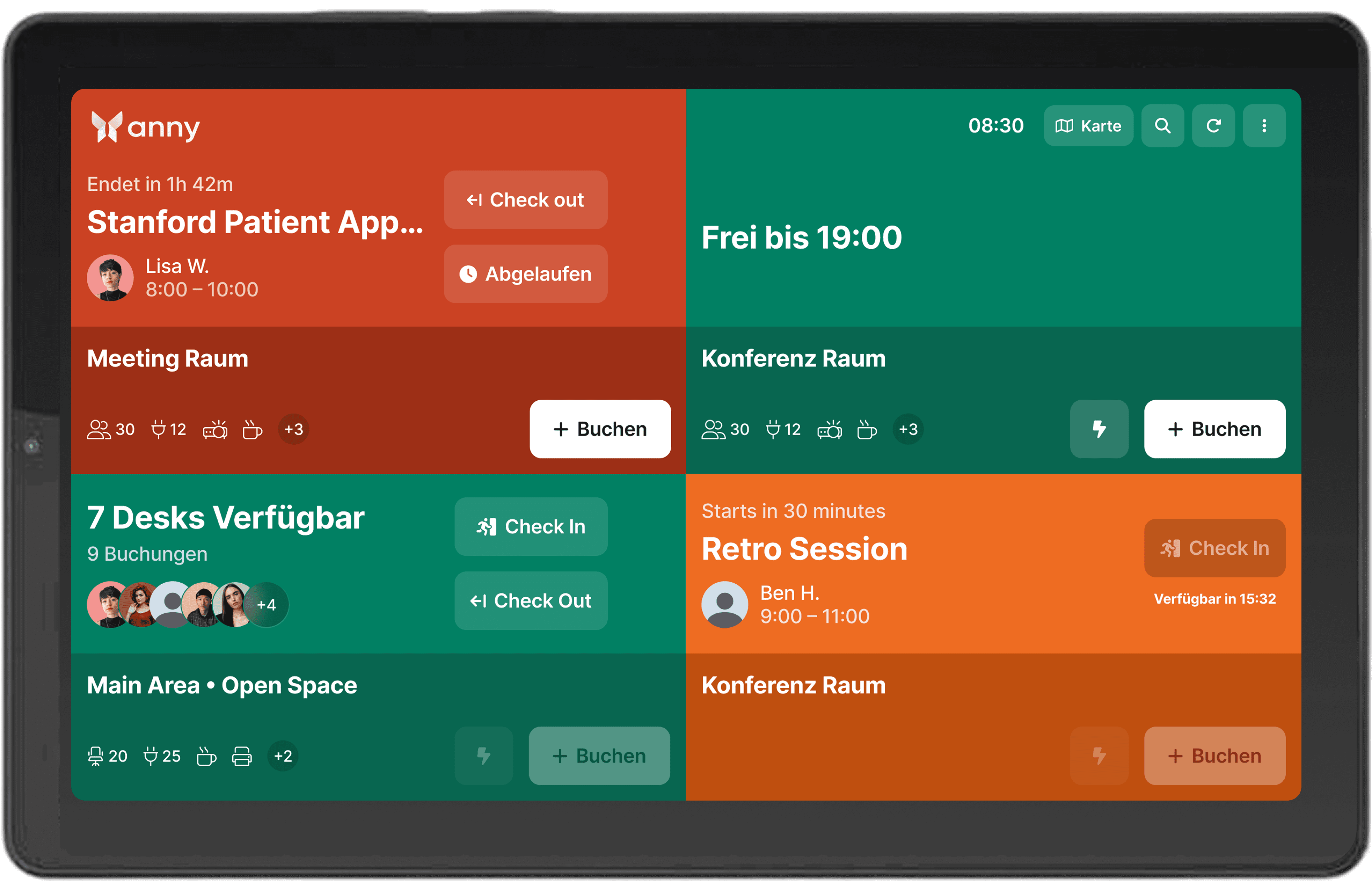
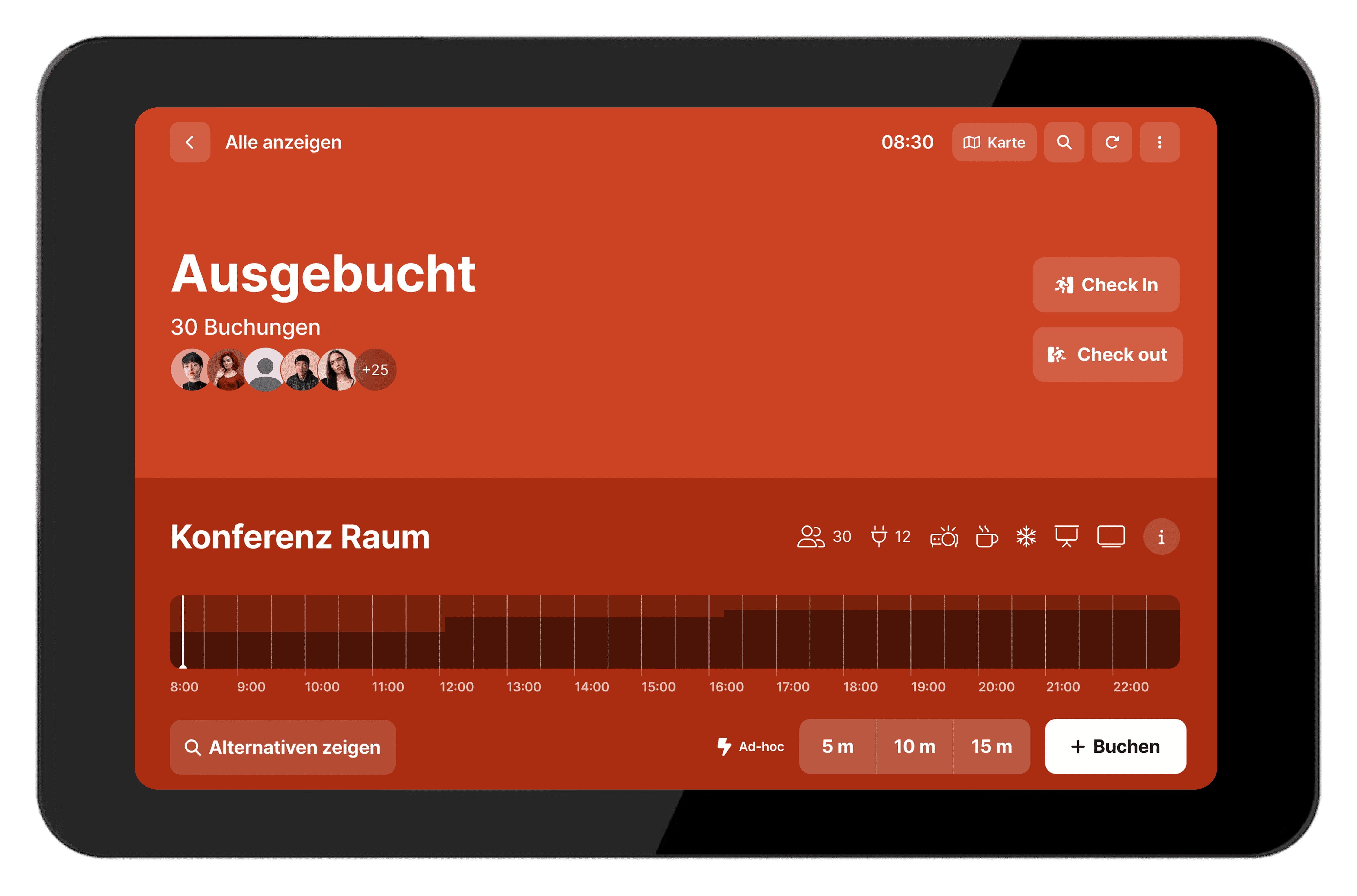
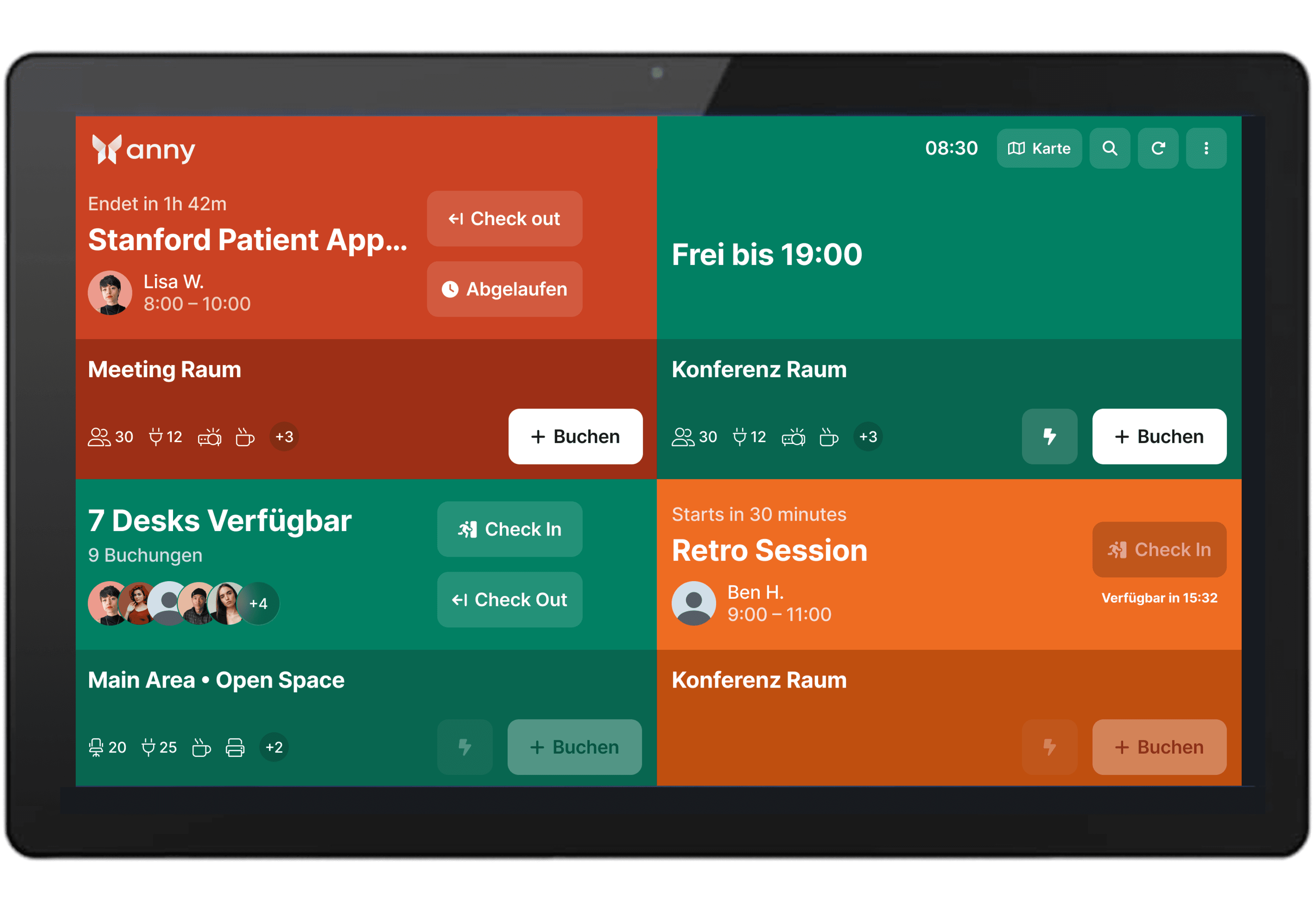
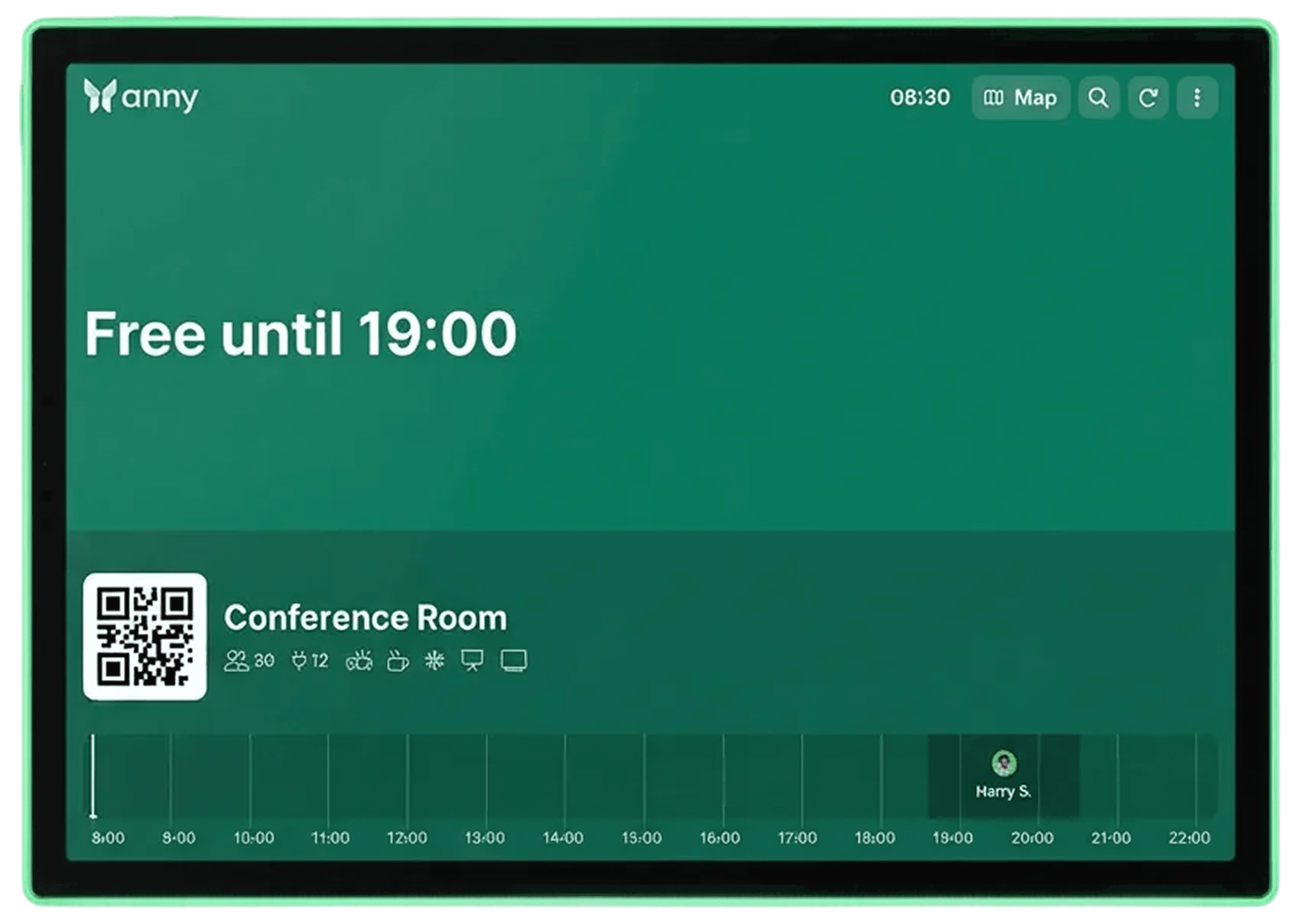
Integrate the ProDVX Android Panel PCs of the S-Series with anny's booking system to display bookings, room status, and availability automatically and in real-time directly at the room.
About ProDVX
ProDVX is a manufacturer of professional digital signage and hardware solutions, specializing in interactive displays designed for continuous operation. These devices are frequently used for room displays, check-in systems, and visitor guidance.
Optimize your room bookings with display technology
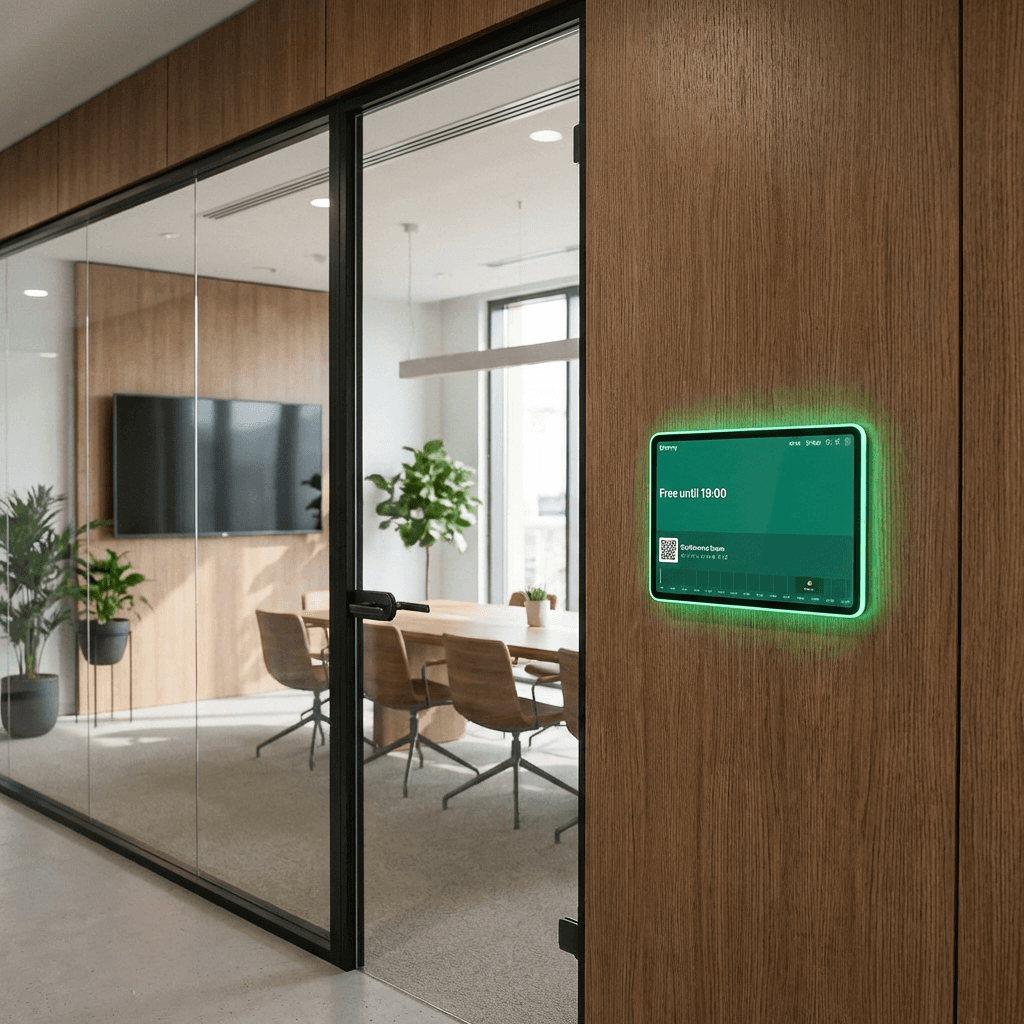
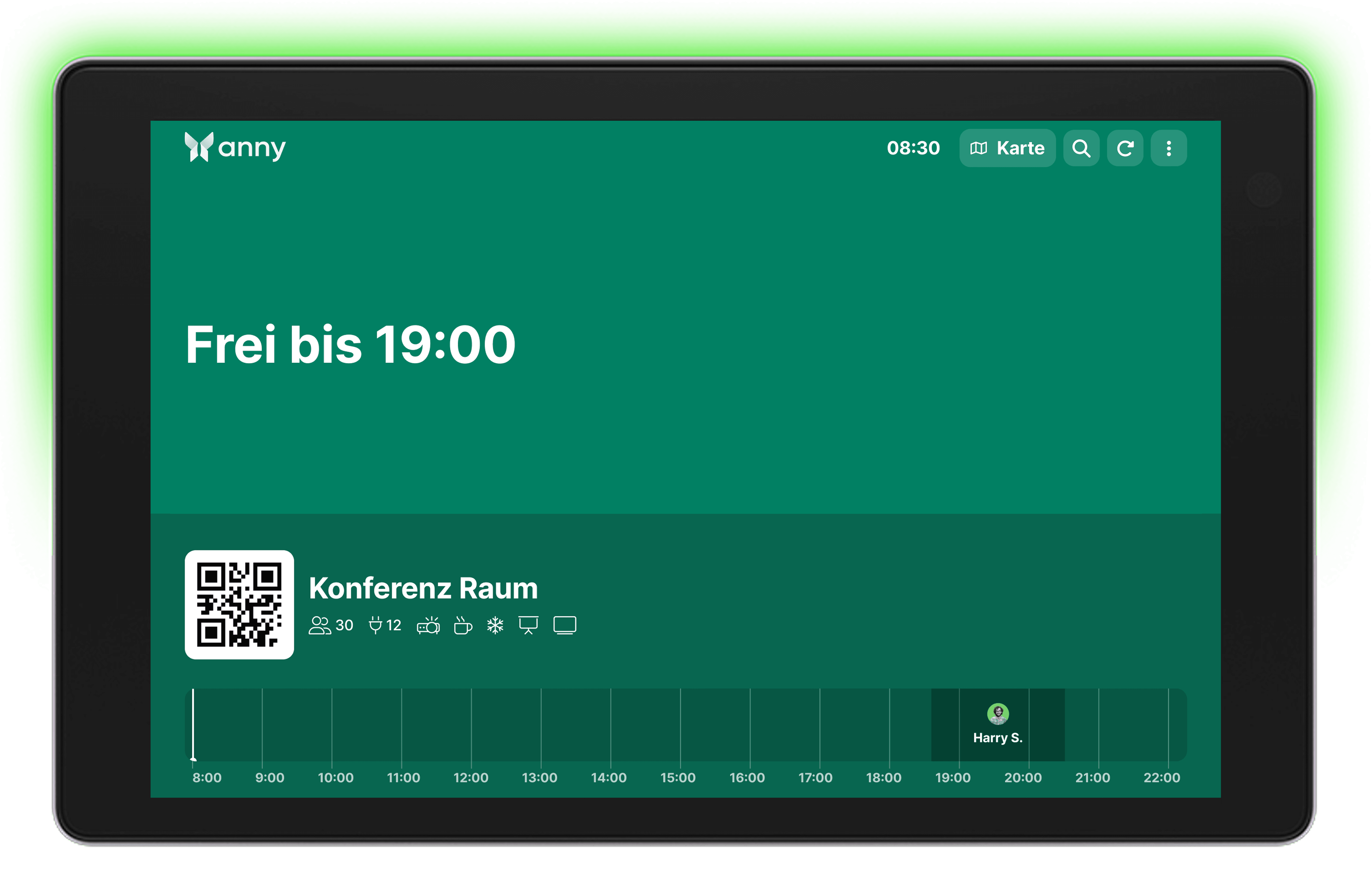
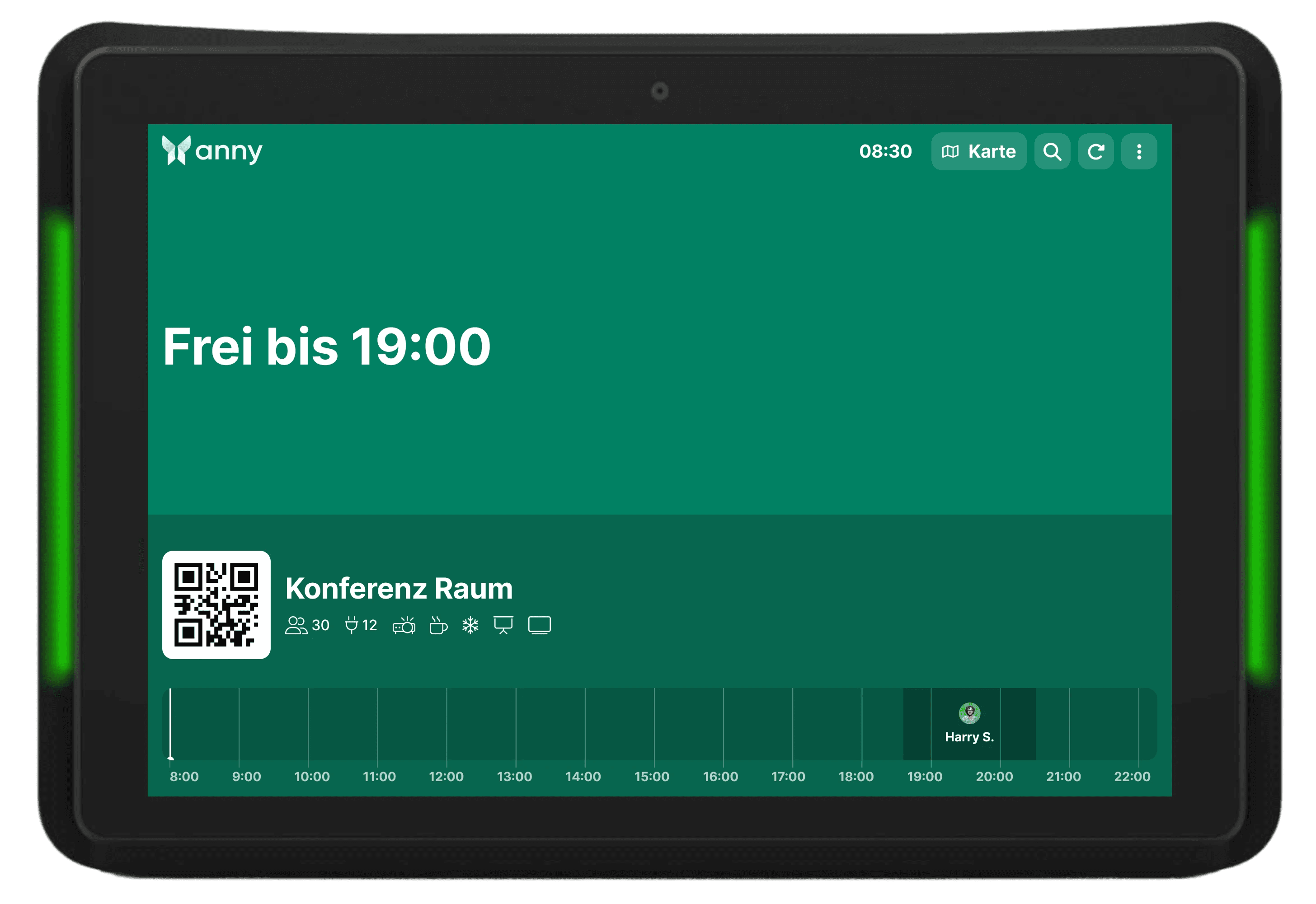
The ProDVX Android Panel PCs come equipped with an integrated camera, NFC, precise touchscreen, PoE, and highly visible status LEDs, providing the exact features modern room management needs. This allows users to quickly identify rooms and book them directly on the display.
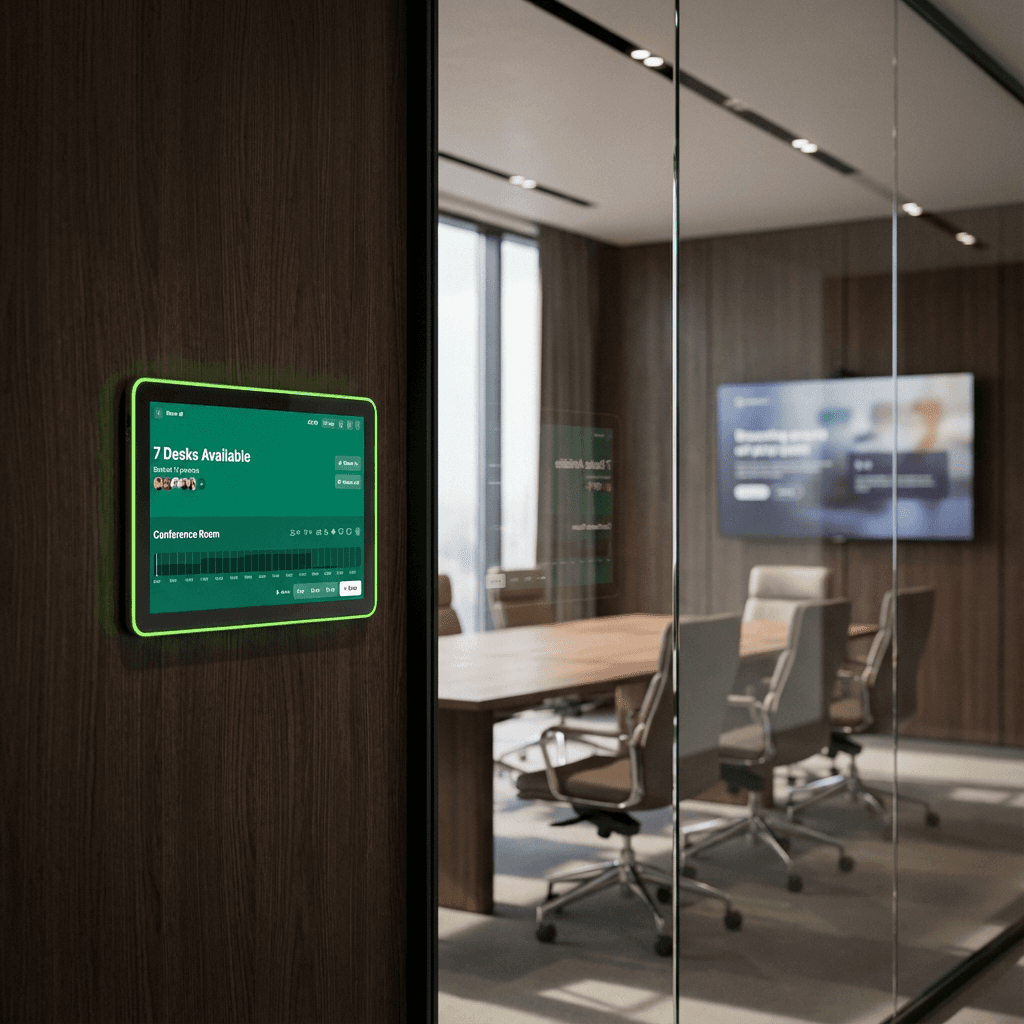
LED strip for maximum visibility
An integrated LED strip in the panel PCs visually indicates the current room status. Users can immediately see whether a room is available, occupied, or soon to be reserved.
Compatible with your hardware
Easily connect anny with your hardware solution of choice:
APPC-10SFA
APPC-10SFN
APPC-10SF
APPC-10S
APPC-10SLBe
APPC-10SLB
APPC-10SLBN
How it works, step by step
Install the anny Display App on your tablet (App Store, Play Store). When you open it for the first time, the QR code for pairing will be displayed here.
For anny.eu and On-Prem customers, select your Data Host Region in advance.
Open the anny admin area in your web browser on another desktop to connect your resources with your display.
Select the Displays tab in the left navigation bar.
Click on the "Pair Display App" button at the top right and enter the 6-digit code shown by the app.


Try for free
Try anny for yourself and discover how easy digital resource management can be. Test all features with no obligation and see how anny makes your day-to-day work more efficient from the start.






