


Use Android displays as digital door signs
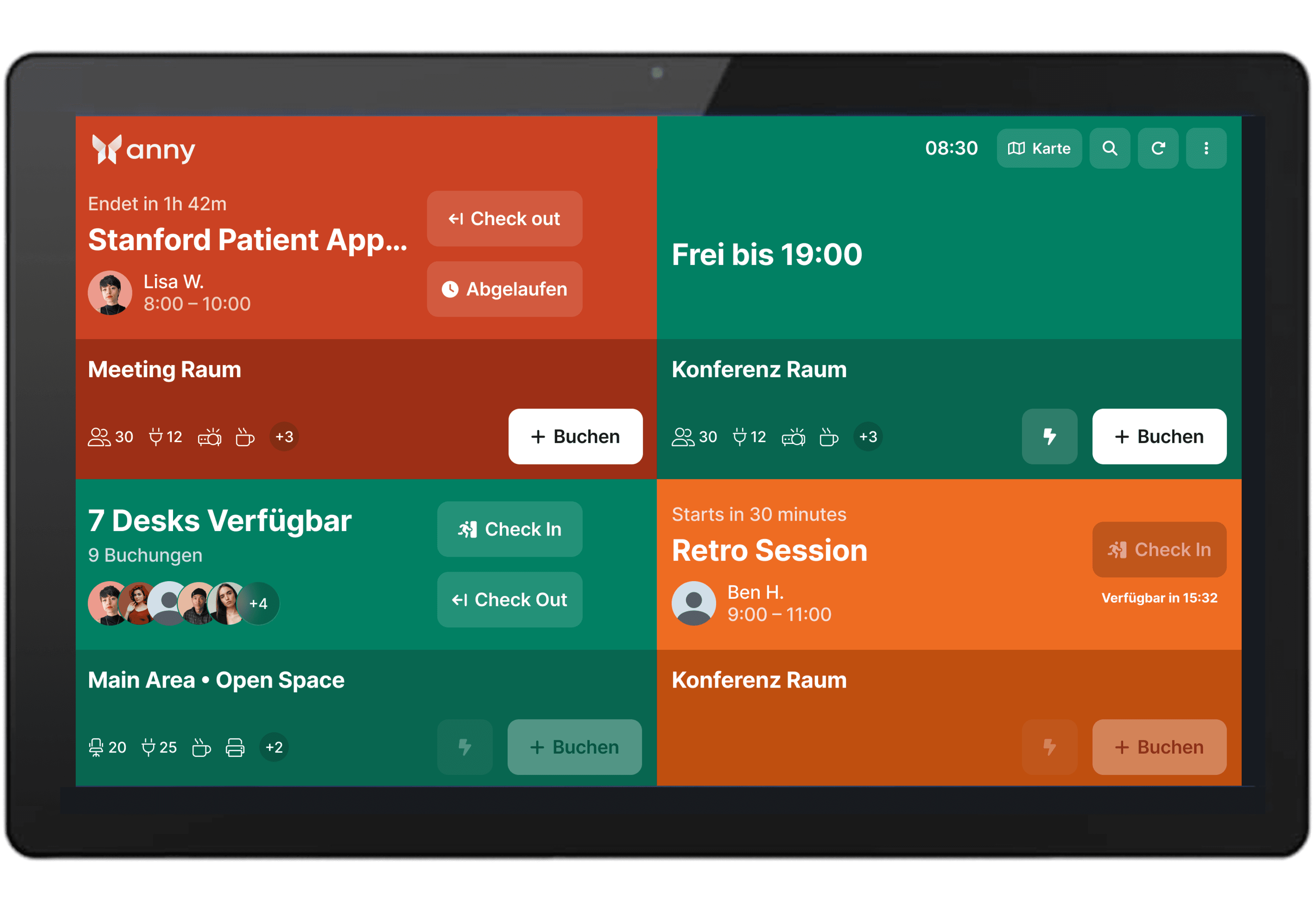
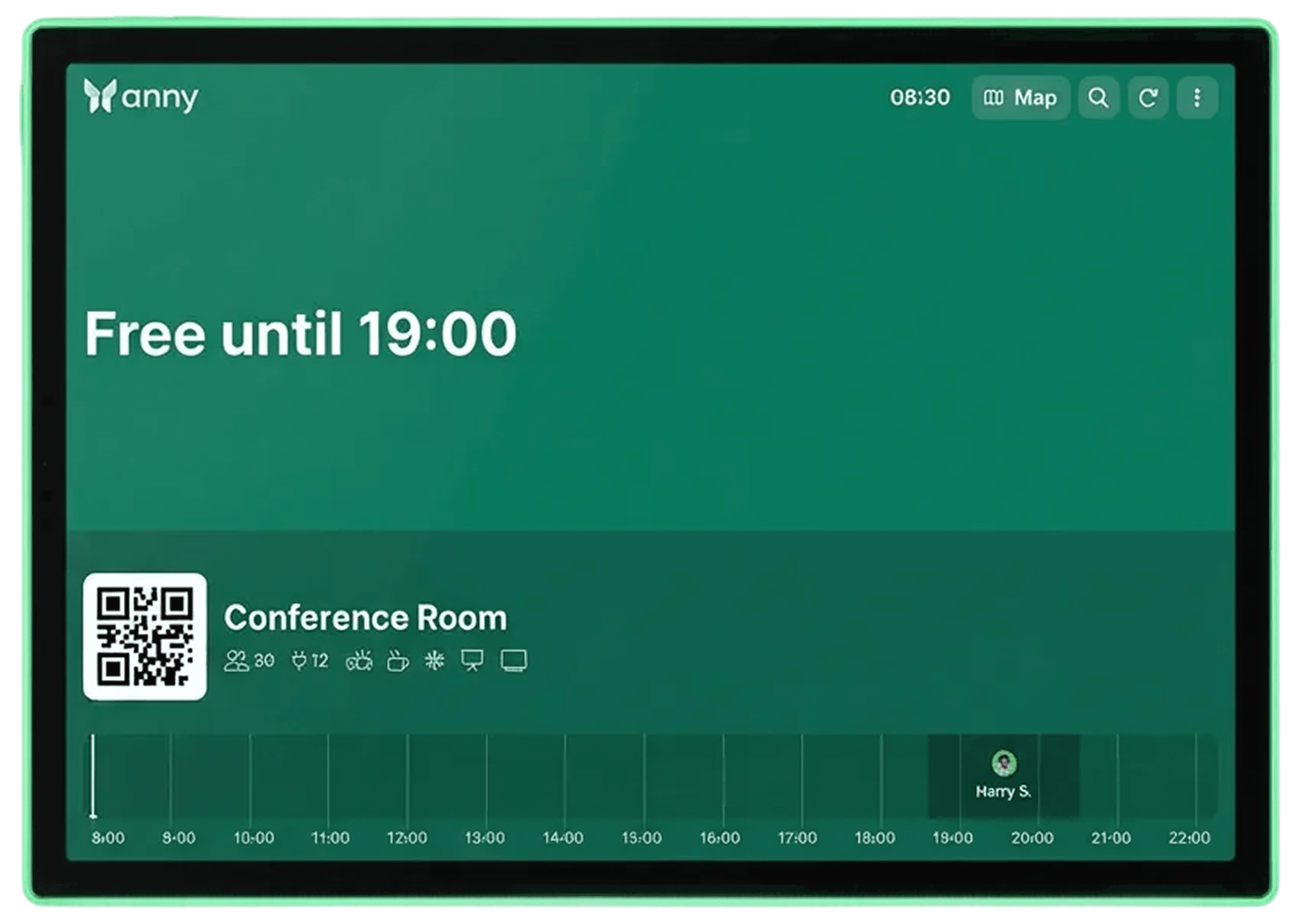
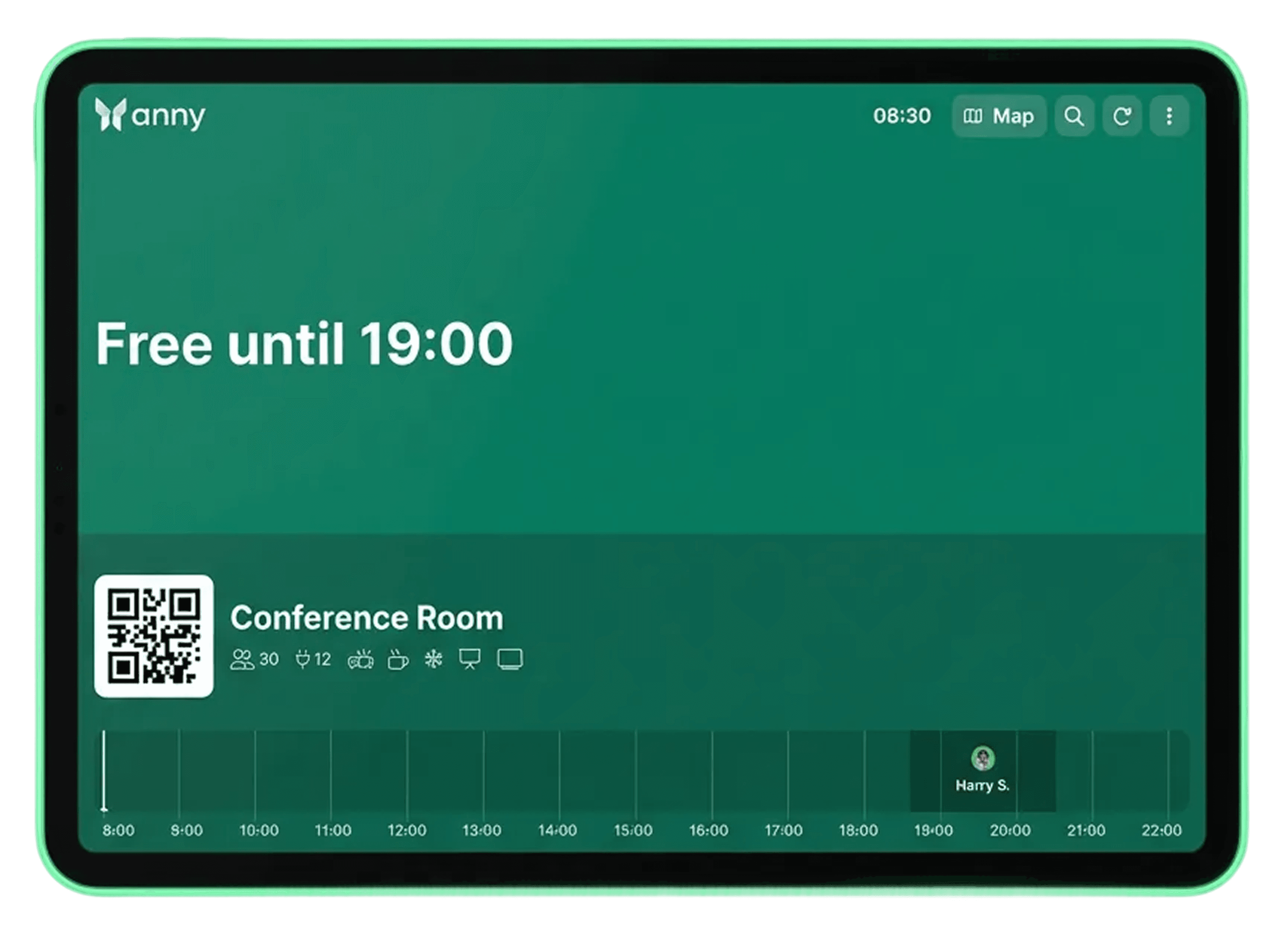
Integrate Android displays with anny's booking system to show room status and booking details in real-time.
About Android
Android is a mobile operating system developed by Google, running on smartphones, tablets, and a wide variety of devices like Smart TVs, wearables, and displays. It's open-source, highly customizable, and the most widely used operating system for mobile devices worldwide.
Use the Android display of your choice for clear room information right at the door.
With anny, you can integrate any Android display. Tailor your sign setup to seamlessly fit your facilities and systems.
Optimize your space usage with real-time on-site insights
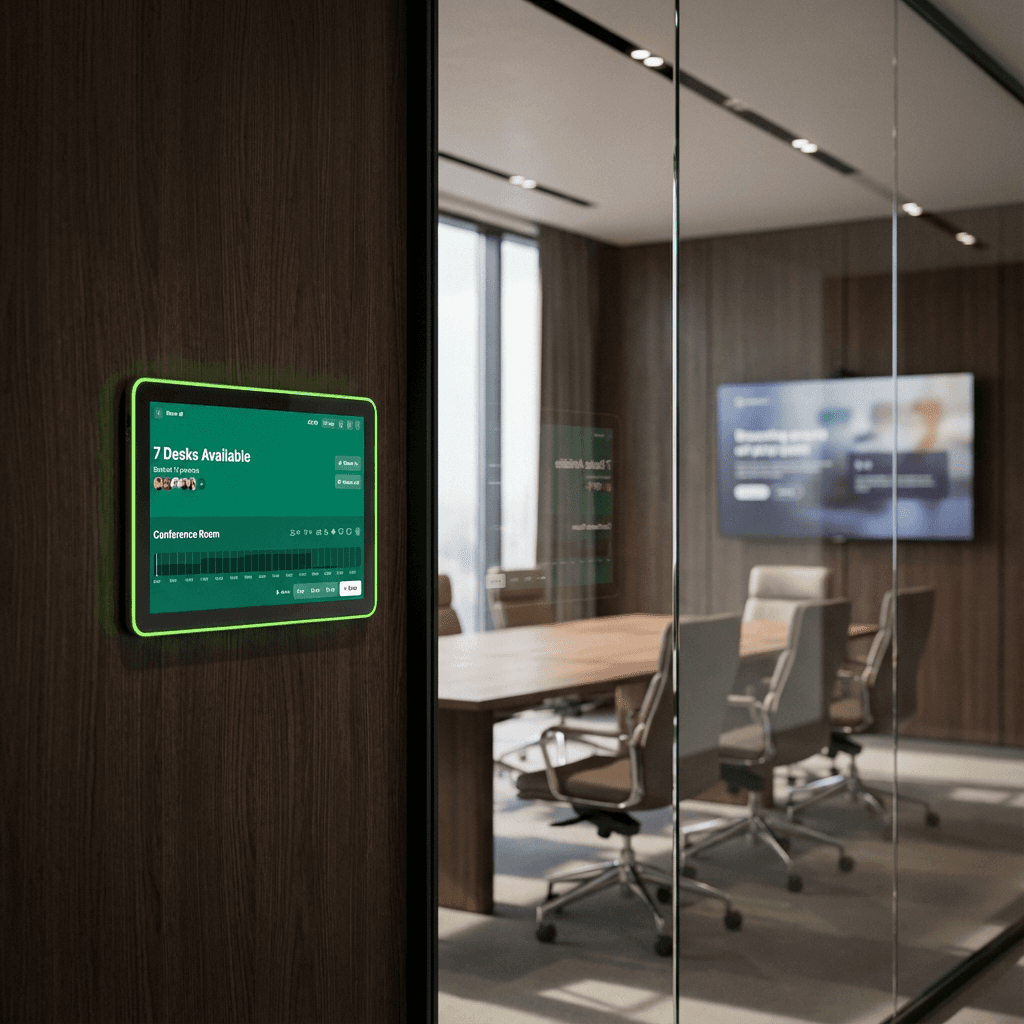
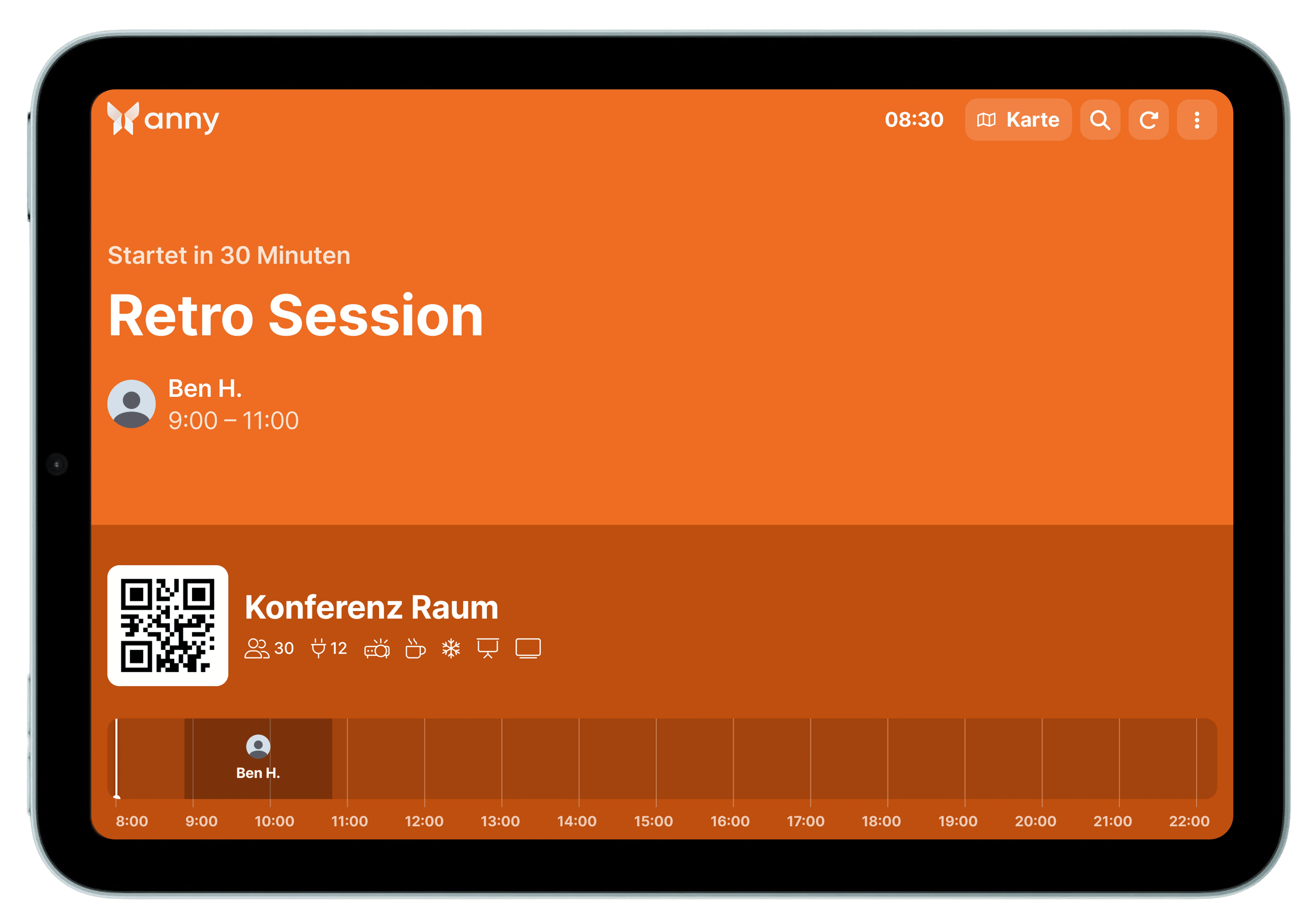
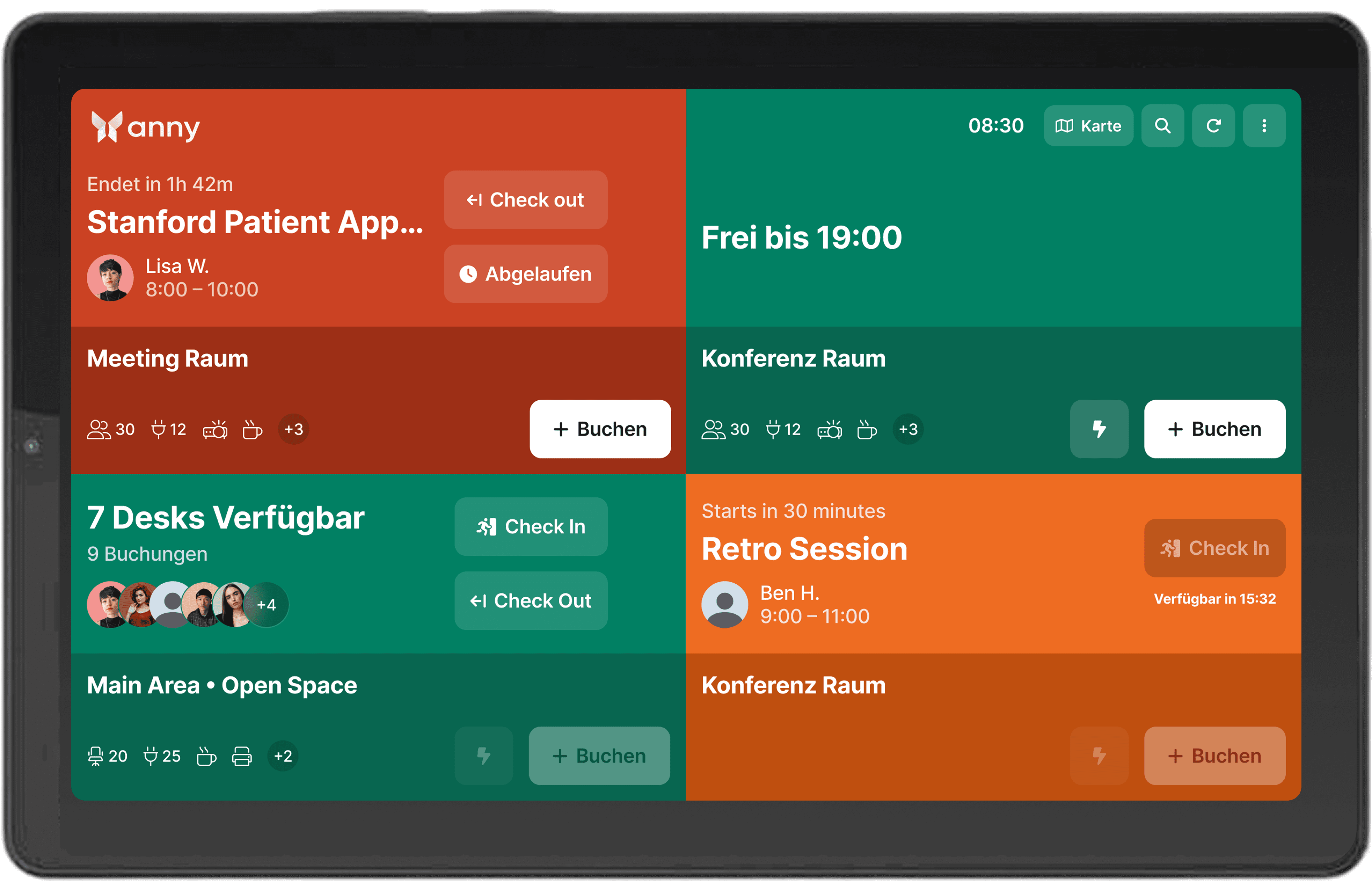
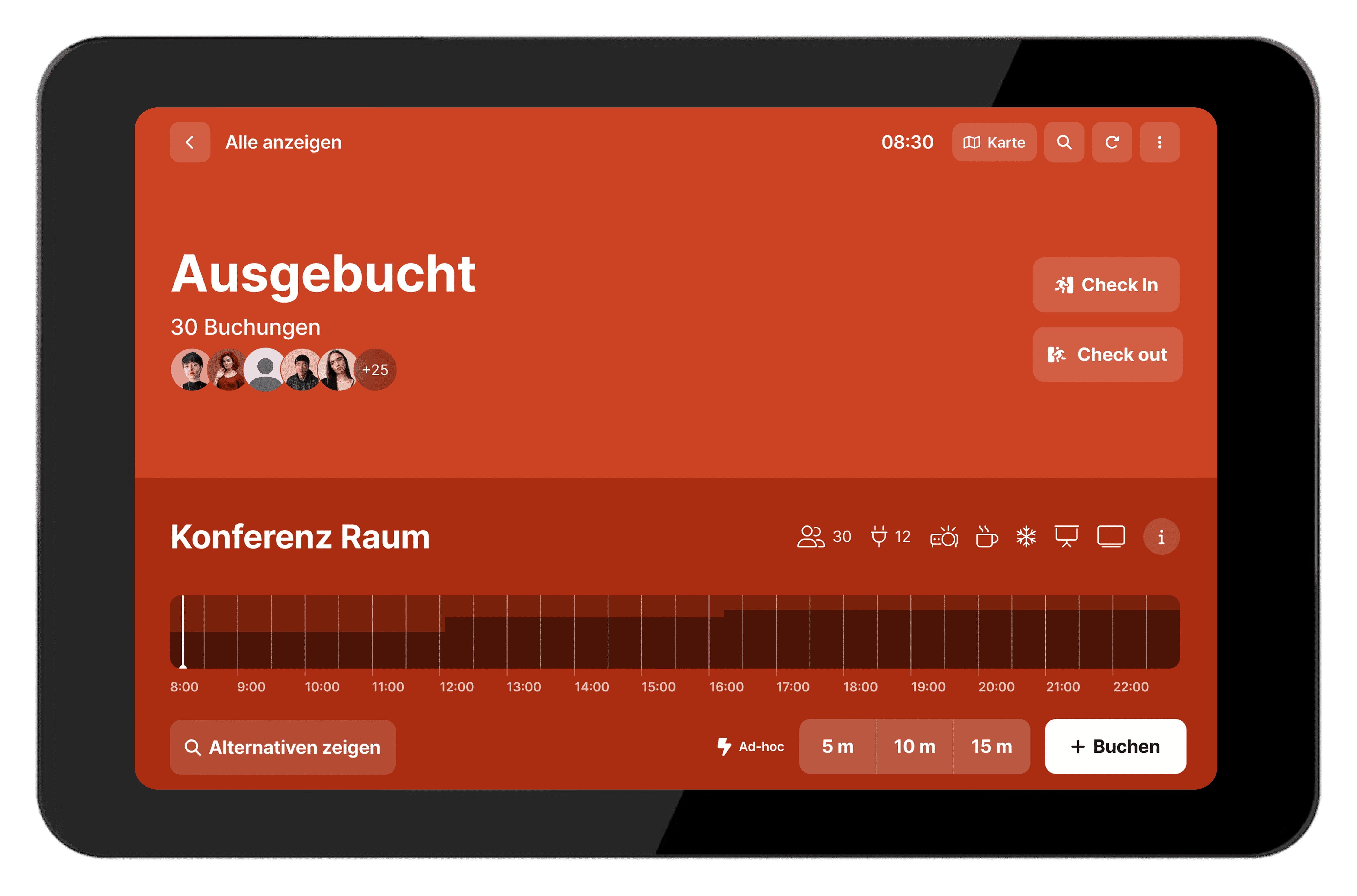
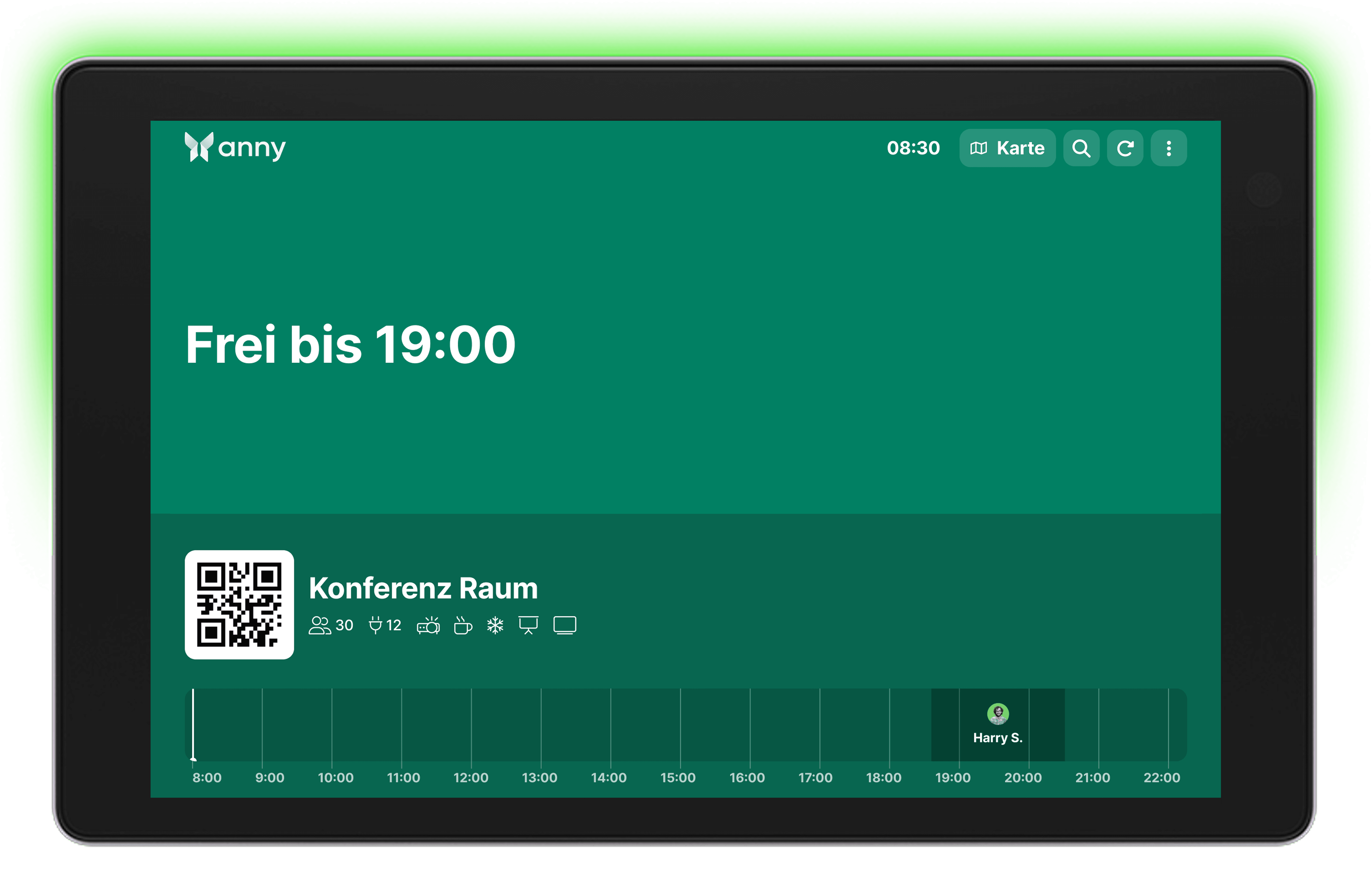
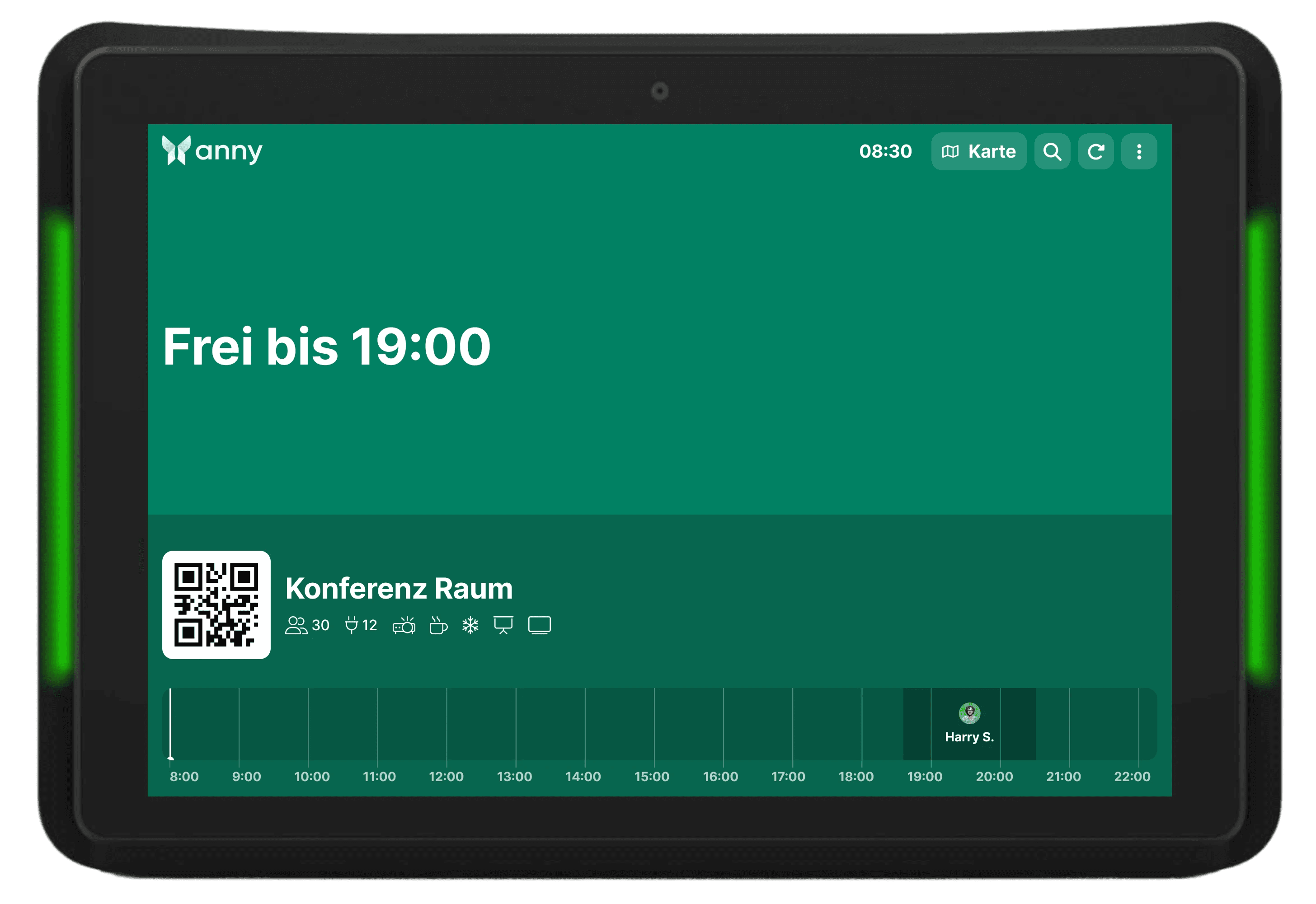
Room displays provide maximum transparency right on site. Users can see at a glance whether a room is free, occupied, or about to be reserved. By connecting with anny, all bookings are automatically updated in real-time. This way, you prevent double bookings and ensure efficient use of your spaces.
How it works, step by step
Install the anny Display App on your tablet (App Store, Play Store). The QR code for pairing will be shown here the first time you open it.
For anny.eu and on-prem customers, select your data host region in advance.
Open the anny admin area in a web browser on another computer to connect your resources to your display.
Select the Displays tab in the navigation bar on the left.
Click the "Pair Display App" button in the top right and enter the 6-digit code shown by the app.


Try for free
Try anny for yourself and discover how easy digital resource management can be. Test all features with no obligation and see how anny makes your day-to-day work more efficient from the start.






