



Accelerate logins with SAML integrations
Integrate SAML with the booking system from anny and enable seamless single sign-on authentication for all users.
About SAML
SAML (Security Assertion Markup Language) is an open standard for Single Sign-On (SSO). It allows users to sign in once and then access multiple applications.
Registrations without additional logins
Enable SSO for your company in anny and benefit from seamless logins in Microsoft, Google Workspace, and your own applications.
Seamlessly integrated with your identity providers
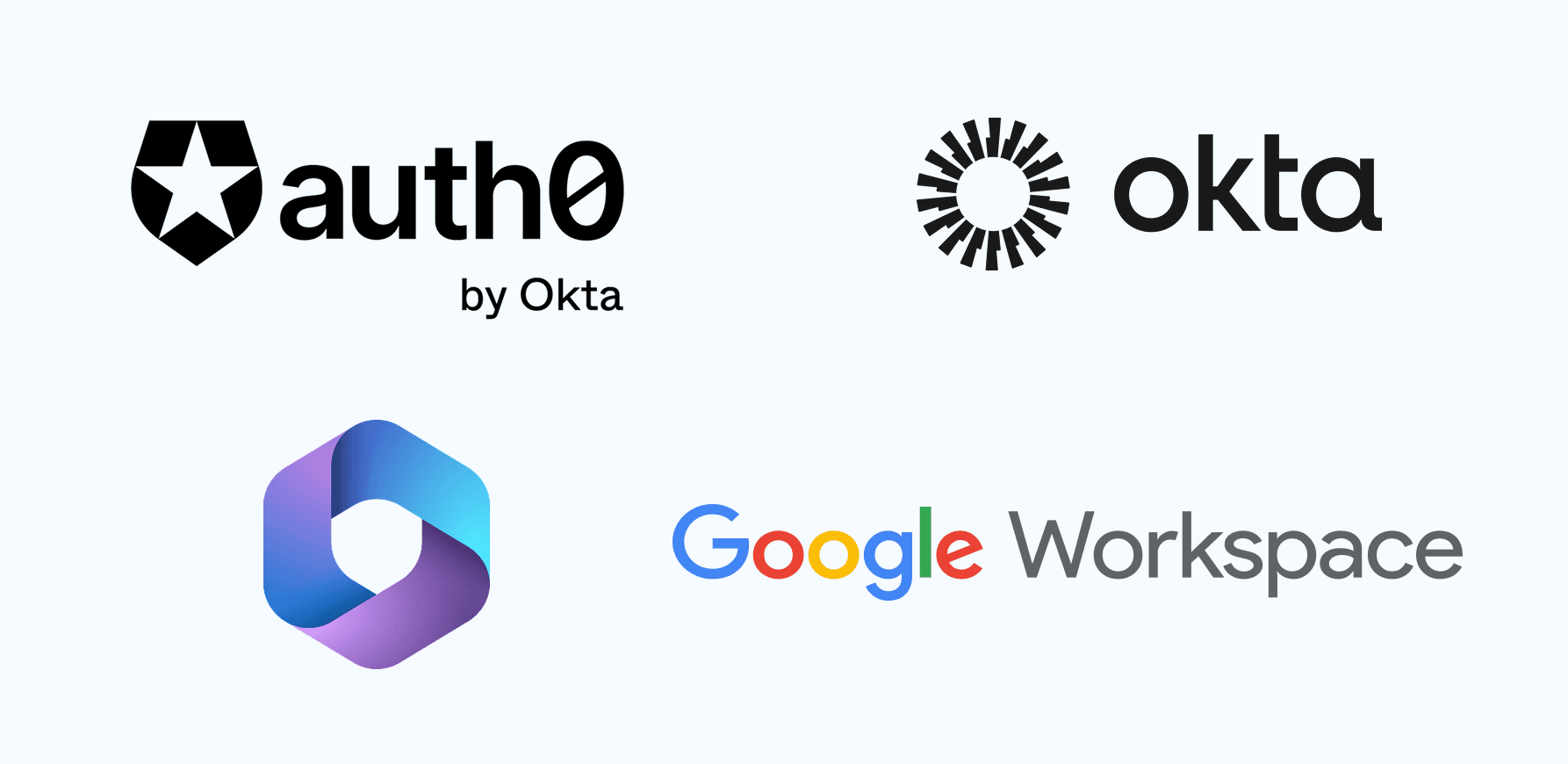
The SAML integration in anny is compatible with all common identity providers, including Google Workspace, Microsoft, and many other SAML 2.0-compliant systems. This way, your company benefits from centralized user management and unified security policies.
Manage roles and data through attribute mapping
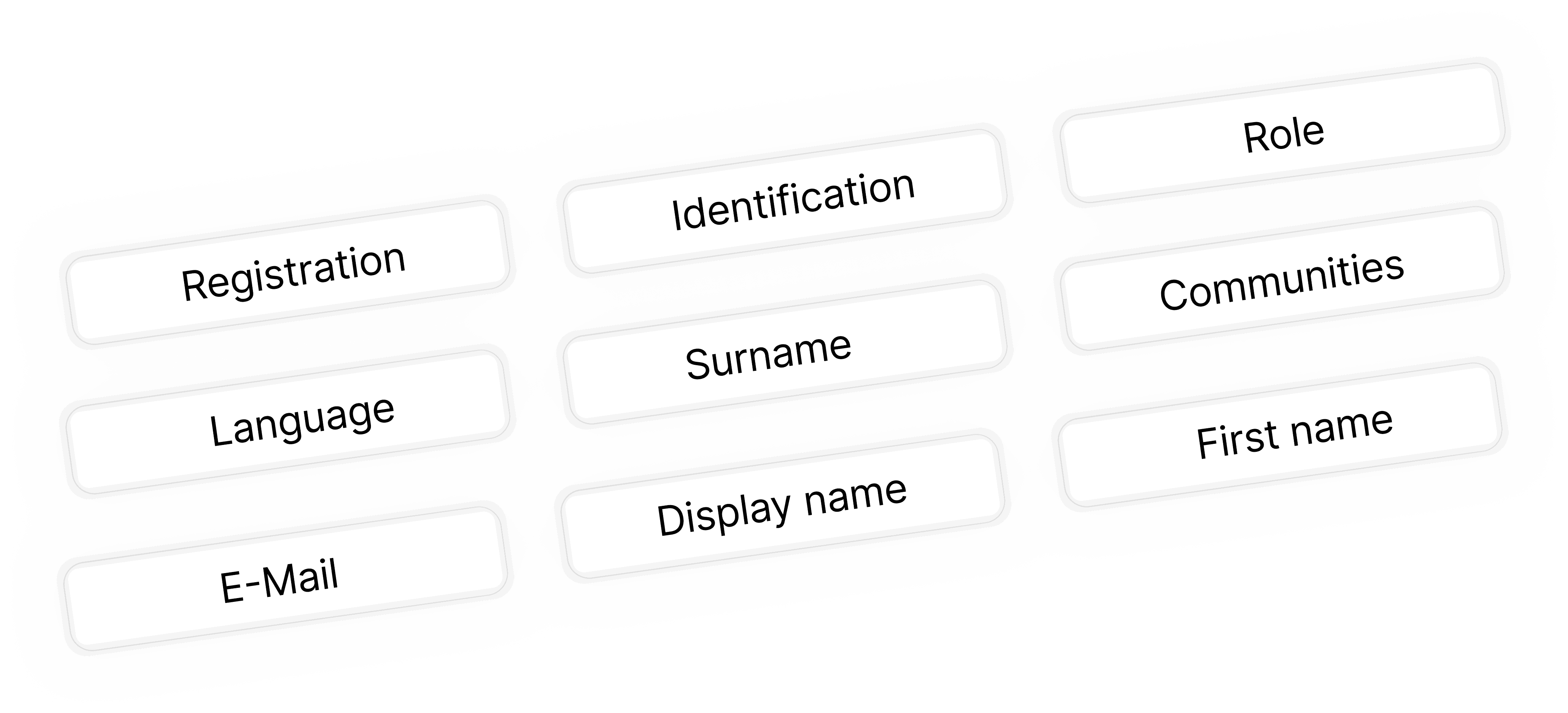
Automatically transfer user information such as names, email addresses, or roles to anny. This ensures that user profiles are created correctly without manual reworking, and permissions can be efficiently managed through your identity provider.
How it works, step by step
Go to Azure Active Directory
Create a new enterprise application via Enterprise Applications > New Application > Create your own application
Enter the name (e.g., anny SSO) and select "Integrate any other application you don't find in the gallery"
Go to Set up SSO or Single Sign-On
Select SAML
Download the Metadata XML file from anny and upload it to Microsoft via Upload metadata file
Enable attribute signing
Define who is allowed to log in
Copy the App Federation Metadata URL and save it in anny












Try for free
Try anny for yourself and discover how easy digital resource management can be. Test all features with no obligation and see how anny makes your day-to-day work more efficient from the start.






